
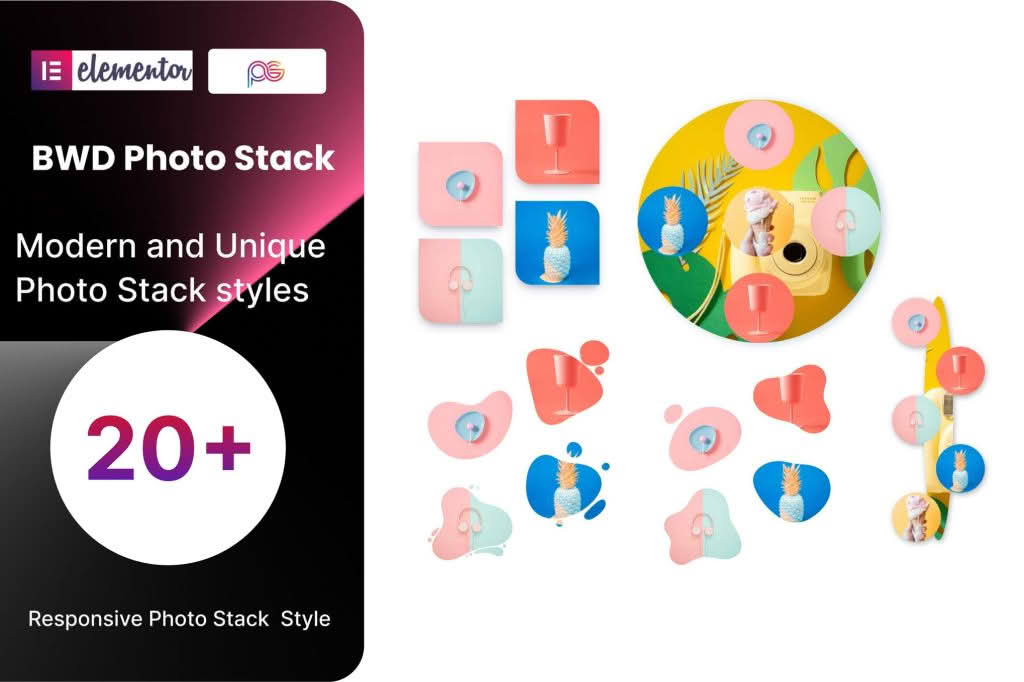
Transform your static image galleries into engaging, interactive experiences with the Photo Stack Addon for Elementor. Designed specifically for users who want to showcase visual content with a modern, tactile feel, this plugin allows you to create dynamic “stacked” card layouts that users can flip through or expand. Whether you are a photographer, a creative agency, or a business owner looking to highlight products, this addon brings a sophisticated, high-end design aesthetic to your WordPress site without requiring a single line of code.
Key Features
- Interactive Stacking Effect: Present your images in a beautiful, layered stack that mimics physical photographs, allowing visitors to interact with your content intuitively.
- Elementor Native Integration: Built specifically for the Elementor page builder, ensuring a seamless drag-and-drop experience that feels like a natural extension of your existing workflow.
- Highly Customizable Design: Adjust the spacing, rotation, shadow intensity, and stacking order to match your brand identity perfectly.
- Responsive Layouts: Ensure your image stacks look stunning on all devices, with fully configurable settings for mobile, tablet, and desktop views.
- Smooth Animations: Choose from a variety of transition effects and hover animations to make your image gallery feel premium and responsive.
- Lightbox Integration: Allow users to click on any card in the stack to open the image in a full-screen lightbox for a closer look at the details.
- Performance Optimized: Engineered to be lightweight, ensuring that your image-heavy pages load quickly without compromising your site’s SEO or user experience.
Use Cases / Who It’s For
The Photo Stack Addon is perfect for anyone who needs to display visual content in a way that captures attention and encourages interaction. Photographers can use it to create a digital portfolio that feels like a physical proofing session, allowing clients to flip through a curated set of shots. Creative agencies can use the stack effect to showcase project case studies, layering screenshots or sketches to tell a story about the design process.
E-commerce store owners will find this tool invaluable for product showcases. Instead of a standard grid, you can stack multiple angles of a product, allowing customers to “flick” through the variations, which increases engagement time on the product page. It is also an excellent choice for event organizers who want to display highlights from a recent conference or wedding in a way that feels more personal and curated than a standard slider or gallery.
Setup / How It Works
Getting your photo stack up and running is designed to be fast and straightforward, following the standard Elementor addon workflow:
- Install and Activate: Upload the plugin zip file to your WordPress dashboard, activate it, and ensure your Elementor plugin is also active.
- Drag and Drop: Open any page or template in the Elementor editor. Search for the “Photo Stack” widget in the left-hand panel and drag it onto your desired section.
- Add Images: Use the content tab to upload or select images from your WordPress media library to populate your stack.
- Configure Settings: Use the Style and Advanced tabs to adjust the look and feel. You can control the stack rotation, the distance between cards, hover behavior, and animation speed.
- Publish: Once you are satisfied with the look, click “Update” or “Publish” to display your interactive photo stack to your visitors.
Similar Plugins
If you are exploring other ways to display images within Elementor, you may also consider tools such as Essential Addons for Elementor, Premium Addons for Elementor, or JetElements. These suites often include their own variations of image galleries, card carousels, and stacking widgets that offer alternative design styles and functionality to suit different project requirements.