
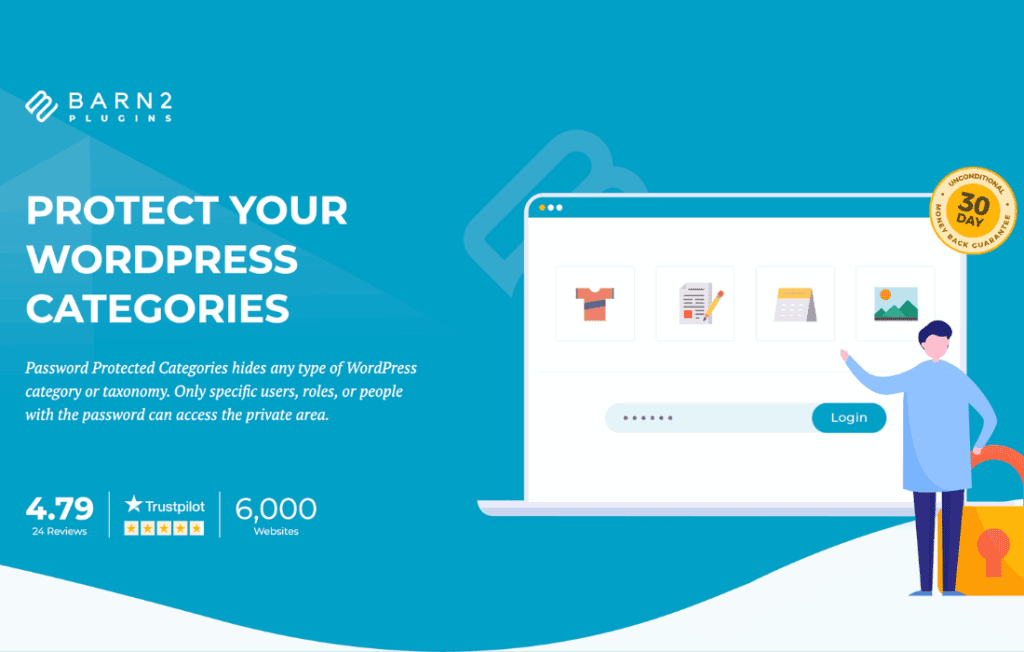
Take full control over who sees your content with the Password Protected Categories plugin. Whether you are running a private wholesale store, a members-only area, or a restricted project portal, this plugin allows you to lock down entire sections of your WordPress site with ease. Instead of managing individual user accounts or complex membership systems, you can simply assign a password to any category, ensuring that only authorized visitors can view the products or posts contained within.
Key Features
- Category-Level Protection: Secure entire product categories or blog categories with a single password. Any content assigned to that category automatically inherits the protection.
- Multiple Password Support: Create one or multiple passwords for a single category, allowing you to give different access codes to different groups of people.
- Seamless User Experience: When a visitor attempts to access a protected category, they are presented with a simple, branded login form. Once the correct password is entered, they are granted access to all content within that category for a set duration.
- Hide or Show Protected Content: Choose whether to hide protected categories from your public navigation menus, search results, and category archives, or keep them visible while requiring a password to view the content.
- Compatible with WooCommerce: Fully integrated for online stores. Protect wholesale catalogs, private product lines, or client-specific order forms without interfering with your public store.
- Customizable Login Forms: Easily adjust the text and styling of the password entry screen to match your website’s branding.
- Cookie-Based Access: Once a user unlocks a category, the plugin uses cookies to remember their session, so they don’t have to re-enter the password every time they click to a new product or post within that category.
Use Cases: Who It’s For
This plugin is an essential tool for business owners and site administrators who need to segment their content without the overhead of complex user management. If you run a wholesale business, you can create a private category for registered retailers, allowing them to browse and purchase at discounted rates while keeping those prices hidden from the general public. It is also perfect for agencies or freelancers who need to provide a private space for clients to review drafts, proofs, or project updates.
Additionally, content creators and course instructors can use the plugin to gate premium content. By organizing your site into protected categories, you can offer exclusive access to specific groups, such as newsletter subscribers, VIP members, or event attendees, without requiring them to register for a full user account on your site. It is a streamlined, low-friction solution for any scenario where you need to restrict access to specific groups of content.
Setup: How It Works
- Install and Activate: Upload the plugin to your WordPress site and activate it through the plugins menu.
- Configure Settings: Navigate to the plugin settings page to define your global preferences, such as how long a user should remain logged in and how the password form should behave.
- Protect a Category: Go to your categories (Posts or WooCommerce Products), edit the specific category you wish to lock, and select the password protection option.
- Set Your Password(s): Enter the password(s) you want to use for that category and save your changes.
- Test Access: Visit your site in an incognito or logged-out browser window to ensure the protection is active and the login form appears as expected.
Similar Plugins
If you are exploring alternatives, you may also consider plugins such as Members, which focuses on role-based access control, or WooCommerce Memberships, which is designed for more complex subscription-based access models. While these plugins offer broader functionality, Password Protected Categories remains the most efficient choice for users who prioritize simplicity, speed, and ease of deployment for category-specific locking.