
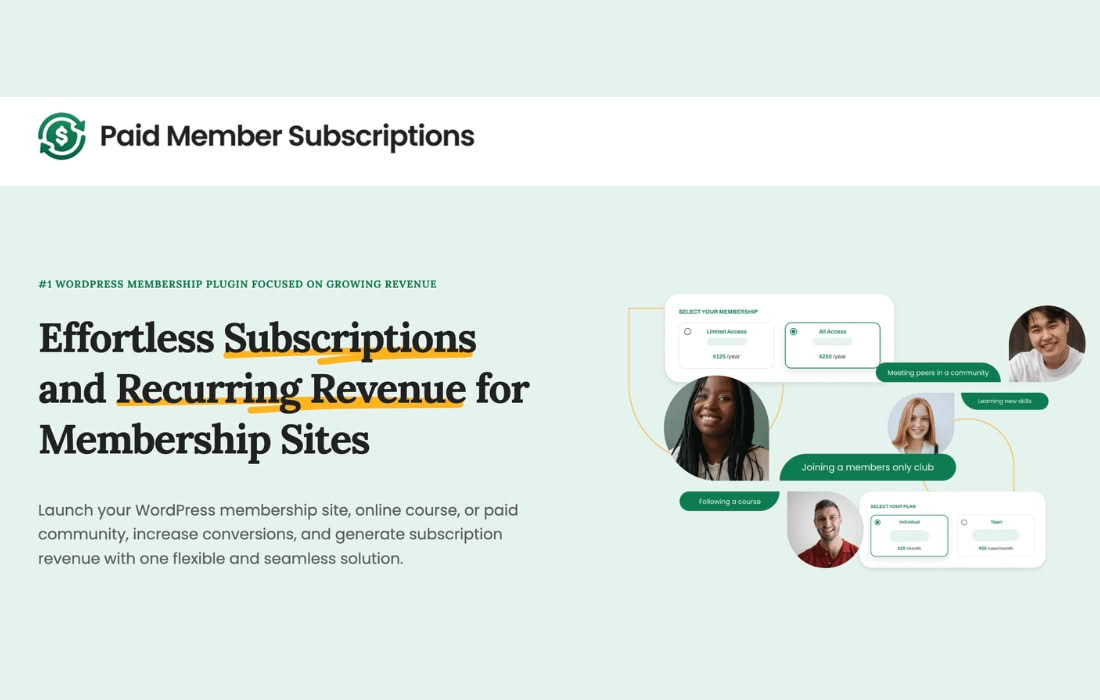
Unlock new revenue streams and streamline your community management with Paid Member Subscriptions Group Memberships. This powerful add-on allows you to sell group access to your premium content, courses, or services, making it easier than ever to onboard teams, families, or organizations. By enabling a single account holder to manage multiple sub-accounts, you remove the friction of individual sign-ups and provide a seamless experience for B2B clients and corporate partners.
Key Features
- Group Management Dashboard: Empower group owners to easily add, remove, and manage their own members directly from their account area without needing administrator intervention.
- Flexible Seat Allocation: Define exactly how many seats are available per subscription plan, allowing you to create tiered group packages tailored to different organizational sizes.
- Seamless Member Onboarding: Group owners can invite new members via email or share a unique registration link, simplifying the process of bringing teams into your ecosystem.
- Subscription Synchronization: Ensure all members of a group share the same access level and expiration date, keeping management simple and preventing access gaps.
- Automated Access Control: Automatically grant or revoke access to restricted content, courses, or forums as members are added or removed from the group.
- Detailed Reporting: Gain insights into group activity and member status, helping you understand how your corporate or team-based subscriptions are performing.
Use Cases and Who It’s For
This plugin is designed for any WordPress site owner looking to scale their membership business beyond individual users. If you offer educational content, professional training, or digital resources, you are likely missing out on lucrative B2B opportunities. This add-on is perfect for:
- Online Course Creators: Sell bulk access to companies that need to train their entire workforce, allowing the HR manager to handle enrollment.
- Professional Associations: Enable organizations to purchase a single membership that covers all their employees or members.
- Software and SaaS Providers: Offer team-based plans where a lead developer or manager can manage access for their entire development team.
- Membership Sites: Create family or household plans, or offer discounted group rates to local clubs and organizations.
By moving to a group-based model, you reduce the administrative burden on your team while significantly increasing your average order value and customer retention rates.
Setup and How It Works
Getting started with Group Memberships is designed to be intuitive for administrators already familiar with the Paid Member Subscriptions ecosystem:
- Install and Activate: Once the add-on is installed, navigate to the plugin settings to enable group functionality.
- Configure Subscription Plans: Edit your existing subscription plans or create new ones, specifying the number of seats allowed for each plan.
- Define Permissions: Choose which user roles are eligible to manage groups or create new ones upon purchase.
- User Experience: Once a user purchases a group-enabled plan, a new “My Groups” tab appears in their account dashboard, where they can begin inviting members immediately.
- Member Access: Invited members receive a notification to join, and once they register, they are automatically granted the same access levels as the group owner.
Similar Plugins
If you are exploring the ecosystem for group or team management solutions within WordPress, other notable options include Restrict Content Pro (with their Group Accounts add-on) and MemberPress (which offers its own Corporate Accounts feature). Each of these platforms provides varying levels of integration and management tools, so it is recommended to evaluate them based on your specific requirements for user management, reporting, and compatibility with your existing theme and plugins.