
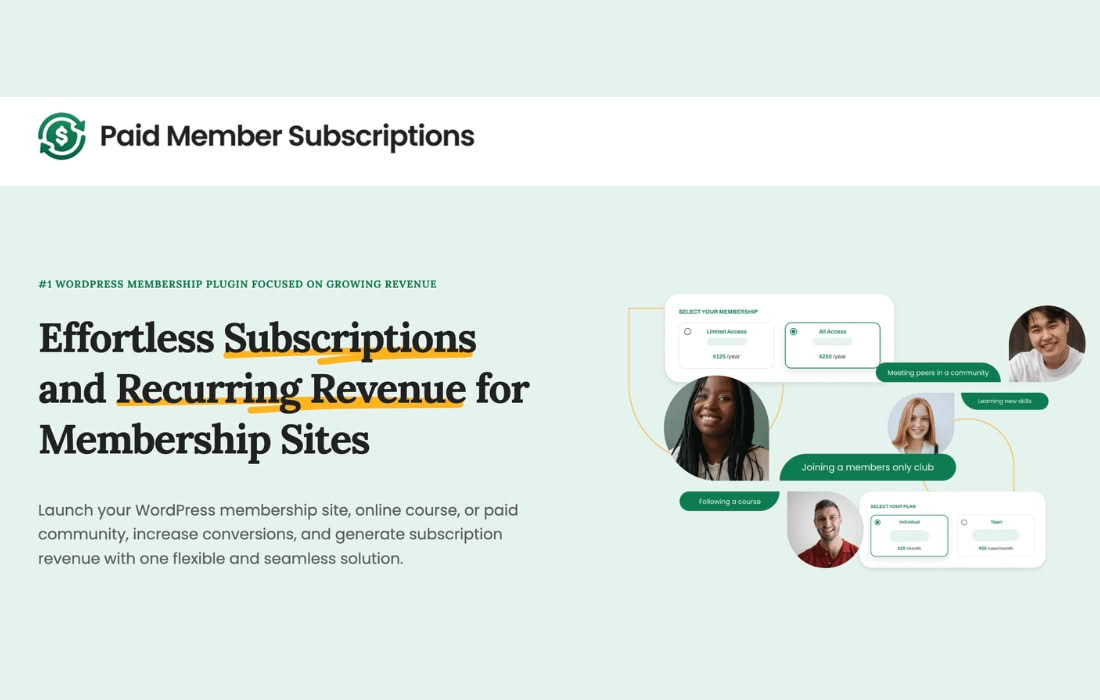
Boost your recurring revenue and increase conversion rates by offering targeted incentives to your site visitors. The Paid Member Subscriptions Discount Codes Addon empowers you to create flexible, time-sensitive, and exclusive promotional campaigns directly within your membership site. Whether you are looking to reward loyal subscribers, attract new members during a seasonal sale, or recover abandoned sign-ups, this tool provides the essential functionality to manage your membership discounts with precision and ease.
Key Features
- Flexible Discount Types: Choose between percentage-based discounts or fixed-amount deductions to suit your specific marketing strategy.
- Customizable Usage Limits: Control your budget and exclusivity by setting a maximum number of times a discount code can be used in total, or limit usage per individual member.
- Expiration Dates: Create urgency by setting specific start and end dates for your promotions, ensuring your sales campaigns run exactly when you intend them to.
- Subscription Plan Restrictions: Apply discount codes globally to all your membership plans, or restrict them to specific subscription levels to protect margins on premium tiers.
- Seamless Checkout Integration: The discount code field is automatically added to your registration and account upgrade forms, providing a familiar and frictionless experience for your users.
- Code Management Dashboard: Easily view, edit, or deactivate existing codes from a centralized location within your WordPress dashboard, giving you full control over your active promotions.
Use Cases and Who It’s For
This addon is designed for membership site owners, content creators, and online business professionals who utilize the Paid Member Subscriptions plugin to manage their recurring revenue. If you are running a subscription-based platform, you understand that price sensitivity can be a barrier to entry for many potential members.
This tool is perfect for:
- Launch Campaigns: Generate buzz and early adoption by offering “early bird” discounts for the first 50 members who sign up.
- Seasonal Promotions: Run holiday sales, Black Friday offers, or end-of-year specials to spike your registration numbers during key calendar events.
- Influencer and Affiliate Marketing: Provide unique discount codes to partners or influencers to track the effectiveness of their referrals and reward their audience.
- Retention Strategies: Send exclusive discount codes to users who have canceled their subscriptions or to those who are currently on a lower-tier plan to encourage them to upgrade.
Setup and How It Works
Getting started with the Discount Codes Addon is designed to be straightforward, ensuring you can launch your first promotion in minutes without needing to touch a line of code.
- Installation: Once you have installed and activated the addon, a new “Discount Codes” menu item will appear under the Paid Member Subscriptions settings.
- Create Your Code: Click to add a new discount, where you will define the code string (e.g., “SUMMER20”), the discount amount, and the currency type.
- Configure Restrictions: Define which subscription plans the code applies to and set your desired usage limits and expiration dates.
- Publish: Save your settings, and the discount field will automatically appear on your membership registration pages.
- Monitor: Share your code with your audience and watch your registration numbers grow. You can return to the dashboard at any time to toggle the status of any code or check usage statistics.
Similar Plugins
If you are using different membership management solutions, you may find that discount functionality is handled differently. Other popular WordPress membership plugins that offer similar discount code capabilities include MemberPress, Restrict Content Pro, and Paid Memberships Pro. Each of these platforms provides its own native or add-on-based approach to managing coupons and promotional codes for subscription products.