
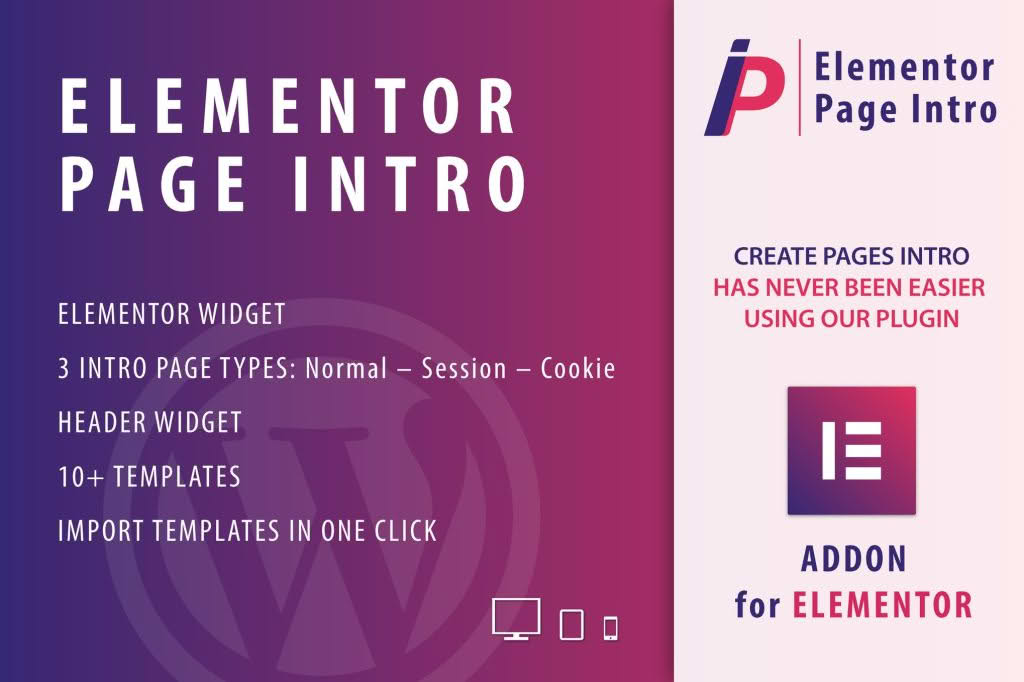
Make a lasting first impression on your website visitors with Page Intro for Elementor. This powerful extension allows you to create engaging, professional, and fully customizable welcome screens or intro animations directly within the Elementor page builder. Whether you want to build anticipation, highlight a special promotion, or provide a branded entry experience, this plugin gives you the creative control to captivate your audience the moment they land on your page.
Key Features
- Seamless Elementor Integration: Designed specifically for Elementor, you can build your intro screens using the familiar drag-and-drop interface, widgets, and styling options you already use for your pages.
- Customizable Animations: Choose from a variety of entrance and exit animations to create a fluid, professional feel that matches your brand identity.
- Flexible Trigger Options: Control exactly when and how your intro appears. You can set it to trigger on page load, after a specific delay, or based on user interaction.
- Responsive Design Controls: Ensure your intro looks perfect on every device. Configure visibility and layout settings specifically for desktop, tablet, and mobile users.
- Cookie and Session Management: Prevent visitor fatigue by controlling how often the intro screen appears. You can set it to show only once per session or once per visitor using browser cookies.
- Content Flexibility: Your intro isn’t limited to just text. Use the full power of Elementor to include images, videos, countdown timers, buttons, and custom forms within your intro screen.
- Lightweight Performance: Engineered to be fast and efficient, ensuring that your intro screen does not negatively impact your page loading speeds or core web vitals.
Use Cases and Who It Is For
Page Intro for Elementor is an essential tool for website owners, designers, and marketers who want to elevate their site’s user experience. It is perfect for businesses looking to make a bold statement immediately upon arrival. For example, e-commerce store owners can use it to announce flash sales or showcase new product collections before the user even sees the main content. Creative agencies and portfolio sites can utilize it to build cinematic, branded entry sequences that establish a premium feel.
This plugin is also ideal for event landing pages, where you need to highlight a registration deadline or a countdown timer to create urgency. If you are running a campaign or a special announcement, an intro screen ensures that your most important message is seen by every visitor, significantly increasing engagement and conversion rates compared to standard banner placements.
Setup and How It Works
- Install and Activate: Once installed, the plugin adds new functionality directly to your Elementor editor.
- Create Your Intro Template: Navigate to your Elementor templates or the specific page where you want the intro to appear. You can design your intro screen using any combination of Elementor widgets.
- Configure Settings: Open the plugin settings panel within the Elementor editor. Here, you can select your created template, choose your animation style, and define the timing for the entrance and exit.
- Set Display Rules: Define the logic for when the intro displays. Choose your preferred trigger method and set cookie expiration times to manage how frequently returning visitors see the intro.
- Publish and Preview: Save your changes and preview your page to see the intro in action. The plugin handles the overlay and animation logic automatically, allowing you to focus on the design.
Similar Plugins
If you are exploring options for creating welcome screens or splash pages within the WordPress ecosystem, you may also encounter plugins like Popup Maker or Elementor Pro’s Popup Builder. While these tools offer broader functionality for general popups and modals, Page Intro for Elementor is specifically optimized for creating dedicated, full-screen entry experiences with a focus on animation and page-load transitions.