
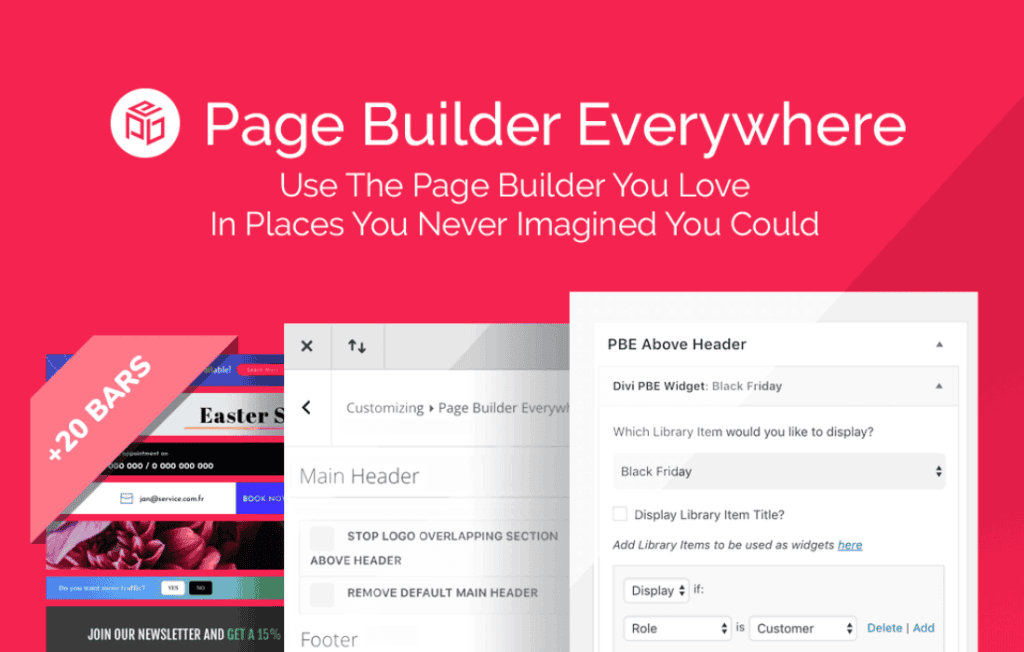
Break free from the rigid constraints of your WordPress theme and take full control over your website’s layout. Page Builder Everywhere empowers you to inject your favorite page builder designs into areas of your site that were previously off-limits, such as headers, footers, sidebars, and custom template hooks. Whether you are a site owner looking to create a truly unique brand experience or a developer trying to streamline your workflow, this plugin bridges the gap between your page builder’s creative freedom and the structural limitations of standard WordPress themes.
Key Features
- Universal Design Integration: Seamlessly render content created with popular page builders into any theme hook or widget area.
- Theme Hook Support: Easily target specific locations within your theme, such as before the header, after the footer, or inside individual post content, without touching a single line of code.
- Dynamic Placement Control: Use conditional logic to decide exactly where and when your custom layouts appear, ensuring a tailored experience for different user roles or specific pages.
- Shortcode Compatibility: Effortlessly embed your custom-built sections anywhere that accepts shortcodes, giving you maximum flexibility across your entire site.
- Performance Focused: Built with clean, lightweight code to ensure that your site remains fast and responsive, regardless of how many custom sections you implement.
- Developer-Friendly Hooks: Advanced users can leverage custom hooks to create even more precise placement options, making it a versatile tool for complex site builds.
Use Cases and Who It’s For
Page Builder Everywhere is designed for anyone who feels limited by the standard “content area” provided by their WordPress theme. If you have ever wanted to add a custom call-to-action banner right below your navigation menu, or replace a generic theme footer with a rich, multi-column layout designed in your page builder, this plugin is for you.
For business owners, this means the ability to create high-converting landing page elements that appear consistently across your site without needing to edit every single page manually. For web designers and agencies, it is an essential time-saver. Instead of creating custom child themes or modifying PHP template files to add a simple section, you can build it visually and hook it into place in seconds. It is the perfect solution for maintaining a consistent design language across headers, sidebars, and specialized content blocks.
Setup and How It Works
Getting started with Page Builder Everywhere is designed to be intuitive, allowing you to focus on design rather than configuration.
- Create Your Content: Build your desired section or layout using your preferred WordPress page builder and save it as a template or a reusable block.
- Configure the Hook: Navigate to the plugin settings and select the specific theme hook or widget area where you want your content to appear.
- Apply Conditions: Use the simple interface to define where the content should display. You can choose to show it on specific pages, post types, or even based on user login status.
- Activate and Preview: Save your settings and visit your site to see your custom-built section perfectly integrated into your theme’s layout.
Similar Plugins
If you are exploring your options for theme customization, you may also want to consider plugins like Elementor Pro, which includes a Theme Builder feature for similar layout control, or Beaver Themer, which provides deep integration for the Beaver Builder ecosystem. Additionally, Insert Headers and Footers plugins can handle basic script and code injection, though they lack the visual page-builder integration that Page Builder Everywhere provides.