
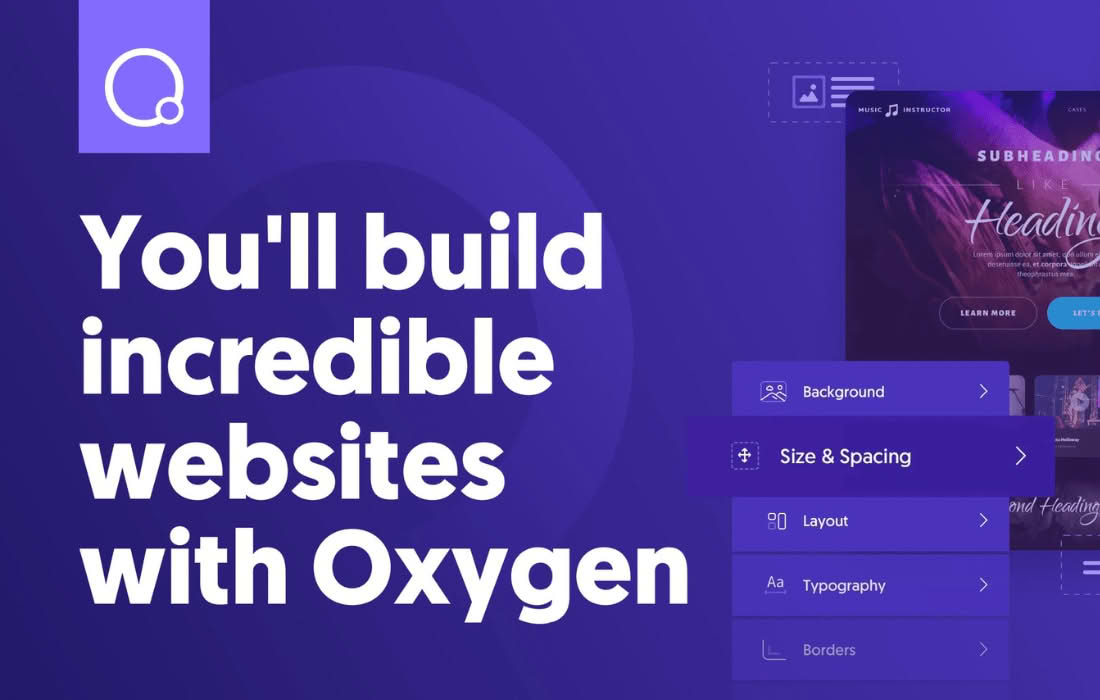
Oxygen Site Builder is a powerful, visual design environment that empowers WordPress users to build complete, high-performance websites without the limitations of traditional themes. By replacing the standard WordPress theme system with a sophisticated drag-and-drop editor, Oxygen gives you total control over every pixel of your site, from the header and footer to custom post types and dynamic data, all while maintaining clean, lightweight code for faster loading speeds.
Key Features
- Visual Drag-and-Drop Editor: Design your entire site visually without writing code. You can manipulate elements directly on the canvas, adjust spacing, colors, and typography in real-time, and see exactly how your site will look before you publish.
- Theme-Independent Architecture: Oxygen completely bypasses the standard WordPress theme engine. This removes the “bloat” associated with heavy themes, resulting in significantly faster page load times and better performance scores.
- Dynamic Data Integration: Effortlessly integrate custom fields from plugins like Advanced Custom Fields (ACF), Meta Box, or Toolset. This allows you to build complex, data-driven sites like directories, real estate portals, or membership platforms with ease.
- Global Design System: Maintain consistency across your entire website using global colors, fonts, and classes. When you update a global setting, it automatically reflects across every page where that element is used, saving you hours of manual editing.
- Comprehensive Layout Control: Utilize advanced layout tools, including Flexbox and CSS Grid, directly within the interface. This provides the precision needed to create complex, modern web designs that are fully responsive across all devices.
- Header and Footer Builder: Take full control of your site’s navigation and branding. Create custom headers and footers that can be applied globally or assigned to specific sections of your site, ensuring a cohesive user experience.
Use Cases: Who It’s For
Oxygen is designed for web professionals, freelancers, and agencies who demand total creative freedom and high-performance results. If you are tired of fighting against the constraints of pre-built themes or the limitations of standard page builders, Oxygen provides the necessary toolkit to build custom solutions.
It is an ideal choice for developers building client websites that require unique, bespoke designs that cannot be achieved with off-the-shelf templates. Furthermore, it is perfect for power users who want to build complex, dynamic sites—such as e-commerce stores, membership sites, or content-heavy portals—where performance and clean code are critical for SEO and user retention.
Setup and How It Works
- Installation: After installing and activating the plugin, Oxygen disables your current theme and provides a blank canvas for your site.
- Global Settings: Begin by defining your site-wide styles, including your primary color palette, typography, and container widths to ensure a consistent design foundation.
- Template Creation: Use the template system to define the structure of your site. You can create a “Main” template for your header and footer, and specific templates for blog posts, archive pages, or custom post types.
- Visual Editing: Open the Oxygen editor on any page or template to begin designing. Drag and drop elements, configure their properties, and use the dynamic data features to pull in content from your WordPress database.
- Responsive Refinement: Use the built-in breakpoints to adjust your designs for tablet and mobile devices, ensuring your site looks perfect on every screen size.
Similar Plugins
While Oxygen offers a unique approach to site building, other tools in the WordPress ecosystem provide visual design capabilities, including Elementor, Beaver Builder, and Bricks Builder. Each of these tools offers a different balance of ease of use, performance, and design flexibility, allowing users to choose the platform that best aligns with their specific development workflow.