
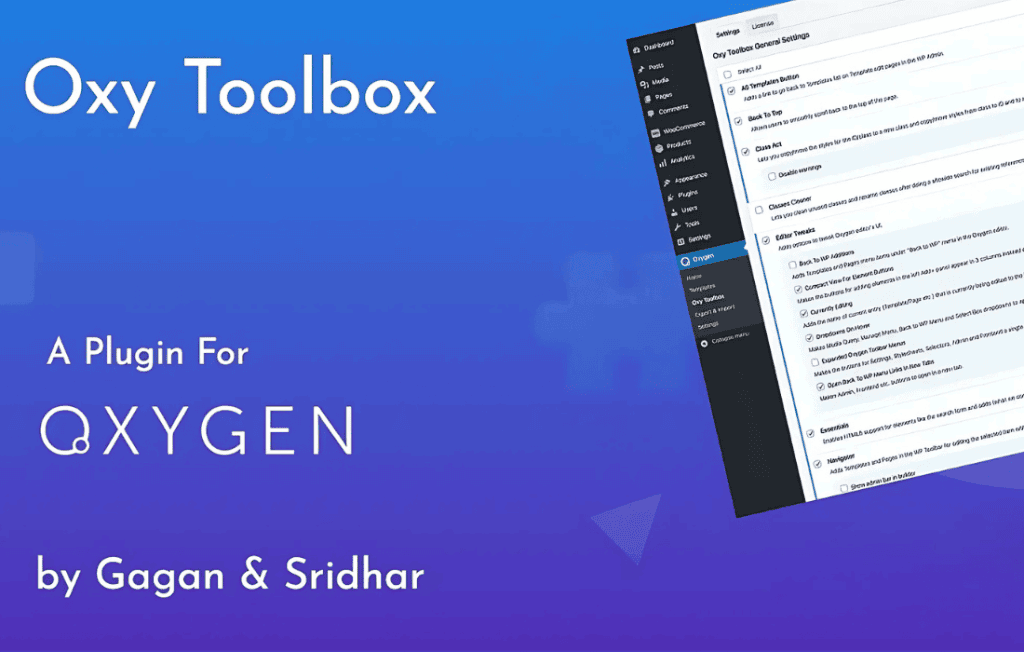
Oxy Toolbox is a comprehensive suite of utility modules designed to supercharge your workflow within the Oxygen Builder environment. By providing a collection of time-saving features, developer-focused tweaks, and quality-of-life improvements, this plugin allows you to build, manage, and maintain complex WordPress websites with greater efficiency and precision. It is the ideal companion for freelancers, agencies, and power users who want to streamline their design process and unlock deeper control over their Oxygen-based projects.
Key Features
- Advanced Class Management: Use the Class Act module to move or copy styles between IDs and classes, and utilize the Classes Cleaner to identify and remove unused classes sitewide, keeping your CSS lean and organized.
- Enhanced Editor Experience: Boost productivity with features like fullscreen mode, code completion with Emmet support, and the ability to work in an offline mode, ensuring you can design without interruption.
- Custom Conditions: Extend Oxygen’s native conditional logic with additional criteria, allowing for more granular control over when specific elements are displayed to your visitors.
- Navigation & Workflow Tweaks: Quickly jump between templates and pages using the Navigator or the All Templates button, and manage your revision history to maintain a cleaner, more manageable project structure.
- Front-End Utilities: Enhance the user experience on your live site by easily adding a reading progress bar, a back-to-top button, or a collapsible table of contents using simple shortcodes.
- Modular Flexibility: Every feature and module can be enabled or disabled individually, ensuring your WordPress dashboard and Oxygen editor remain clutter-free and tailored exactly to your current project needs.
Use Cases / Who It’s For
Oxy Toolbox is built for anyone who relies on Oxygen Builder as their primary development tool. It is particularly valuable for professional web designers and developers who manage multiple client sites and need to maintain high standards of code quality and design consistency. If you find yourself spending too much time manually managing CSS classes, navigating between backend screens, or wishing for more granular control over element display conditions, this plugin provides the necessary tools to solve those bottlenecks. It is also an excellent choice for those who want to add polished, high-end features like reading progress bars or table of contents to their pages without installing multiple separate plugins.
Setup / How It Works
Getting started with Oxy Toolbox is straightforward and designed to integrate seamlessly into your existing workflow:
- Install and Activate: Upload and activate the plugin through your WordPress dashboard just like any other plugin.
- Configure Modules: Navigate to the Oxy Toolbox settings page. Here, you will find a list of all available modules. Toggle the switches to enable only the features you need for your current project.
- Apply in Oxygen: Once enabled, the new tools will appear directly within the Oxygen Builder interface or add new shortcode capabilities to your elements, allowing you to utilize them immediately while designing.
Similar Plugins
For users looking to further extend their Oxygen Builder capabilities, other popular add-ons include OxyExtras, which focuses on providing a wide array of additional visual components, and Hydrogen Pack, which is also known for offering various workflow and editor enhancements similar to those found in Oxy Toolbox.