
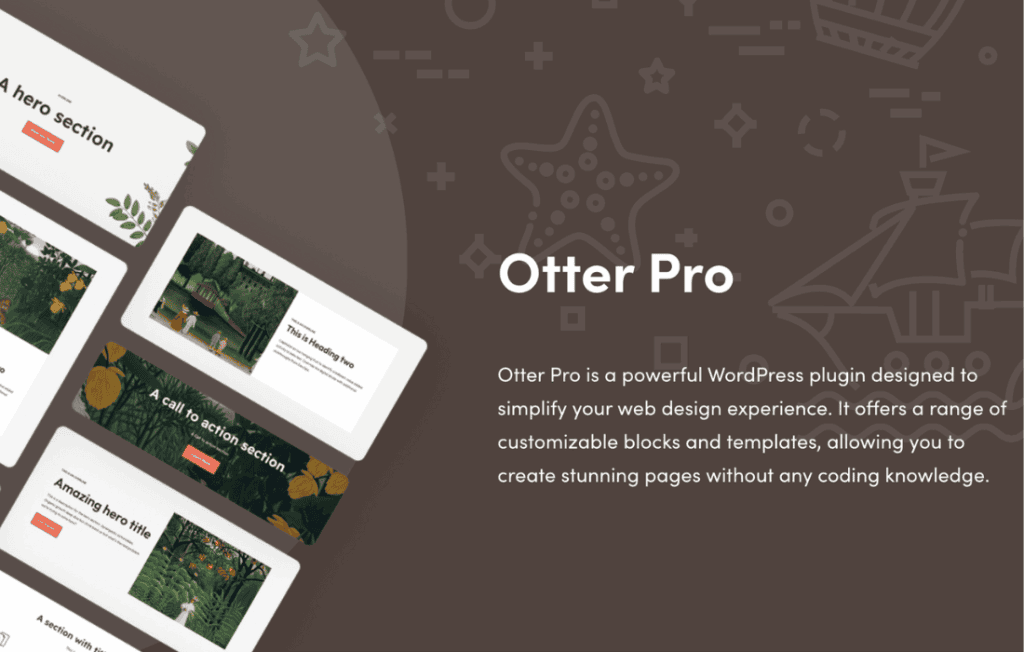
Otter Pro is a comprehensive extension for the popular Otter Blocks plugin, designed to supercharge the WordPress block editor (Gutenberg) with advanced design capabilities and high-performance functionality. If you are a website owner, designer, or developer looking to build complex, professional-grade layouts without the bloat of heavy page builders, Otter Pro provides the essential tools to elevate your site’s aesthetics and user experience while maintaining lightning-fast loading speeds.
Key Features
- Advanced Animation Library: Add sophisticated motion effects to any block, including fade, slide, zoom, and rotate animations, triggered by scroll or hover to engage your visitors instantly.
- Custom CSS and Classes: Gain granular control over your design by adding custom CSS directly to specific blocks, allowing for pixel-perfect styling that goes beyond standard settings.
- Dynamic Content Support: Seamlessly integrate dynamic data into your pages, enabling you to display custom fields and meta information automatically across your site.
- Advanced Visibility Conditions: Control exactly who sees what by setting display rules based on user roles, device types, or specific page parameters, ensuring a tailored experience for every visitor.
- Popup Builder: Create stunning, high-converting modals and popups directly within the block editor, perfect for lead generation, announcements, or promotional offers without needing extra plugins.
- Advanced Slider and Carousel Blocks: Build responsive, touch-friendly image and content sliders with full control over transitions, navigation, and autoplay settings.
- Google Maps Integration: Easily embed interactive, fully customizable Google Maps to help your customers find your physical locations with ease.
- Icon Picker and SVG Support: Access an extensive library of icons to enhance your navigation, features sections, and calls to action, with full support for custom SVG uploads.
Use Cases / Who It’s For
Otter Pro is designed for anyone who wants to push the boundaries of the native WordPress block editor. It is an ideal solution for small business owners who need to create professional landing pages that convert, without hiring a developer or learning complex code. By providing a robust set of design-focused blocks, it empowers users to maintain full control over their brand identity.
For freelance web designers and agencies, Otter Pro serves as a lightweight, high-performance alternative to heavy, resource-intensive page builders. It allows you to deliver sophisticated, high-end websites that load significantly faster, improving SEO rankings and user satisfaction. Whether you are building a corporate portfolio, a dynamic e-commerce storefront, or a content-heavy blog, Otter Pro provides the flexibility to create unique layouts that stand out from the competition.
Setup / How It Works
- Installation: Ensure the free version of Otter Blocks is installed and active on your WordPress site. Install and activate the Otter Pro plugin to unlock the premium features.
- Activation: Once activated, the additional blocks and settings will automatically appear within your WordPress block editor interface.
- Configuration: Navigate to the Otter settings panel in your WordPress dashboard to toggle specific features on or off, ensuring your site remains lightweight by only loading the tools you need.
- Design: Open any page or post, click the plus (+) icon to add a block, and you will see the new Otter Pro blocks available for use. Simply drag and drop them onto your canvas and use the sidebar inspector to customize animations, visibility conditions, or dynamic content settings.
Similar Plugins
If you are exploring the ecosystem of Gutenberg-based design tools, other popular block collections include GenerateBlocks, Kadence Blocks, and Stackable. Each of these offers a unique set of blocks and design features, though Otter Pro is specifically optimized to integrate with the Otter Blocks framework for those who prefer its specific design philosophy and workflow.