
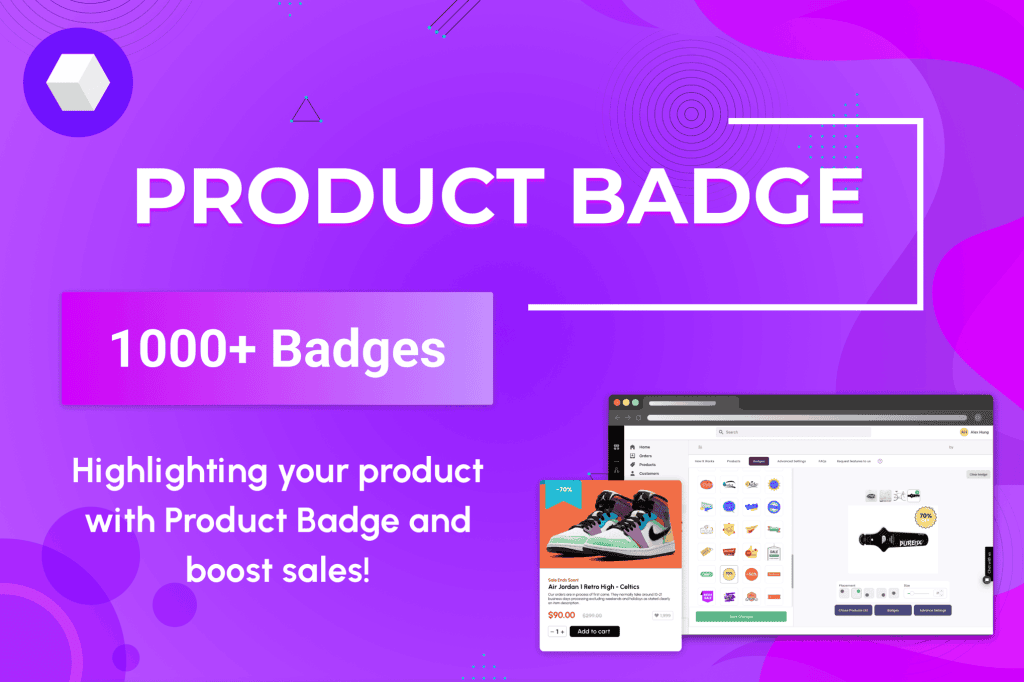
Boost your WooCommerce store’s conversion rates and capture customer attention instantly with MyShopKit Product Badges WP. In a crowded online marketplace, your products need to stand out the moment a shopper lands on your site. This plugin empowers you to add eye-catching, customizable badges to your product images, turning static listings into dynamic sales drivers. Whether you are running a seasonal promotion, highlighting best-sellers, or creating a sense of urgency, these badges provide the visual cues necessary to guide customers toward the checkout button.
Key Features
- Extensive Badge Library: Access a wide variety of pre-designed badges, including Sale, New, Out of Stock, Best Seller, and many more, designed to fit any store aesthetic.
- Custom Badge Creation: Go beyond the library by uploading your own custom images or text-based badges to perfectly match your brand identity.
- Flexible Positioning: Easily place badges in any corner of your product image or center them, ensuring they are visible without obscuring critical product details.
- Dynamic Rules and Conditions: Automate your marketing by setting specific rules. For example, automatically apply a “New” badge to products added within the last 30 days, or a “Low Stock” badge when inventory levels drop below a certain threshold.
- Mobile-Responsive Design: Ensure your badges look perfect on any device, maintaining their visual appeal and impact on both desktop and mobile screens.
- Live Preview: See exactly how your badges will appear on your site before you publish them, allowing for quick adjustments and perfect placement.
- Performance Focused: Built with clean code to ensure your store remains fast and responsive, preventing any negative impact on page load times or SEO.
Use Cases and Who It’s For
MyShopKit Product Badges WP is an essential tool for any WooCommerce store owner or manager looking to improve their site’s user experience and sales performance. It is particularly effective for e-commerce businesses that frequently update their inventory or run regular promotional campaigns.
If you manage a fashion store, you can use badges to highlight “New Arrivals” or “Limited Edition” items to create excitement. For electronics or home goods stores, badges like “Free Shipping” or “Top Rated” can help build trust and overcome customer hesitation. By providing clear visual signals, this plugin helps reduce the time it takes for a customer to identify relevant products, effectively shortening the sales funnel and increasing the likelihood of a completed purchase.
Setup and How It Works
Getting started with MyShopKit Product Badges WP is designed to be intuitive, allowing you to enhance your store in minutes without needing to write a single line of code.
- Installation: Install and activate the plugin through your WordPress dashboard just like any other plugin.
- Configuration: Navigate to the plugin settings panel to choose your default badge styles and global display preferences.
- Badge Assignment: Select the products you wish to highlight. You can apply badges to individual products, or use the rules engine to apply them in bulk based on categories, stock status, or date of creation.
- Customization: Use the live editor to adjust the size, color, and position of your badges to ensure they complement your existing theme design.
- Publish: Once you are satisfied with the look, save your changes, and the badges will immediately appear on your shop and category pages.
Similar Plugins
While MyShopKit Product Badges WP offers a robust solution for visual merchandising, other alternatives in the WooCommerce ecosystem include YITH WooCommerce Badge Management and WooCommerce Product Badges by Bright Plugins. These tools offer similar functionality regarding badge customization and automated rules, allowing store owners to choose the interface and feature set that best aligns with their specific workflow requirements.