
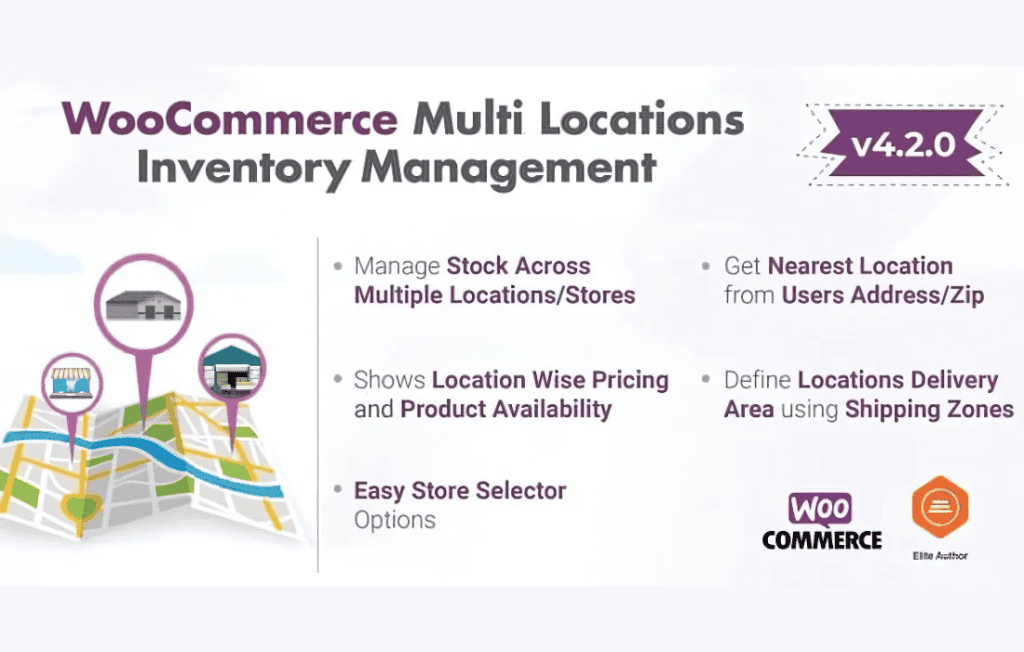
If you operate a growing WooCommerce store with multiple physical warehouses, retail storefronts, or drop-shipping hubs, managing stock levels can quickly become a logistical nightmare. MULTILOCA – WooCommerce Multi Locations Inventory Management is designed to bridge the gap between your digital storefront and your physical operations. By allowing you to assign specific inventory levels to different locations, this plugin ensures that your customers always see accurate availability based on where they are located, preventing overselling and streamlining your fulfillment process.
Key Features
- Unlimited Location Management: Create and manage as many physical inventory locations as your business requires, whether they are warehouses, retail shops, or regional distribution centers.
- Location-Based Stock Tracking: Maintain distinct stock counts for every product at every location, ensuring your database reflects the reality of your physical shelves.
- Geo-Location Auto-Detection: Automatically detect a customer’s location via IP or browser geolocation to display the most relevant stock availability and shipping options.
- Smart Inventory Routing: Configure rules to automatically deduct stock from the closest location to the customer, significantly reducing shipping times and logistics costs.
- Centralized Dashboard: Manage all your location stock levels from a single, intuitive interface within your WordPress admin panel, eliminating the need to toggle between different systems.
- Detailed Stock Reporting: Generate comprehensive reports that break down inventory levels by location, helping you make informed decisions about stock transfers and purchasing.
- Seamless WooCommerce Integration: Built specifically for WooCommerce, the plugin integrates natively with your existing product data, checkout flow, and order management system.
- Support for Backorders: Configure location-specific backorder settings, allowing you to accept orders even when a specific location is out of stock if other locations or suppliers can fulfill the request.
Use Cases / Who It’s For
MULTILOCA is the ideal solution for business owners who have outgrown a single-location inventory model. If you are a retailer with a physical storefront and an online presence, this plugin allows you to sync your in-store stock with your website, preventing the frustration of selling an item online that was just purchased by a walk-in customer.
For e-commerce brands utilizing multiple warehouses or third-party logistics (3PL) providers, MULTILOCA provides the visibility needed to optimize fulfillment. By routing orders to the warehouse closest to the customer, you can drastically improve delivery speeds and reduce shipping expenses. It is also a powerful tool for businesses with regional distribution strategies, allowing you to manage inventory independently for different territories or countries.
Setup / How It Works
Getting started with MULTILOCA is designed to be straightforward for store administrators:
- Define Locations: Navigate to the plugin settings to add your physical locations, including addresses and specific identifiers for each warehouse or store.
- Assign Inventory: Use the product edit screen to input the stock quantity for each product at each defined location.
- Configure Logic: Set your preferences for how the system should handle stock deduction, such as prioritizing the closest location or a specific primary warehouse.
- Enable Front-End Display: Choose how you want stock availability to be presented to your customers‚Äîwhether it is a simple “In Stock” message or a detailed breakdown of which locations have the item ready for immediate pickup or shipping.
- Monitor and Sync: As orders come in, the plugin automatically updates the stock levels for the fulfilling location, keeping your inventory data accurate in real-time.
Similar Plugins
If you are exploring the ecosystem for multi-location inventory management, you may also encounter solutions such as WooCommerce Multi-Locations Inventory Management by various third-party developers, ATUM Inventory Management with its Multi-Inventory add-on, and various inventory sync plugins designed for specific 3PL integrations. It is recommended to evaluate how each handles your specific fulfillment logic and whether they offer the native WooCommerce integration depth your business requires.