
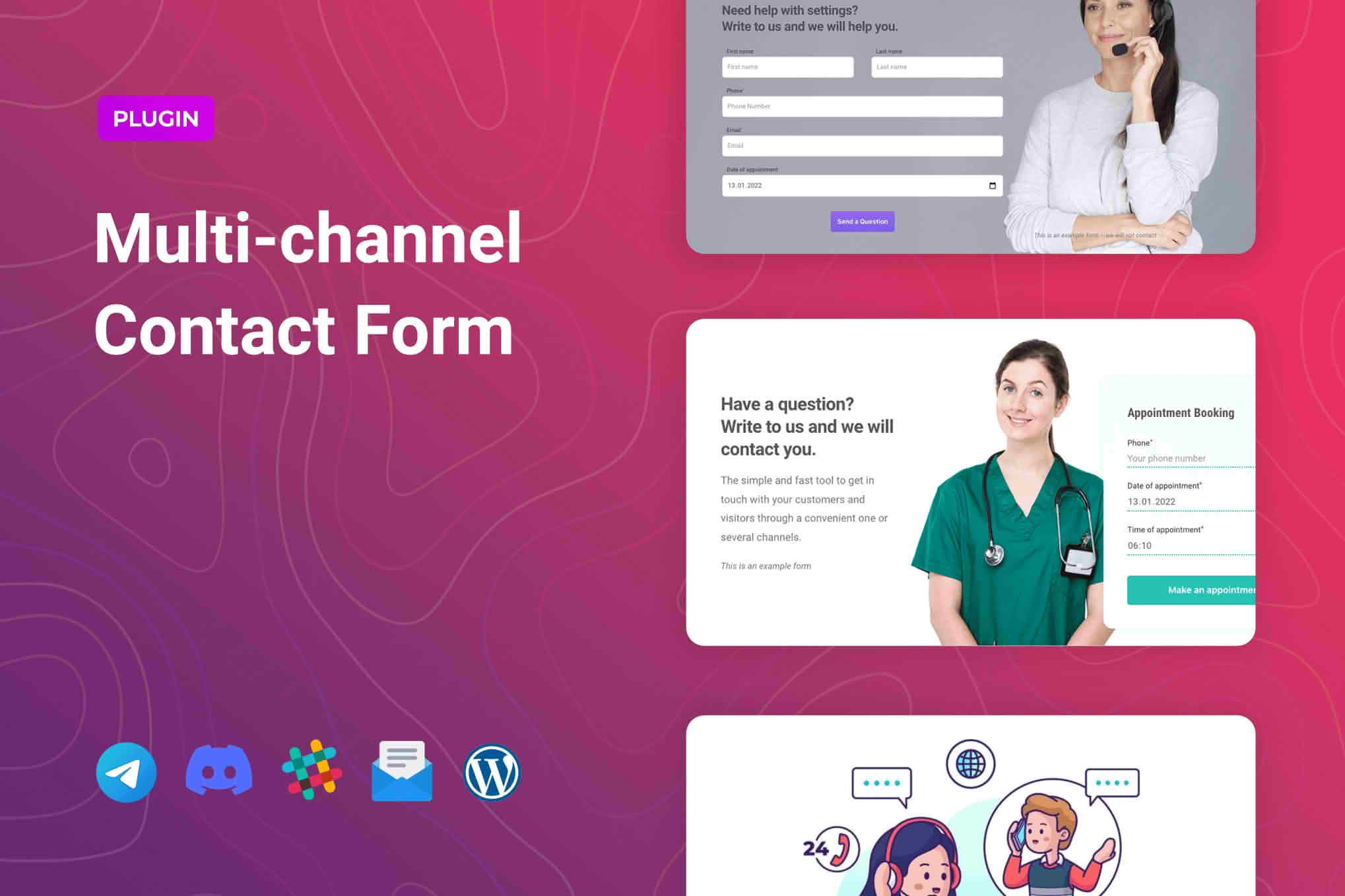
The Multichannel Contact Form for Elementor is the ultimate bridge between your website visitors and your preferred communication channels. Designed specifically for users of the Elementor page builder, this plugin transforms static contact forms into dynamic engagement tools. Whether you want to route inquiries directly to WhatsApp, Telegram, Slack, email, or a custom webhook, this solution ensures that no lead goes unnoticed, helping you respond faster and convert more visitors into loyal customers.
Key Features
- Seamless Elementor Integration: Drag and drop your contact forms directly into your Elementor designs without writing a single line of code.
- Multi-Destination Routing: Send form submissions to multiple platforms simultaneously, ensuring your team receives notifications exactly where they work best.
- Instant Messaging Support: Automatically trigger messages to popular chat apps like WhatsApp and Telegram to initiate real-time conversations with potential clients.
- Webhook Connectivity: Connect your forms to thousands of third-party applications and automation platforms using flexible webhook support.
- Customizable Data Mapping: Easily map your form fields to the specific parameters required by your CRM, email marketing software, or messaging apps.
- Responsive Design: Ensure your forms look professional and function perfectly on any device, from mobile phones to desktop monitors.
- Anti-Spam Protection: Built-in security features help keep your inbox clean by blocking automated spam submissions before they reach your communication channels.
Use Cases / Who It’s For
This plugin is essential for business owners, marketers, and web agencies who need to streamline their lead management process. If you are a small business owner relying on WhatsApp to close sales, this plugin ensures you never miss a customer inquiry. For marketing agencies managing multiple client sites, it provides a unified way to route inquiries to specific team channels or project management tools like Slack.
It is also perfect for e-commerce store owners who need to integrate customer support inquiries directly into their helpdesk software. By removing the friction between a website form and your actual communication workflow, you reduce response times, improve customer satisfaction, and ultimately increase your conversion rates. Whether you are a solo freelancer or part of a larger team, this tool adapts to your existing workflow rather than forcing you to adopt new, complex systems.
Setup / How It Works
- Install and Activate: Upload the plugin to your WordPress site and activate it through the plugins dashboard.
- Drag and Drop: Open any page or template in Elementor and locate the Multichannel Contact Form widget in your sidebar. Drag it onto your canvas.
- Configure Channels: Select your desired notification destinations—such as email, WhatsApp, or a webhook URL—within the widget settings.
- Map Your Fields: Use the intuitive settings panel to link your form fields (like Name, Email, and Message) to the corresponding data points in your chosen channels.
- Style and Publish: Customize the appearance of your form to match your brand identity using Elementor’s native styling options, then publish your page.
Similar Plugins
While the Multichannel Contact Form for Elementor offers a unique focus on direct messaging integration, users looking for alternative form-building solutions often consider plugins like WPForms, Gravity Forms, or Formidable Forms. These alternatives provide robust form-building capabilities and extensive third-party add-ons, though they may require additional configuration or specific add-ons to achieve the same level of direct, multi-channel messaging integration provided by this dedicated plugin.