
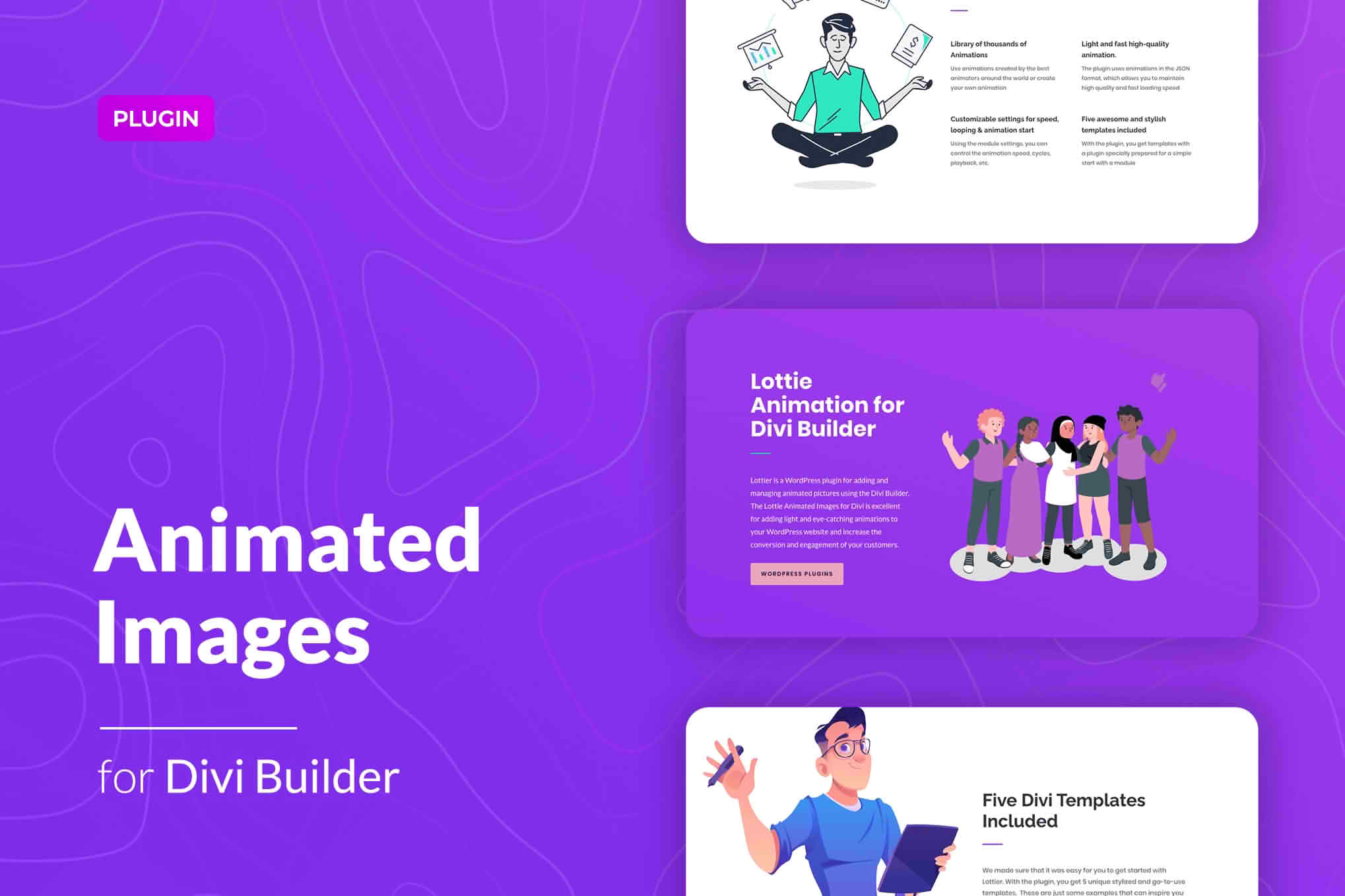
Elevate your website’s visual storytelling with the Lottie Animated Images for Divi Builder plugin. Designed specifically for Divi users, this tool allows you to seamlessly integrate lightweight, scalable, and high-performance Lottie animations directly into your layouts. Whether you want to guide user attention, create engaging loading states, or simply add a touch of modern flair to your design, this plugin bridges the gap between complex animation and effortless implementation, ensuring your site remains fast and responsive while looking professional.
Key Features
- Seamless Divi Integration: Adds a dedicated module to your Divi Builder, allowing you to drag, drop, and configure animations just like any other native Divi element.
- Lightweight Performance: Lottie files are JSON-based, meaning they remain incredibly small in file size compared to GIFs or video files, ensuring your pages load quickly and rank better in search engines.
- Infinite Scalability: Because Lottie animations are vector-based, they look crisp and sharp on every screen size, from mobile devices to high-resolution desktop monitors.
- Interactive Triggers: Control when and how your animations play. Choose from options like playing on page load, on hover, on click, or when the element scrolls into view.
- Customization Controls: Easily adjust animation speed, loop settings, and playback direction directly from the module settings panel without touching a single line of code.
- External URL Support: Host your animations on your own server or pull them directly from popular Lottie animation libraries using a URL, keeping your media library organized.
Use Cases / Who It’s For
This plugin is the perfect solution for web designers, creative agencies, and business owners who want to differentiate their brand without sacrificing site speed. If you are building a landing page that needs to convert, Lottie animations are excellent for drawing the eye toward call-to-action buttons or highlighting key service benefits through subtle, non-intrusive motion.
Marketing professionals often use these animations to explain complex concepts quickly, while e-commerce store owners utilize them to create delightful micro-interactions during the checkout process. Because the plugin is built for the Divi ecosystem, it is ideal for anyone who relies on the Divi Builder to create custom sites but lacks the technical expertise to implement custom JavaScript or complex animation libraries manually.
Setup / How It Works
- Install and Activate: Upload the plugin zip file to your WordPress dashboard via the Plugins menu and activate it.
- Access the Module: Open your page or post in the Divi Builder. Search for the new Lottie Animation module in the module selection library.
- Add Your Animation: Insert the URL of your JSON Lottie file or upload the file directly to your media library, then select it within the module settings.
- Configure Settings: Use the intuitive settings tab to define your animation behavior—such as setting it to loop, play on hover, or trigger upon scrolling into the viewport.
- Style and Save: Utilize Divi’s native Design tab to adjust spacing, borders, or alignment, and save your changes to see the animation live on your site.
Similar Plugins
While various solutions exist for adding animations to WordPress, few offer the same deep, native integration with the Divi Builder. Alternatives include general-purpose Lottie plugins such as LottieFiles for WordPress or Elementor Lottie widgets (which are not compatible with Divi). There are also broader animation plugins like Animate It!, which focus on CSS-based animations rather than the vector-based JSON format provided by Lottie.