
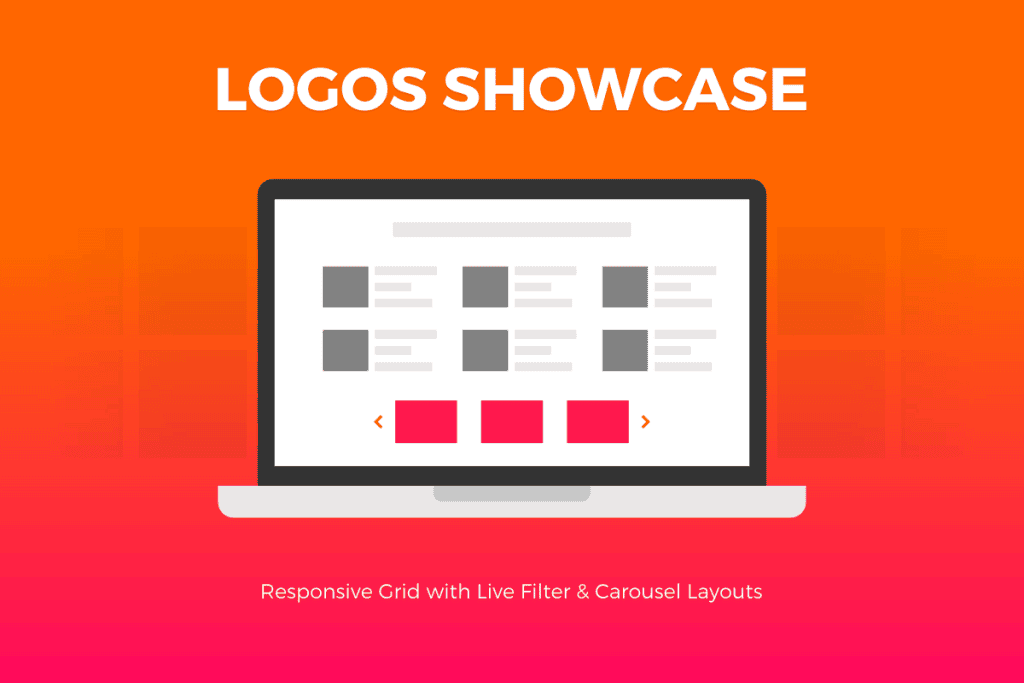
The Logos Showcase plugin is the ultimate solution for WordPress site owners looking to build instant credibility and social proof. Whether you are a freelancer showcasing your client list, a business highlighting your partners, or an agency displaying the brands you have collaborated with, this tool transforms a simple list of logos into a professional, eye-catching, and interactive display. By presenting your professional associations in a polished, organized format, you immediately signal trust and authority to your website visitors, helping to convert prospects into long-term clients.
Key Features
- Flexible Layout Options: Choose from multiple display styles, including grid layouts, carousel sliders, and list views to ensure your logos fit perfectly within your existing website design.
- Responsive Design: Your logo showcase will look crisp and professional on every device, from desktop monitors to mobile phones, ensuring a seamless user experience for all visitors.
- Interactive Tooltips: Enhance engagement by adding informative tooltips to each logo. When users hover over a brand, they can see additional details such as company names, project descriptions, or links to case studies.
- Customizable Styling: Tailor the look of your showcase to match your brand identity. Adjust spacing, border styles, grayscale effects, and hover transitions without needing to write a single line of code.
- Drag-and-Drop Management: Easily organize your logos using an intuitive interface. Reorder your brand partners or clients with a simple drag-and-drop action to highlight your most important relationships first.
- Link Support: Turn your logos into functional marketing assets by adding custom URLs. Direct visitors to specific portfolio pages, client websites, or external news articles about your partnerships.
- Shortcode Integration: Effortlessly place your logo showcases anywhere on your site. Simply copy and paste the generated shortcode into any page, post, or widget area to display your content exactly where you want it.
Use Cases / Who It’s For
Logos Showcase is designed for anyone who needs to demonstrate professional experience or industry recognition. If you are a web design agency, you can use the plugin to display a carousel of client logos on your homepage to prove your track record. Freelancers can use it to build trust by highlighting the reputable brands they have consulted for. Non-profit organizations can leverage the plugin to showcase corporate sponsors, while e-commerce stores can display the brands they carry to reassure customers of their product authenticity. Essentially, if your business relies on reputation, this plugin provides the visual tools necessary to make that reputation visible and impactful.
Setup / How It Works
- Upload and Activate: Install the plugin through your WordPress dashboard and activate it to gain access to the settings menu.
- Create Your Collection: Navigate to the plugin dashboard to upload your logo images. You can add titles, descriptions, and destination links for each entry.
- Configure Display Settings: Select your preferred layout style‚Äîsuch as a slider or a grid‚Äîand adjust the visual parameters like logo size, hover effects, and responsiveness settings to match your site’s aesthetic.
- Publish with Shortcode: Once your collection is ready, the plugin will provide a unique shortcode. Copy this code and paste it into any page or post editor in WordPress.
- Preview and Refine: View your page on the front end to ensure the layout meets your expectations. You can return to the plugin settings at any time to update your logos or tweak the visual presentation as your business grows.
Similar Plugins
If you are exploring other options in the WordPress ecosystem, you may also encounter tools like Logo Carousel, WP Logo Showcase Responsive Slider, and Logo Slider WP. These plugins offer similar functionality for displaying brand logos, though features, interface design, and customization depth will vary between them. It is recommended to review the specific capabilities of each to ensure they align with your site’s technical requirements and design goals.