
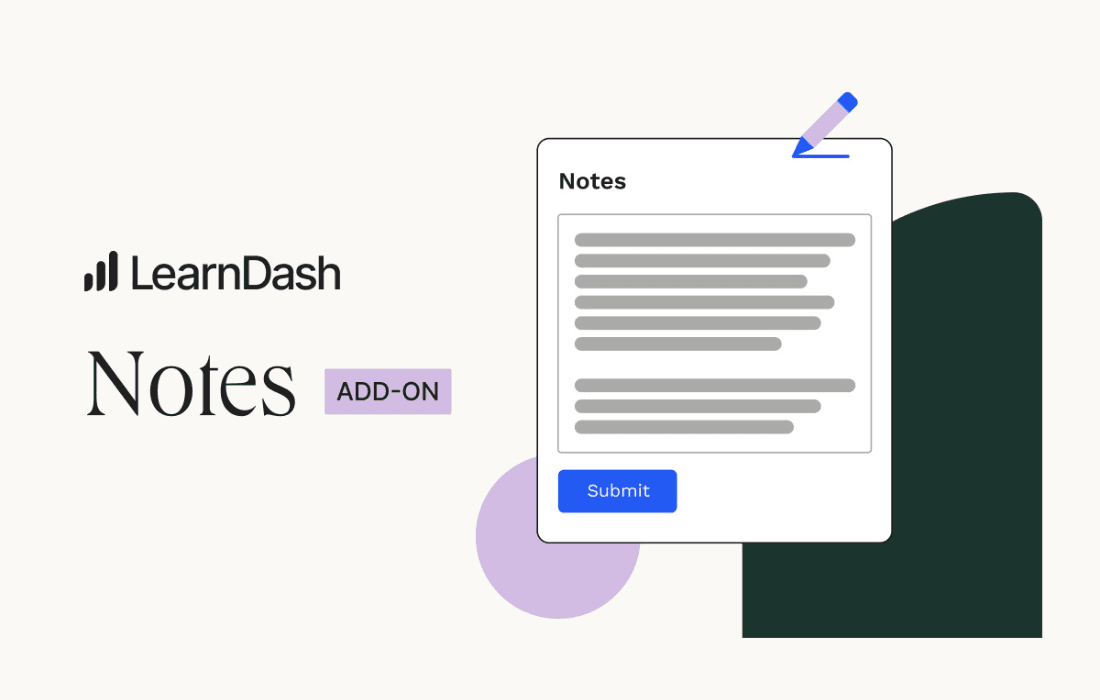
Empower your students to engage deeper with your course content by allowing them to take personalized, contextual notes directly within their LearnDash lessons. LearnDash Notes transforms passive video watching and text reading into an active learning experience, helping students retain information better and revisit key concepts without ever leaving your learning management system.
Key Features
- Contextual Note-Taking: Students can create notes directly on the lesson or topic page they are currently viewing, ensuring their thoughts are always linked to the relevant course material.
- Personalized Dashboard: Provides a dedicated area for students to view, edit, search, and manage all their saved notes in one centralized location.
- Rich Text Editing: Includes a user-friendly editor that allows students to format their notes with bold, italics, lists, and other essential styling tools to keep their thoughts organized.
- Seamless LearnDash Integration: Designed specifically for the LearnDash ecosystem, ensuring a consistent look and feel that matches your existing course design.
- Export Functionality: Allows students to export their notes, enabling them to take their study materials offline or use them for exam preparation and review.
- Admin Visibility: Provides administrators with insights into how students are interacting with the course material through their note-taking habits.
Use Cases and Who It’s For
LearnDash Notes is an essential tool for any educator or organization serious about improving student outcomes and course completion rates. If you are running an online academy, a corporate training program, or a professional certification course, this plugin bridges the gap between content consumption and knowledge retention.
For academic institutions, it provides students with a digital notebook that mimics the traditional classroom experience, making it easier to prepare for quizzes and final assessments. For corporate trainers, it allows employees to jot down specific takeaways or application strategies relevant to their job roles while navigating complex training modules.
Furthermore, if you offer long-form or dense technical courses, LearnDash Notes acts as a study aid that reduces cognitive load. By allowing students to summarize complex lessons in their own words, you encourage active recall, which is a proven method for long-term memory retention. This simple addition can significantly increase the perceived value of your course, leading to higher student satisfaction and better reviews.
Setup and How It Works
Getting started with LearnDash Notes is designed to be straightforward, allowing you to enhance your learning environment in minutes.
- Installation: Install and activate the plugin through your WordPress dashboard just like any other plugin.
- Configuration: Navigate to the plugin settings to choose which post types or LearnDash components (lessons, topics, or quizzes) you want to enable note-taking for.
- Student Access: Once enabled, a note-taking interface automatically appears on the selected course pages for your students.
- Management: Students can access their personal “My Notes” dashboard via a shortcode, which you can place on any page or within your student profile area.
Similar Plugins
While LearnDash Notes offers a specialized experience, other solutions in the WordPress ecosystem provide similar functionality for student engagement. Plugins such as Uncanny Toolkit for LearnDash offer a wide suite of utilities that include note-taking features, while LearnDash Student Notes by third-party developers often provides alternative UI designs and specific integration options. Depending on your specific needs regarding UI customization and additional toolkit requirements, you may wish to compare these options to find the best fit for your learning platform.