
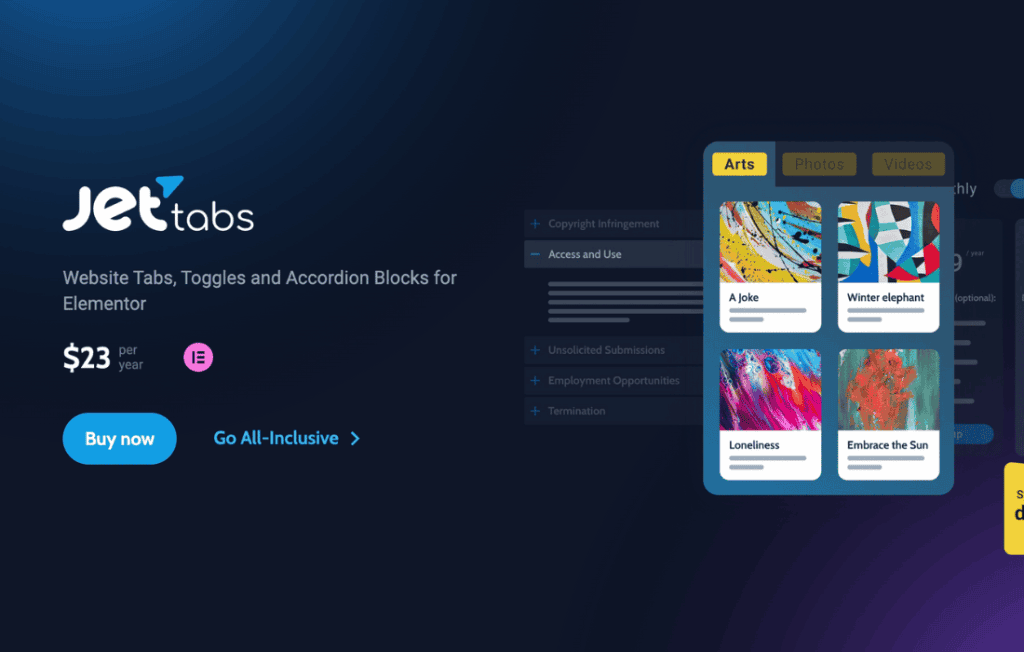
JetTabs is a powerful content organization plugin for Elementor designed to help you create clean, professional, and space-saving layouts on your WordPress website. By allowing you to display large amounts of information in compact tabs and accordions, JetTabs helps you improve user experience, reduce page clutter, and keep your visitors engaged without overwhelming them with long, scrolling blocks of text.
Key Features
- Versatile Tabs Layouts: Choose between horizontal or vertical tab orientations to best fit your design aesthetic and page structure.
- Dynamic Accordion Functionality: Implement collapsible accordion sections that allow users to reveal content only when they click, perfect for FAQs or detailed product specifications.
- Image Accordion: Create visually stunning interactive galleries where users can hover over or click images to expand them, adding a modern, high-end feel to your portfolio or product displays.
- Elementor Integration: Fully compatible with the Elementor page builder, allowing you to drag and drop tabs and accordions directly into your pages using a familiar interface.
- Content Flexibility: Easily embed any Elementor template, saved section, or widget inside your tabs or accordions, giving you complete control over the content displayed within them.
- Advanced Styling Options: Customize every aspect of your tabs and accordions, including typography, colors, borders, icons, and spacing, to ensure they perfectly match your brand identity.
- Responsive Design: Ensure your tabs and accordions look and function flawlessly on all devices, with settings to control how they behave on mobile and tablet screens.
Use Cases / Who It’s For
JetTabs is an essential tool for web designers, developers, and business owners who want to create high-converting, organized landing pages. If you are building a product page, JetTabs allows you to neatly organize technical specifications, shipping information, and customer reviews into separate tabs, preventing the page from feeling cluttered. Service-based businesses can use the accordion feature to create comprehensive FAQ sections, helping potential clients find answers quickly without navigating away from the page.
Content creators and bloggers can use JetTabs to structure long-form articles, making them more readable and accessible. By breaking content into logical sections, you reduce bounce rates and encourage users to spend more time interacting with your site. Whether you are building a corporate website, an e-commerce store, or a personal portfolio, JetTabs provides the structural flexibility needed to present complex information in a user-friendly way.
Setup / How It Works
- Installation: Install and activate the JetTabs plugin through your WordPress dashboard just like any other plugin.
- Access Widgets: Open the Elementor editor on the page where you want to add your content.
- Drag and Drop: Locate the JetTabs widgets (such as Tabs, Accordion, or Image Accordion) in the Elementor sidebar and drag them into your desired column or section.
- Configure Content: Use the Content tab in the widget settings to add your tab titles and select the content to display, such as text, images, or pre-built Elementor templates.
- Style and Customize: Navigate to the Style tab to adjust colors, fonts, spacing, and alignment to match your website’s design.
- Publish: Save your changes and preview the page to see your organized, interactive content in action.
Similar Plugins
If you are exploring other options for content organization within the WordPress ecosystem, you may also encounter plugins such as Essential Addons for Elementor, Premium Addons for Elementor, or PowerPack for Elementor. These plugins also offer tab and accordion widgets as part of their broader suites of Elementor extensions. JetTabs distinguishes itself by focusing specifically on the depth and customization options of tab and accordion functionality, providing a dedicated solution for users who want advanced control over these specific elements.