
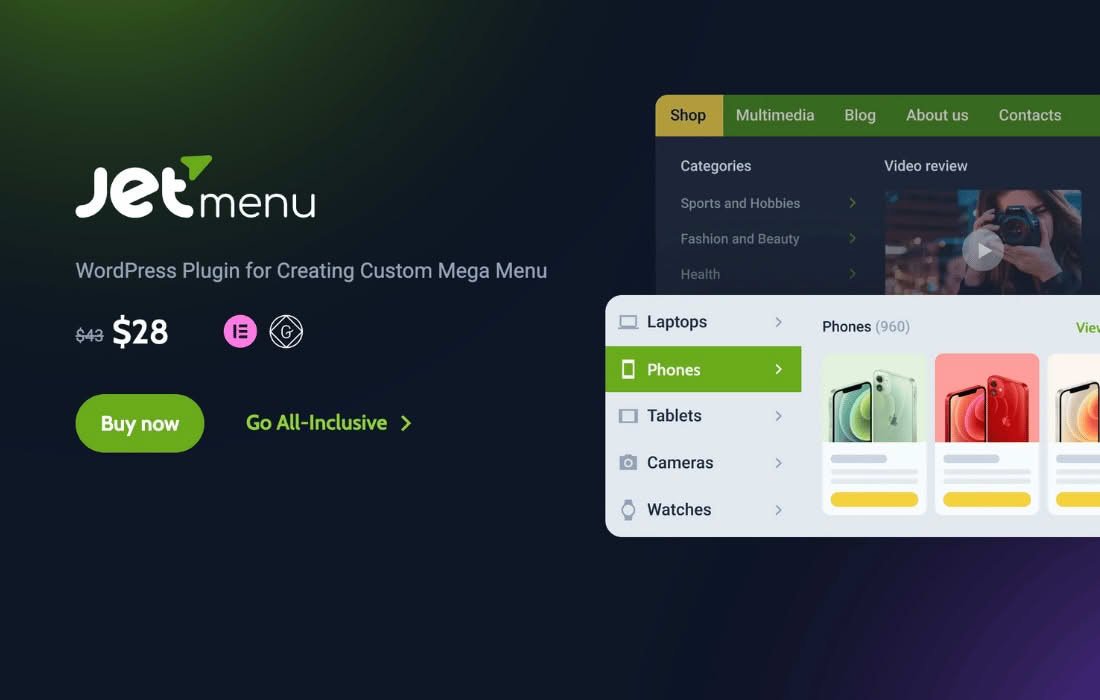
JetMenu is a powerful, intuitive extension for the Elementor Page Builder designed to help you create stunning, fully responsive mega menus without writing a single line of code. Whether you are building a complex e-commerce store with hundreds of product categories or a professional business site that needs a clean, organized navigation system, JetMenu empowers you to design menus that are as functional as they are beautiful. By leveraging the familiar drag-and-drop interface of Elementor, you can transform standard navigation into a rich, content-filled experience that guides your visitors exactly where they need to go.
Key Features
- Drag-and-Drop Mega Menu Builder: Create intricate menu structures using the Elementor interface you already know. Simply drag widgets, columns, and sections into your menu items to build custom layouts.
- Fully Responsive Design: Ensure your navigation looks perfect on all devices. JetMenu provides specific settings to control how your menus behave on mobile, tablet, and desktop, including mobile-friendly hamburger menu options.
- Content-Rich Menus: Go beyond simple text links. You can insert images, icons, badges, maps, contact forms, and even dynamic content directly into your mega menu panels.
- Extensive Styling Options: Achieve complete design consistency with your brand. Customize fonts, colors, borders, shadows, and spacing for every element of your menu, including hover states and active indicators.
- Vertical and Horizontal Layouts: Choose the orientation that best fits your website structure. Whether you need a classic top-bar navigation or a space-saving vertical sidebar menu, JetMenu handles both with ease.
- Icon and Badge Support: Add visual cues to your menu items with built-in icon support and eye-catching badges to highlight new products, sales, or featured links.
- AJAX Loading: Improve site performance by utilizing AJAX loading for your mega menu content, ensuring your site remains fast and responsive even with complex menu structures.
Use Cases and Who It’s For
JetMenu is an essential tool for website owners, designers, and developers who prioritize user experience and site navigation. If you are running an online store, JetMenu is particularly valuable for creating “shop by category” menus that allow customers to browse large inventories quickly. By organizing products into logical, visually appealing groups within a mega menu, you can significantly reduce the number of clicks required to reach a product page, which often leads to higher conversion rates.
Beyond e-commerce, this plugin is ideal for content-heavy websites, such as news portals, educational platforms, or corporate sites with multiple service lines. It helps declutter your header area by hiding secondary links inside organized mega panels, keeping your site‚Äôs aesthetic clean while ensuring all important pages remain easily accessible. If you are an Elementor user who wants to elevate your site’s navigation beyond the limitations of standard theme menus, JetMenu provides the creative freedom to build a professional-grade user journey.
Setup and How It Works
Getting started with JetMenu is designed to be seamless for anyone comfortable with the Elementor workflow. The setup process generally follows these steps:
- Installation: Install and activate the plugin alongside Elementor on your WordPress site.
- Enable Mega Menu: Navigate to your WordPress menu settings. You will see a new option to enable JetMenu for specific menu items.
- Design the Content: Once enabled, click the “JetMenu” button on a menu item to open the Elementor editor. Here, you can build your mega menu panel just like you would build a standard page section.
- Customize Styling: Use the plugin’s dedicated styling settings to adjust colors, typography, and layout behavior to match your website’s design language.
- Assign to Location: Use the Elementor header builder or your theme’s menu location settings to display your newly created mega menu on your site.
Similar Plugins
If you are exploring alternatives for building advanced menus in WordPress, you may also consider plugins such as Max Mega Menu, UberMenu, or the native mega menu functionality provided by various premium Elementor-based theme frameworks. Each of these tools offers different approaches to menu management, though JetMenu remains a top choice for those specifically seeking deep integration with the Elementor Page Builder ecosystem.