
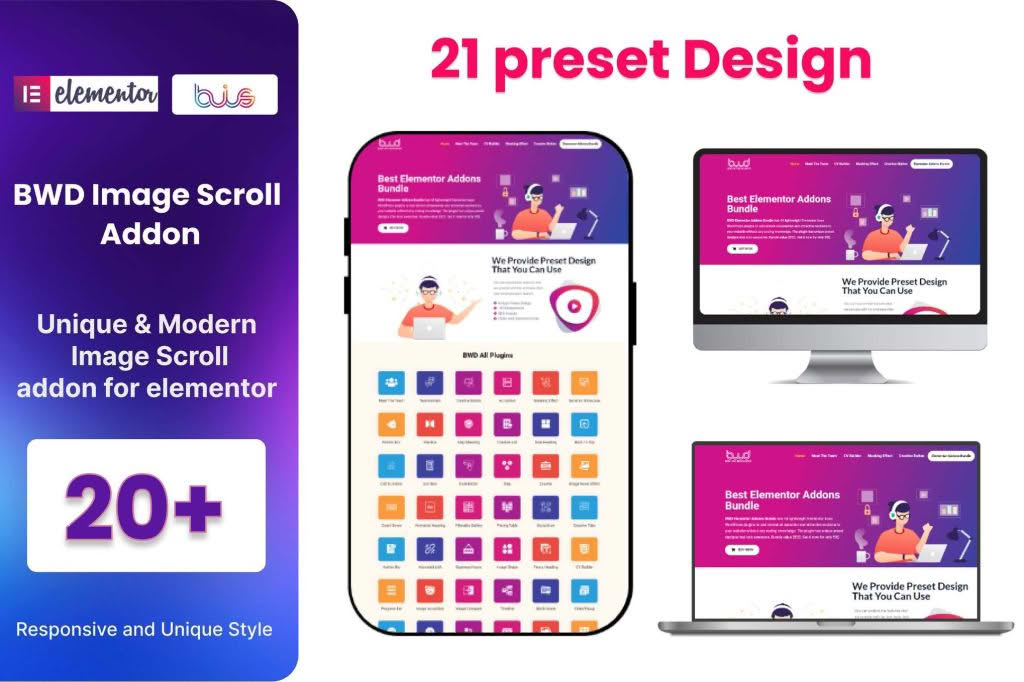
Transform your static website into an engaging, dynamic experience with the Image Scroll Elementor Addon. Designed specifically for users who rely on Elementor to build their digital presence, this plugin allows you to showcase long-form images, product mockups, or website screenshots with smooth, automated, or interactive scrolling effects. Whether you want to highlight the intricate details of a design or provide a seamless preview of a full-page layout, this addon gives you the professional control needed to keep visitors scrolling and interacting with your content longer.
Key Features
- Smooth Scrolling Control: Effortlessly animate long images with customizable speed, direction, and easing effects to match the tone of your website.
- Interactive Hover Effects: Enable user-triggered scrolling where the image moves only when a visitor hovers their mouse over the container, putting the control in their hands.
- Vertical and Horizontal Support: Choose the orientation that best suits your content, allowing for both top-to-bottom and left-to-right scrolling layouts.
- Responsive Design Settings: Ensure your scrolling elements look and function perfectly across all devices by adjusting settings specifically for mobile, tablet, and desktop views.
- Lightweight Performance: Built with clean code to ensure that your page load times remain fast, even when displaying high-resolution or large-format images.
- Seamless Elementor Integration: Drag and drop the element directly into your Elementor editor, with all configuration options neatly organized within the standard Elementor panel.
- Customizable Containers: Adjust the height, width, and border styling of the scroll window to perfectly fit your existing page design without needing custom CSS.
Use Cases / Who It’s For
The Image Scroll Elementor Addon is an essential tool for creative professionals, agencies, and e-commerce store owners who need to present visual content in a confined space. Web designers and developers can use the plugin to showcase full-page website mockups or portfolio pieces without taking up excessive vertical screen real estate. By using a scrollable container, you can present a high-fidelity design in a compact, professional window that encourages users to explore the details.
For e-commerce store owners, this addon is perfect for displaying long product infographics, detailed feature lists, or “what’s in the box” visuals. Instead of forcing customers to scroll through a massive, static image that breaks the flow of your product page, you can embed a scrollable area that keeps the focus on the product. It is also an excellent solution for bloggers or publishers who want to share long-form visual stories, comics, or vertical infographics in a way that feels modern and polished.
Setup / How It Works
- Install and Activate: Upload the plugin zip file to your WordPress dashboard, activate it, and ensure you have the Elementor page builder installed and active.
- Locate the Widget: Open any page or template in the Elementor editor. In the left-hand sidebar, search for the “Image Scroll” widget under the addon section.
- Drag and Drop: Drag the widget onto your page where you want the scrolling image to appear.
- Upload Your Image: Select the image you wish to display from your media library. For best results, ensure the image is high-quality and appropriately sized for your layout.
- Configure Settings: Use the settings panel to define the scroll direction, speed, and whether the animation should trigger on hover or play automatically.
- Preview and Publish: Use the responsive toggle in Elementor to check how the scroll effect behaves on different screen sizes, make final adjustments, and publish your page.
Similar Plugins
If you are exploring options for dynamic image presentation within the WordPress ecosystem, there are several alternatives that offer similar functionality. Plugins like Essential Addons for Elementor, Premium Addons for Elementor, and Happy Addons frequently include “Image Scroll” or “Scrollable Image” widgets as part of their larger, comprehensive widget suites. These alternatives are worth considering if you are looking for a broader set of design tools beyond just image scrolling capabilities.