
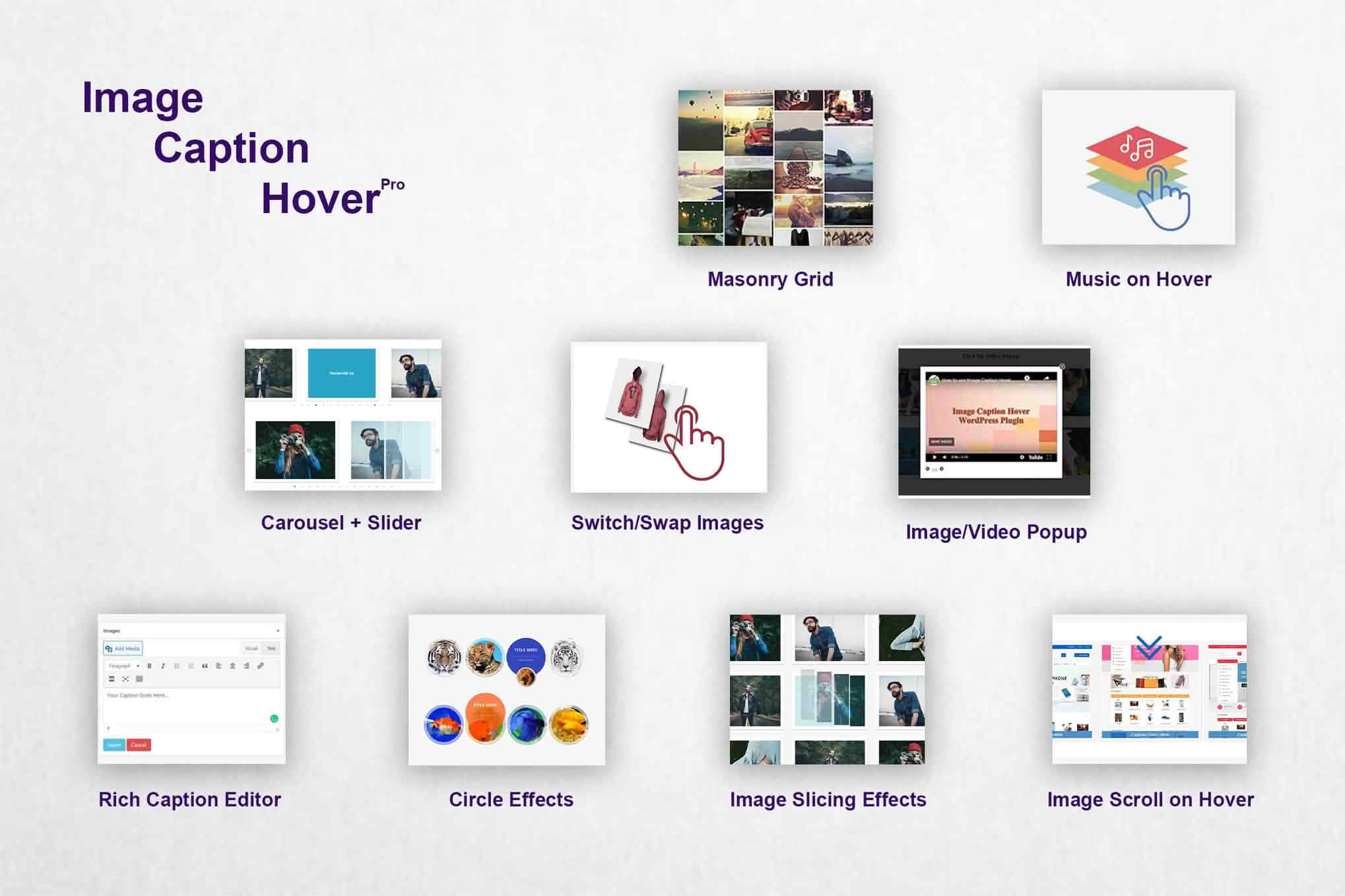
Elevate your website’s visual storytelling with Image Caption Hover Pro, a powerful WordPress plugin designed to transform static images into engaging, interactive elements. By seamlessly overlaying captions and descriptions when visitors hover over your images, you can provide essential context, call-to-action details, or artistic flourishes without cluttering your page layout. It is the perfect solution for photographers, portfolio creators, e-commerce store owners, and bloggers looking to improve user engagement and create a polished, professional aesthetic.
Key Features
- Dynamic Hover Effects: Choose from a variety of smooth, professional animation styles that reveal your captions exactly when the user interacts with an image.
- Customizable Overlay Styles: Take full control over the appearance of your overlays, including background colors, transparency levels, and text alignment to match your brand identity.
- Typography Control: Easily adjust font sizes, weights, and colors to ensure your captions are readable and aesthetically pleasing across all devices.
- Responsive Design: Ensure your hover effects look flawless on desktops, tablets, and mobile devices, with intelligent fallback options for touch-screen interfaces.
- Seamless Integration: Works effortlessly with the standard WordPress Media Library and popular page builders, allowing you to add hover effects to existing images without complex coding.
- Performance Optimized: Built with clean, lightweight code to ensure that your site speed remains fast, keeping your SEO rankings and user experience intact.
- Global or Individual Settings: Apply consistent hover styles across your entire site with one click, or customize individual images for unique project requirements.
Use Cases / Who It’s For
Image Caption Hover Pro is designed for anyone who wants to maximize the impact of their visual content. For e-commerce store owners, this plugin is an excellent tool for displaying product names, prices, or “Quick View” buttons directly over product imagery, reducing the number of clicks required for a customer to get information. Photographers and artists can use the plugin to provide subtle titles or credits for their work, maintaining a clean, minimalist gallery view while still providing metadata to interested viewers.
Bloggers and content creators can utilize the hover effects to add context to infographics or editorial images, turning static visuals into interactive learning tools. Whether you are building a corporate portfolio, a creative agency site, or a high-traffic blog, this plugin helps you reclaim screen real estate while enhancing the depth of your content.
Setup / How It Works
- Install and Activate: Upload the plugin to your WordPress dashboard via the Plugins menu and activate it to begin.
- Configure Global Settings: Navigate to the plugin settings page to define your default hover animation, overlay color, and text styling preferences.
- Add Captions to Images: Use the standard WordPress Media Library to add your desired text to the “Caption” or “Description” fields of your images.
- Apply to Content: Insert your images into posts or pages using the block editor or your preferred page builder. The plugin will automatically detect and apply your configured hover effects to these images.
- Fine-Tune: Use the individual block settings to override global styles if you need a specific image to stand out differently from the rest of your site.
Similar Plugins
If you are exploring options for image interactivity, you may also encounter plugins such as Image Hover Effects, WP Image Hover, or various extensions provided by popular page builder ecosystems like Elementor or Beaver Builder, which often include built-in image overlay capabilities.