
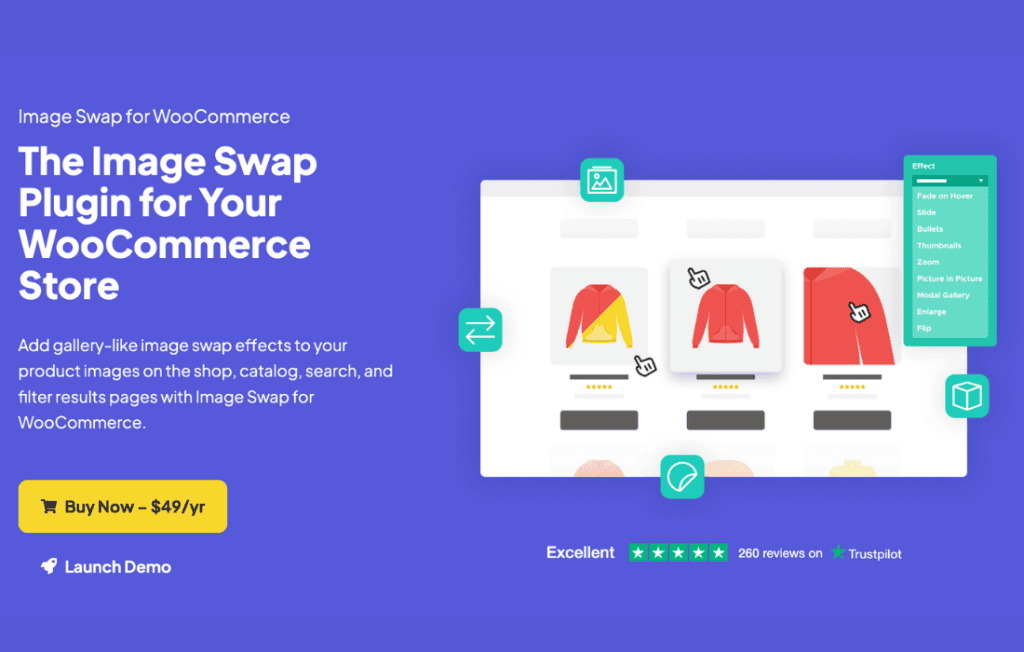
Boost your WooCommerce store’s conversion rates and improve the user shopping experience with Iconic Image Swap. This powerful plugin allows you to display a secondary product image upon hovering over a product thumbnail on your shop and archive pages. By providing customers with an instant, interactive preview of product details, variations, or different angles without requiring them to click through to the product page, you reduce friction and keep shoppers engaged longer.
Key Features
- Instant Image Swap: Automatically display a secondary product image when a user hovers their mouse cursor over a product thumbnail in your catalog.
- Enhanced Product Previews: Give customers a better look at your products by showing alternative angles, lifestyle shots, or close-ups without forcing them to leave the shop page.
- Seamless Integration: Designed specifically for WooCommerce, ensuring it works harmoniously with your existing theme and product catalog structure.
- Performance Focused: Built with lightweight code to ensure that your site speed remains optimal, even with image-heavy product galleries.
- Mobile-Friendly Considerations: Ensure your store maintains a professional look across all devices, with intuitive handling for touch-screen interactions.
- Easy Configuration: Get up and running quickly with straightforward settings that allow you to enable the swap functionality across your entire store or specific categories.
Use Cases and Who It Is For
Iconic Image Swap is an essential tool for any WooCommerce store owner looking to create a more dynamic and professional shopping environment. It is particularly effective for fashion and apparel retailers who need to show both a front and back view of a garment, or for stores selling products with multiple color options where a quick hover can reveal the available variety.
If you run a high-volume store, this plugin helps reduce the number of clicks required for a customer to make a purchase decision. By providing more visual information upfront, you help shoppers find exactly what they are looking for faster, which can lead to increased add-to-cart rates and a reduction in bounce rates on your category pages. It is the perfect solution for store owners who want to offer a premium, interactive browsing experience similar to major e-commerce marketplaces.
Setup and How It Works
Setting up Iconic Image Swap is designed to be intuitive, allowing you to enhance your store’s visual appeal in just a few minutes:
- Install and Activate: Upload the plugin to your WordPress dashboard and activate it as you would with any standard WooCommerce extension.
- Configure Settings: Navigate to the plugin settings panel within your WooCommerce configuration area. From here, you can toggle the swap effect on or off and define how the plugin interacts with your product images.
- Assign Secondary Images: Ensure your products have a secondary image assigned in the product gallery. The plugin will automatically detect these images and use them as the “swap” image when the hover trigger is activated.
- Preview and Save: Once configured, visit your shop page to see the hover effect in action. You can return to the settings at any time to adjust the behavior to perfectly match your site’s design.
Similar Plugins
While there are other solutions available in the WordPress ecosystem that offer image swapping functionality, Iconic Image Swap is distinguished by its deep integration with the WooCommerce core and its focus on maintaining high site performance. Alternatives often include:
- WooCommerce Product Image Flipper: A common alternative that provides similar hover-to-swap functionality.
- YITH WooCommerce Product Image Hover: A feature-rich plugin that offers various hover effects and transition options.
- Additional Theme-Specific Options: Many modern WooCommerce themes include built-in image swapping features, though standalone plugins like Iconic Image Swap offer more flexibility if you decide to change your theme in the future.