
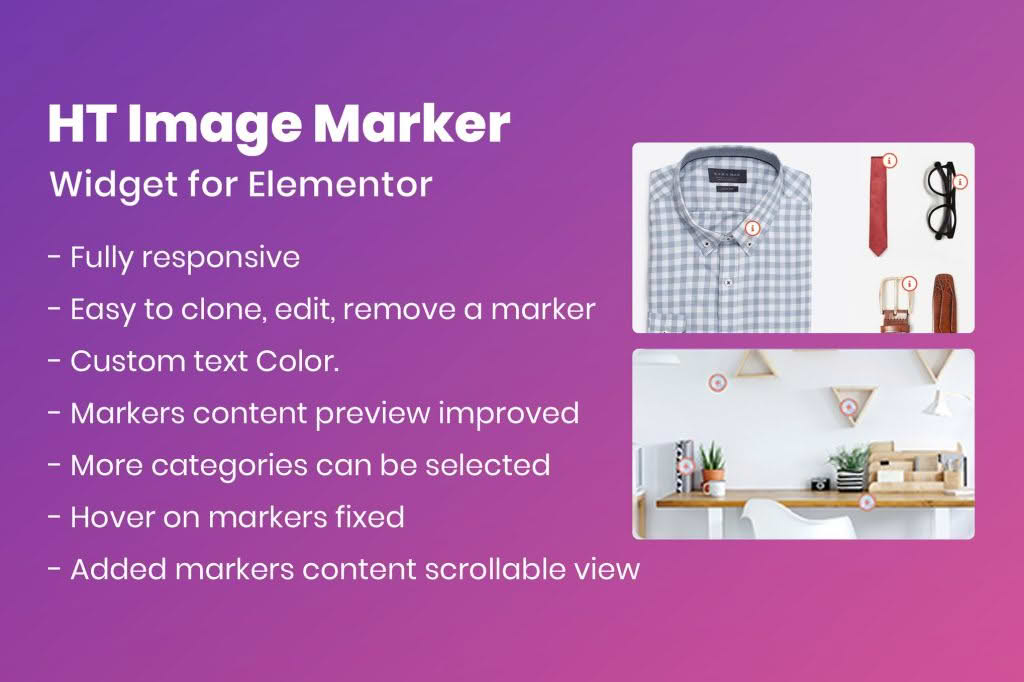
Transform static images into engaging, interactive experiences with HT Image Marker for Elementor. This powerful plugin allows you to add custom markers, hotspots, and tooltips directly onto your images, enabling you to guide your visitors’ attention and provide detailed information exactly where it matters most. Whether you are showcasing product features, explaining complex diagrams, or creating interactive maps, this plugin gives you the creative freedom to enhance user engagement without writing a single line of code.
Key Features
- Interactive Hotspots: Effortlessly place clickable markers anywhere on your images to reveal hidden content.
- Customizable Tooltips: Display text, images, icons, or even shortcodes within pop-up tooltips when a user hovers over or clicks a marker.
- Elementor Integration: Designed specifically for the Elementor page builder, offering a seamless drag-and-drop interface for quick setup.
- Flexible Marker Icons: Choose from a wide library of icons or upload your own custom marker images to match your brand identity.
- Responsive Design: Ensure your interactive images look perfect on all devices, from desktops to mobile phones, with built-in responsiveness.
- Animation Effects: Add subtle entrance animations to your markers to catch the user’s eye and encourage interaction.
- Custom Positioning: Use precise coordinate controls or simple drag-and-drop functionality to place markers exactly where you need them.
- Styling Options: Customize the colors, sizes, borders, and shadows of your markers and tooltips to perfectly complement your website’s design.
Use Cases / Who It’s For
HT Image Marker for Elementor is an essential tool for any website owner looking to improve user experience and provide information in a visually intuitive way. E-commerce store owners can use it to highlight specific product components, allowing customers to click on different parts of an item to see specifications or pricing. Educational websites and bloggers can utilize the plugin to create annotated infographics, making complex concepts easier to understand by breaking them down into interactive segments.
Additionally, real estate agents can create interactive floor plans, allowing potential buyers to click on rooms to view photos or descriptions. Travel websites can build interactive maps of destinations, while service-based businesses can use it to explain technical processes or organizational charts. If you have an image that needs context, this plugin provides the professional, polished interface required to communicate that information effectively.
Setup / How It Works
- Install and Activate: Install the plugin via your WordPress dashboard and ensure the Elementor page builder is active.
- Add the Widget: Open your desired page or post in the Elementor editor, search for the “HT Image Marker” widget, and drag it into your layout.
- Upload Your Image: Select the base image you wish to use from your WordPress media library.
- Add Markers: Click to add new markers. You can then position them precisely on the image using the intuitive interface.
- Configure Content: For each marker, define what happens when a user interacts with it. You can input text, add images, or use shortcodes to display content within the tooltip.
- Style and Customize: Use the style tab to adjust the appearance of your markers and tooltips to align with your site’s aesthetic.
- Publish: Once you are satisfied with the placement and design, update or publish your page to make the interactive image live for your visitors.
Similar Plugins
If you are exploring alternatives for interactive image functionality within the WordPress ecosystem, there are several other options available. Plugins such as Image Hotspot by DevVN, Draw Attention, and Hotspot for Elementor offer similar capabilities for adding interactive markers and tooltips to images. Each of these tools provides varying levels of customization, design presets, and integration depth, so it is recommended to review their specific feature sets to determine which best fits your project requirements.