
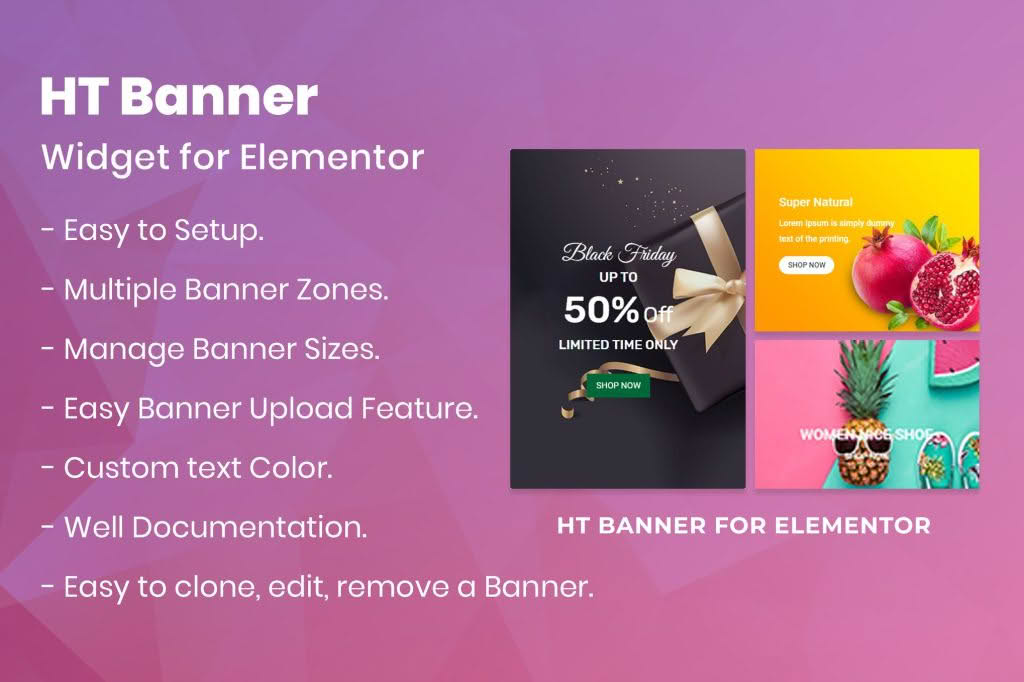
Elevate your website’s visual impact and drive user engagement with HT Banner for Elementor. This powerful, lightweight add-on is designed specifically for the Elementor page builder, allowing you to create stunning, high-converting banners without writing a single line of code. Whether you need to announce a flash sale, highlight a new product launch, or guide visitors toward a specific call-to-action, this plugin provides the flexible design tools necessary to capture attention instantly and keep your site looking professional.
Key Features
- Drag-and-Drop Integration: Seamlessly integrates with the Elementor interface, allowing you to add and customize banners directly within your existing workflow.
- Customizable Layouts: Choose from a variety of layout options to ensure your banners fit perfectly into your site’s unique design aesthetic.
- Responsive Design Controls: Ensure your banners look crisp and professional on every device, from desktop monitors to mobile phones, with dedicated responsive settings.
- Rich Styling Options: Take full control over typography, colors, borders, and spacing to match your brand identity perfectly.
- Call-to-Action (CTA) Customization: Easily add and style buttons to drive clicks, with options for hover effects and custom links.
- Hover Effects: Engage your audience with interactive elements that respond to user movement, making your banners feel dynamic and modern.
- Lightweight Performance: Built with clean code to ensure that your site remains fast and optimized for search engines, regardless of how many banners you deploy.
Use Cases / Who It’s For
HT Banner for Elementor is an essential tool for website owners, digital marketers, and web designers who want to maximize their site’s conversion potential. If you run an e-commerce store, you can use the plugin to create eye-catching promotional banners for seasonal sales or limited-time offers. For bloggers and content creators, it serves as an excellent way to highlight featured articles, newsletter sign-ups, or affiliate products.
Small business owners will find it particularly useful for showcasing services or directing traffic to contact pages. Because it requires no technical expertise, it is the perfect solution for anyone who needs to make frequent content updates to their site without relying on a developer. Whether you are building a landing page from scratch or looking to spruce up your home page, HT Banner provides the professional-grade tools needed to make your content pop.
Setup / How It Works
- Install and Activate: Upload the plugin to your WordPress site via the Plugins menu and activate it. Ensure that the Elementor page builder is already installed and active on your site.
- Access Elementor: Open any page or post using the Elementor editor.
- Locate the Widget: Navigate to the Elementor widget panel on the left side of the screen and search for the HT Banner widget.
- Drag and Drop: Simply drag the HT Banner widget into your desired section or column.
- Customize: Use the content and style tabs within the Elementor panel to upload your images, input your text, configure your CTA buttons, and adjust the colors and spacing to match your design requirements.
- Publish: Once you are satisfied with the look and feel, update or publish your page to make the banner live for your visitors.
Similar Plugins
If you are exploring your options for banner and promotional element creation within the Elementor ecosystem, there are several other notable plugins available. These include Essential Addons for Elementor, Premium Addons for Elementor, and PowerPack Addons for Elementor. Each of these suites offers a broader collection of widgets that includes banner functionality, which may be useful if you are looking for a comprehensive toolkit beyond just banner design.