
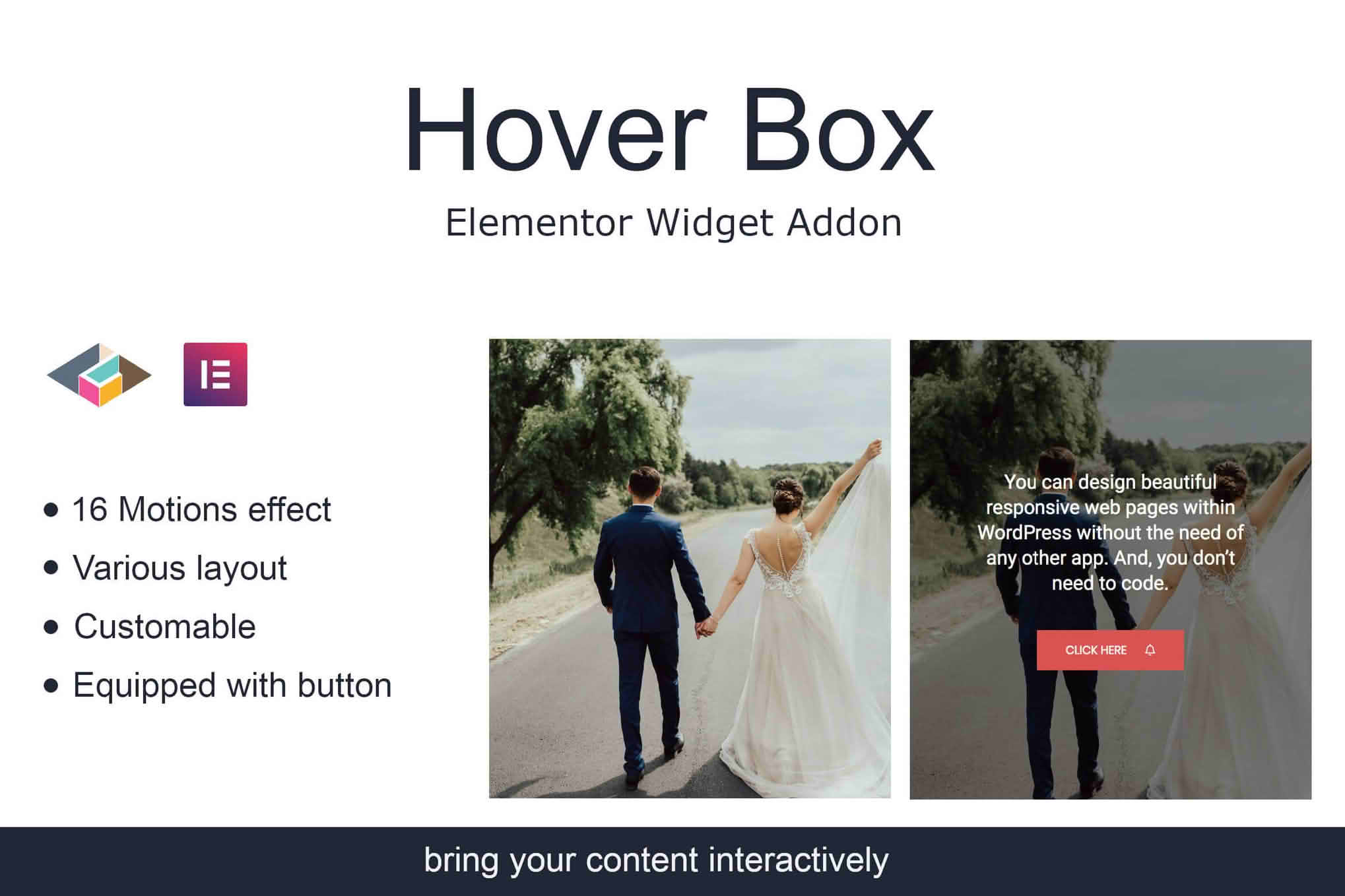
Transform your static website into an engaging, interactive experience with the Hover Box Elementor Page Builder Addon. Designed specifically for Elementor users, this plugin allows you to create dynamic content containers that reveal hidden information, stunning images, or call-to-action buttons the moment a visitor hovers over them. Whether you are a web designer looking to save screen space or a business owner wanting to showcase products in a modern, sophisticated way, this addon provides the perfect balance of visual appeal and functional utility without requiring a single line of code.
Key Features
- Interactive Hover Effects: Choose from a variety of smooth, professional transition animations to reveal content when a user moves their mouse over an element.
- Full Elementor Integration: Seamlessly drag and drop the Hover Box widget directly into your Elementor editor, ensuring a native experience that respects your existing workflow.
- Customizable Content Areas: Design both the front-facing side and the hidden back side of the box using any Elementor widget, including text, images, icons, buttons, or even contact forms.
- Responsive Design Controls: Ensure your hover boxes look perfect on all devices. Configure how the boxes behave on tablets and mobile screens, such as switching to a click-to-reveal interaction for touch devices.
- Extensive Styling Options: Take complete control over the aesthetics with dedicated settings for border radius, box shadows, background colors, padding, and animation speed.
- Lightweight Performance: Built with clean code to ensure your website remains fast and responsive, preventing the bloat often associated with complex animation plugins.
Use Cases and Who It’s For
The Hover Box Elementor Page Builder Addon is an essential tool for anyone looking to increase user engagement and clean up cluttered page layouts. It is ideal for creative agencies that want to showcase portfolio items with subtle project details that appear only upon interaction, keeping the initial view clean and minimalist.
For e-commerce store owners, this plugin is a game-changer for product catalogs. Instead of overwhelming shoppers with text, you can display a clean product image that, when hovered over, reveals key specifications, pricing, or a “Buy Now” button. It is also highly effective for service-based businesses that need to present team member bios, feature lists, or pricing tiers in a compact, interactive format that encourages exploration.
Setup and How It Works
Getting started with the Hover Box Addon is designed to be intuitive for both beginners and experienced developers. The plugin extends the standard Elementor widget library, meaning you do not need to learn a new interface.
- Install and Activate: Upload the plugin to your WordPress dashboard and activate it to unlock the new widget.
- Drag and Drop: Open any page or template in the Elementor editor, locate the “Hover Box” widget in your sidebar, and drag it onto your canvas.
- Configure the Front: Use the widget settings to define the initial state of the box, including the image, icon, or text that the user sees first.
- Define the Back: Switch to the “Back” tab in the widget settings to build the content that will be revealed during the hover interaction.
- Apply Animations: Select your preferred transition effect from the dropdown menu and adjust the animation speed to match your brand’s personality.
- Style and Publish: Use the “Style” tab to adjust colors, spacing, and shadows before hitting update to make your interactive box live.
Similar Plugins
While the Hover Box Elementor Page Builder Addon offers a specialized focus on hover-based interactions, there are other suites available for Elementor that include similar functionality. Popular alternatives include Essential Addons for Elementor, Premium Addons for Elementor, and JetElements by Crocoblock. These suites often provide a broader range of widgets, whereas this dedicated addon is best suited for users who want a lightweight, focused solution specifically for hover-state animations without the overhead of a massive widget library.