
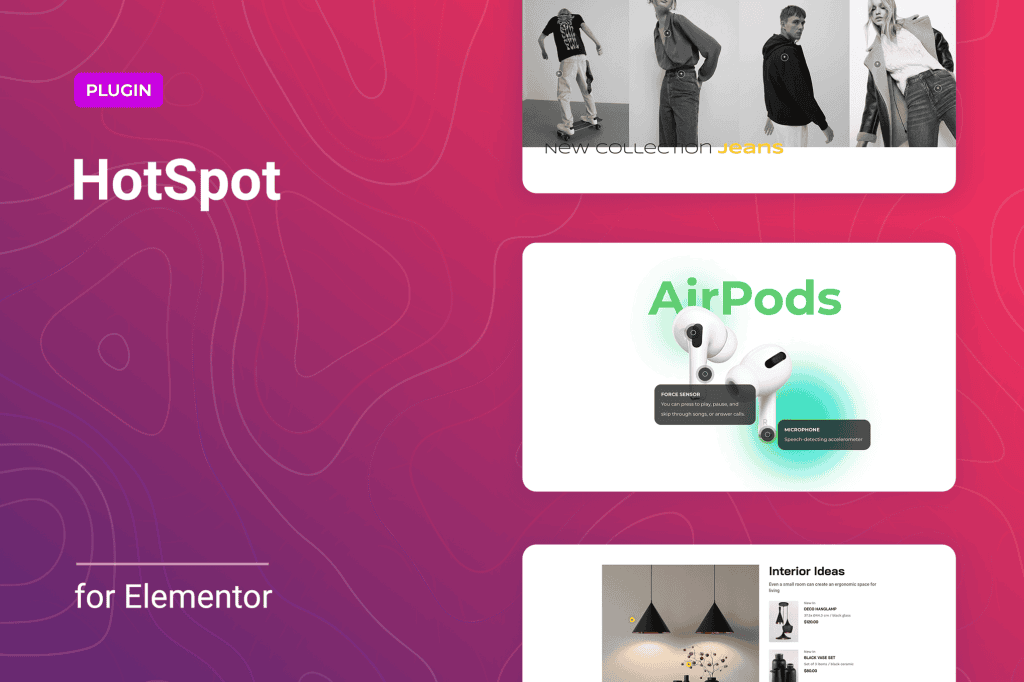
Transform your static images into interactive, engaging experiences with Hotspot for Elementor. This powerful plugin allows you to place clickable markers directly onto your images, providing your visitors with instant information, product details, or navigation links without ever leaving the page. Whether you are looking to create a shoppable catalog, an interactive map, or a detailed technical diagram, this plugin gives you the intuitive tools to increase user engagement and provide context exactly where your visitors need it most.
Key Features
- Interactive Marker Placement: Easily drag and drop hotspots anywhere on your images to highlight specific areas of interest.
- Customizable Tooltips: Display text, images, icons, or even shortcodes within pop-up tooltips that appear when a user hovers over or clicks a hotspot.
- Flexible Trigger Actions: Choose how your audience interacts with your content by setting hotspots to trigger on hover, click, or tap, ensuring a seamless experience across desktop and mobile devices.
- Extensive Styling Options: Match the look and feel of your brand with full control over marker colors, sizes, icons, and animation effects.
- Elementor Integration: Built specifically for the Elementor page builder, allowing you to design and manage your hotspots directly within the familiar Elementor interface.
- Responsive Design: Ensure your hotspots remain perfectly positioned and functional regardless of screen size, providing a consistent experience for all users.
Use Cases / Who It’s For
Hotspot for Elementor is designed for website owners, designers, and marketers who want to provide a more immersive browsing experience. E-commerce store owners can use it to create “shoppable images,” allowing customers to click on specific products within a lifestyle photo to view prices and add items directly to their cart. Real estate agents can utilize it to create interactive floor plans, enabling potential buyers to click on rooms to see photos or descriptions of the space.
Additionally, educational websites and technical blogs can leverage the plugin to annotate complex diagrams, infographics, or medical illustrations, providing detailed explanations without cluttering the main image. If your goal is to reduce bounce rates and keep visitors engaged by providing interactive, bite-sized information, this plugin is an essential addition to your toolkit.
Setup / How It Works
- Install and Activate: Once installed, the plugin adds a dedicated Hotspot widget to your Elementor editor panel.
- Add the Widget: Drag the Hotspot widget onto your page and select the base image you wish to use.
- Place Hotspots: Click to add new hotspots to the image and adjust their coordinates simply by dragging them to the desired location.
- Configure Content: Open the settings for each individual hotspot to define the tooltip content, which can include text, media, or other Elementor elements.
- Style and Publish: Use the style tab to customize the appearance of the markers and the tooltips, then publish your page to let your visitors explore your interactive content.
Similar Plugins
If you are exploring alternatives, you may encounter other tools such as Image Hotspot by DevVN, Draw Attention, or various interactive map plugins that offer similar functionality. While these plugins serve the same core purpose of adding interactivity to images, Hotspot for Elementor is specifically optimized for those already working within the Elementor ecosystem, ensuring maximum compatibility and ease of use.