
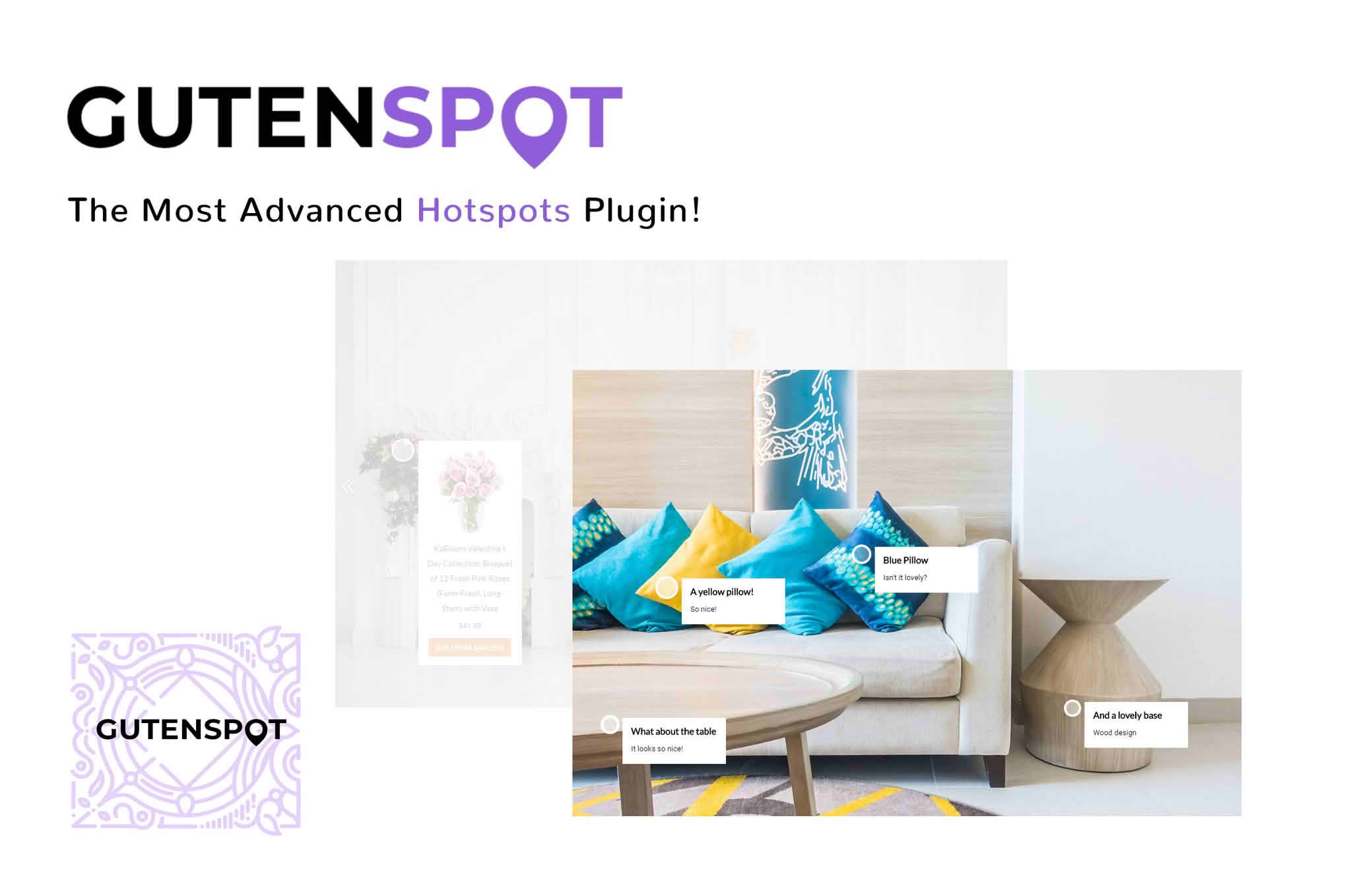
Transform your static images into interactive, engaging experiences with GutenSpot, the ultimate image hotspot plugin for the WordPress Gutenberg editor. Whether you are showcasing product details, explaining complex diagrams, or creating immersive travel guides, GutenSpot allows you to pin interactive markers directly onto your images. By providing contextual information exactly where your visitors are looking, you can significantly increase user engagement, reduce bounce rates, and guide your audience through your content with precision and style.
Key Features
- Native Gutenberg Integration: Built specifically for the block editor, GutenSpot offers a seamless, intuitive workflow that feels like a natural part of WordPress.
- Customizable Hotspot Markers: Choose from a variety of icons and colors to match your brand identity and ensure your hotspots stand out on any image.
- Rich Content Tooltips: Each hotspot supports versatile content, allowing you to add text, links, and even media within the pop-up windows to provide comprehensive information.
- Responsive Design: Your interactive images will look and function perfectly across all devices, ensuring a consistent user experience on desktops, tablets, and smartphones.
- Advanced Positioning: Easily drag and drop your hotspots to the exact coordinates on your image, ensuring perfect alignment with the visual elements you want to highlight.
- Animation Effects: Add subtle entrance animations to your hotspots to draw attention and encourage users to click and explore your content.
Use Cases / Who It’s For
GutenSpot is designed for content creators, marketers, and store owners who need to communicate more information without cluttering their page layout. If you run an e-commerce store, you can use hotspots to highlight specific features of a product, such as materials, dimensions, or unique selling points, directly on a lifestyle image. This helps customers make informed purchasing decisions without leaving the page.
For bloggers and educators, GutenSpot is an excellent tool for creating annotated diagrams, infographics, or “lookbook” style galleries. Travel bloggers can pin locations on a map image to provide tips or links to detailed posts about specific landmarks. Essentially, anyone looking to break the barrier between passive viewing and active engagement will find GutenSpot an indispensable addition to their media toolkit.
Setup / How It Works
- Insert the Block: Simply add the GutenSpot block to your page or post via the Gutenberg editor.
- Upload Your Image: Select the image you wish to make interactive from your media library.
- Add Hotspots: Click anywhere on the image to place a new hotspot marker.
- Configure Content: Open the hotspot settings to add your desired text, links, or media that will appear when the user interacts with the pin.
- Customize Appearance: Use the block settings sidebar to adjust marker colors, icon styles, and hover behaviors to perfectly match your site’s aesthetic.
- Publish: Save your changes and preview your new interactive image live on your site.
Similar Plugins
If you are exploring alternatives, you may also consider plugins such as Draw Attention or Image Hotspot by DevVN. These plugins offer similar functionality for creating interactive image maps and hotspots within the WordPress ecosystem, providing different sets of customization options and interface experiences depending on your specific project requirements.