
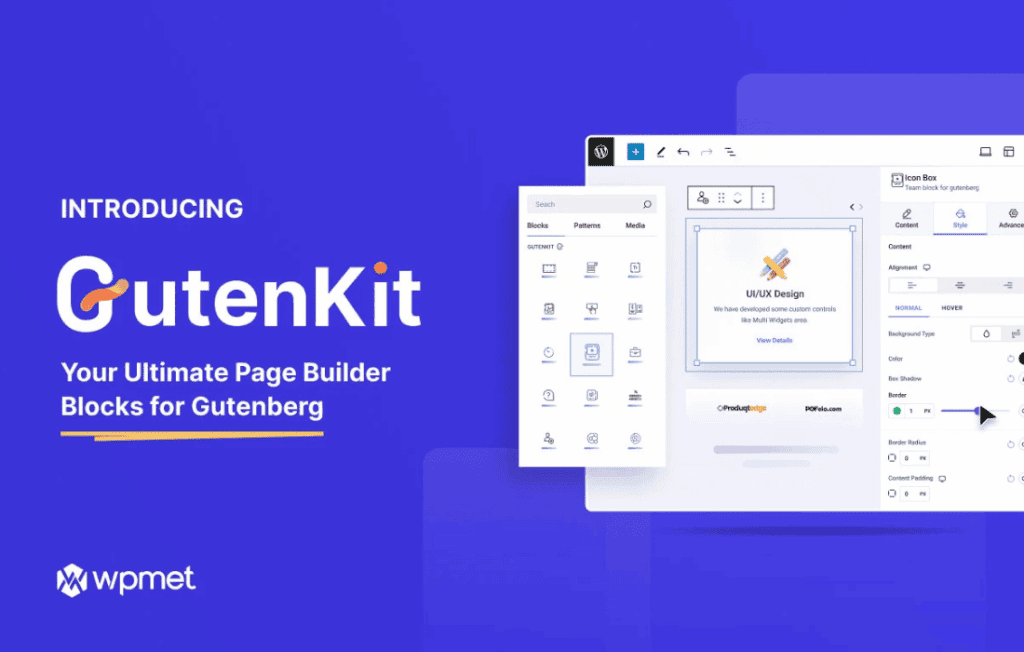
GutenKit Blocks Pro is a comprehensive page-building toolkit designed to supercharge the native WordPress Block Editor. Whether you are a solo entrepreneur, a professional web designer, or a site administrator, this plugin bridges the gap between basic block functionality and high-end design capabilities. By extending the Gutenberg editor with a robust suite of advanced blocks, layout modules, and design controls, GutenKit Blocks Pro empowers you to create professional-grade, high-converting websites without ever needing to touch a line of code.
Key Features
- Advanced Block Collection: Access a vast library of premium blocks including interactive tabs, accordions, advanced sliders, pricing tables, and dynamic post grids that go far beyond the standard WordPress offerings.
- Full Site Editing Compatibility: Built to work seamlessly with modern block-based themes, allowing you to design headers, footers, and archive templates with complete visual control.
- Professional Design Controls: Take command of your layout with granular control over spacing, typography, borders, box shadows, and background effects directly from the block settings panel.
- Responsive Design Tools: Ensure your site looks flawless on every device with built-in responsive editing modes that allow you to adjust styles specifically for desktop, tablet, and mobile views.
- Dynamic Content Integration: Leverage custom fields and dynamic data to display personalized content, making it easier to build complex directory sites, portfolios, or content-heavy portals.
- Performance Optimized: Engineered with clean, lightweight code to ensure that your site remains fast and search-engine friendly, even when using complex layouts.
- Animation and Interaction Effects: Engage your visitors with smooth entrance animations, hover effects, and interactive elements that bring your static pages to life.
Use Cases and Who It’s For
GutenKit Blocks Pro is built for anyone who wants to take full ownership of their website’s design. If you are a small business owner, it provides the tools to build a professional landing page that converts visitors into customers, all while keeping your site lightweight and easy to manage. You can easily create service showcases, team bios, and contact sections that reflect your brand identity perfectly.
For freelance web designers and agencies, GutenKit Blocks Pro is a massive time-saver. Instead of relying on heavy, bloated page builders that can slow down your client sites, this plugin allows you to build sophisticated, custom layouts using the native WordPress interface. It simplifies the hand-off process, as clients can easily edit their own content using the familiar Gutenberg editor without accidentally breaking complex designs.
Content creators and bloggers will also find immense value in the dynamic post blocks. You can create custom-designed blog archives, featured post carousels, and related content sections that keep readers engaged longer, ultimately boosting your site’s traffic and engagement metrics.
Setup and How It Works
Getting started with GutenKit Blocks Pro is designed to be intuitive for anyone familiar with the WordPress ecosystem. The plugin integrates directly into the existing block editor interface, meaning there is no steep learning curve or separate dashboard to navigate.
- Installation: Install and activate the plugin through your WordPress dashboard just like any other standard plugin.
- Block Activation: Navigate to the GutenKit settings panel to enable the specific blocks you need for your current project, which helps keep your editor clean and organized.
- Drag and Drop: Open any page or post in the WordPress editor, click the plus (+) icon, and browse the GutenKit category to find the blocks you want to use.
- Customize: Once a block is added, use the sidebar settings panel to adjust colors, typography, spacing, and animations to match your brand.
- Publish: Preview your changes in real-time and publish your page, knowing that the output is optimized for performance and mobile responsiveness.
Similar Plugins
If you are exploring the ecosystem of block-based design tools, other notable plugins that offer similar functionality include GenerateBlocks, Kadence Blocks, and Stackable. Each of these tools provides a unique set of blocks and design controls, and choosing between them often depends on your specific workflow preferences and the theme you are currently using.