
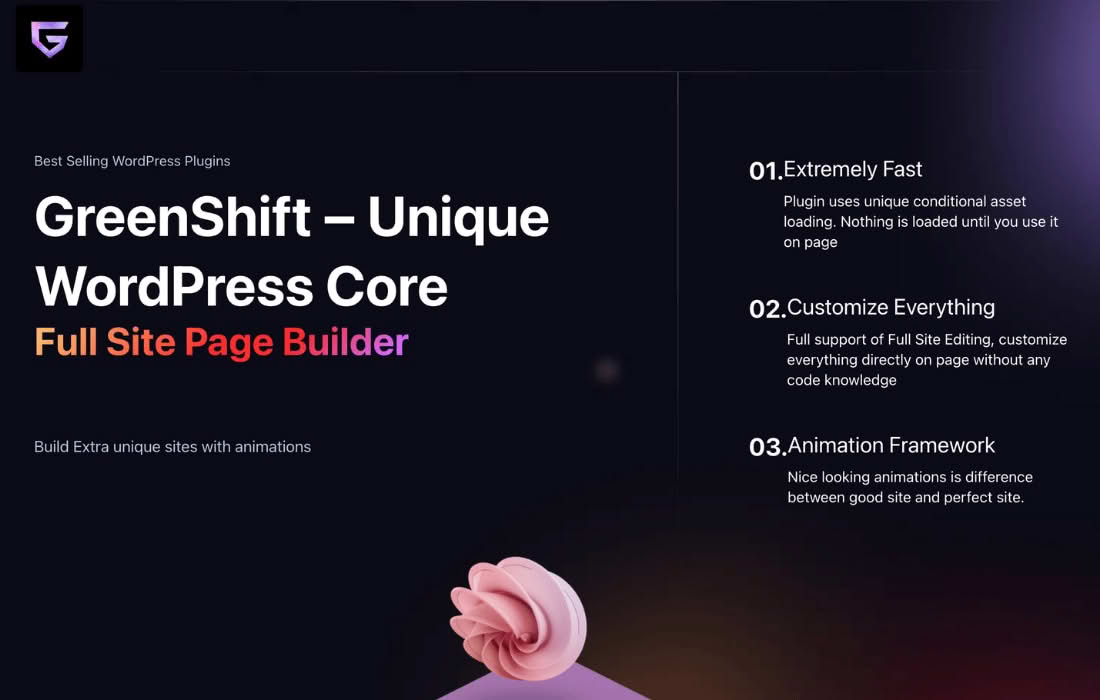
The Greenshift WooCommerce addon transforms your online store by providing a powerful suite of Full Site Editing (FSE) blocks and advanced tools designed specifically for WooCommerce. Whether you are a store owner looking to improve conversion rates or a developer aiming to build high-performance, custom-designed shop layouts, this plugin empowers you to take full control of your e-commerce experience directly within the WordPress block editor.
Key Features
- Woo Query Builder: Create custom product loops, archives, and grids with complete design flexibility, allowing your store to stand out with unique layouts.
- Advanced Product Gallery: Enhance your product pages with support for video, 3D models, and AR, providing customers with a more immersive shopping experience.
- Dynamic Product Comparison: Allow customers to compare products side-by-side dynamically, helping them make informed purchasing decisions.
- Product Quick View: Improve user experience with a lightweight, fast-loading quick view button that lets shoppers preview product details without leaving the current page.
- Product Swatches: Replace standard dropdowns with visually appealing color, image, or label swatches for product variations.
- Sliding Cart Button: Add a modern, user-friendly sliding cart panel to your header, making it easier for customers to manage their items.
- Custom My Account Pages: Use dedicated blocks to design and build custom “My Account” pages that align perfectly with your brand.
- Performance-Focused Design: Like the core Greenshift plugin, these WooCommerce blocks are built for speed, utilizing conditional asset loading to ensure your shop remains fast and responsive.
- Variation Galleries: Assign multiple images to specific product variations, ensuring customers see exactly what they are selecting.
- Product Hooks: Easily inject WooCommerce hooks into your FSE templates, providing compatibility with third-party plugins that rely on standard hook systems.
Use Cases / Who It’s For
Greenshift WooCommerce is ideal for e-commerce store owners who want to break free from the rigid, one-size-fits-all designs often forced by standard themes. It is perfect for agencies and freelancers building custom, high-performance online shops who need granular control over every element of the product page and archive layout. Because it leverages the power of Full Site Editing, it is also an excellent choice for those looking to modernize their workflow, moving away from heavy page builders toward a faster, native WordPress block-based approach.
Setup / How It Works
- Installation: Ensure the main Greenshift plugin is installed and activated on your WordPress site. Install and activate the Greenshift WooCommerce addon.
- Configuration: Navigate to the WooCommerce settings area to access Greenshift-specific tools and options.
- Template Editing: Use the WordPress Site Editor (Appearance > Editor) to access your product templates. You can now use the specialized Greenshift WooCommerce blocks to drag, drop, and style your shop archives, single product pages, and checkout areas.
- Customization: Utilize the advanced styling panels within the block editor to adjust typography, colors, spacing, and animations for each block, creating a bespoke look without writing custom CSS.