
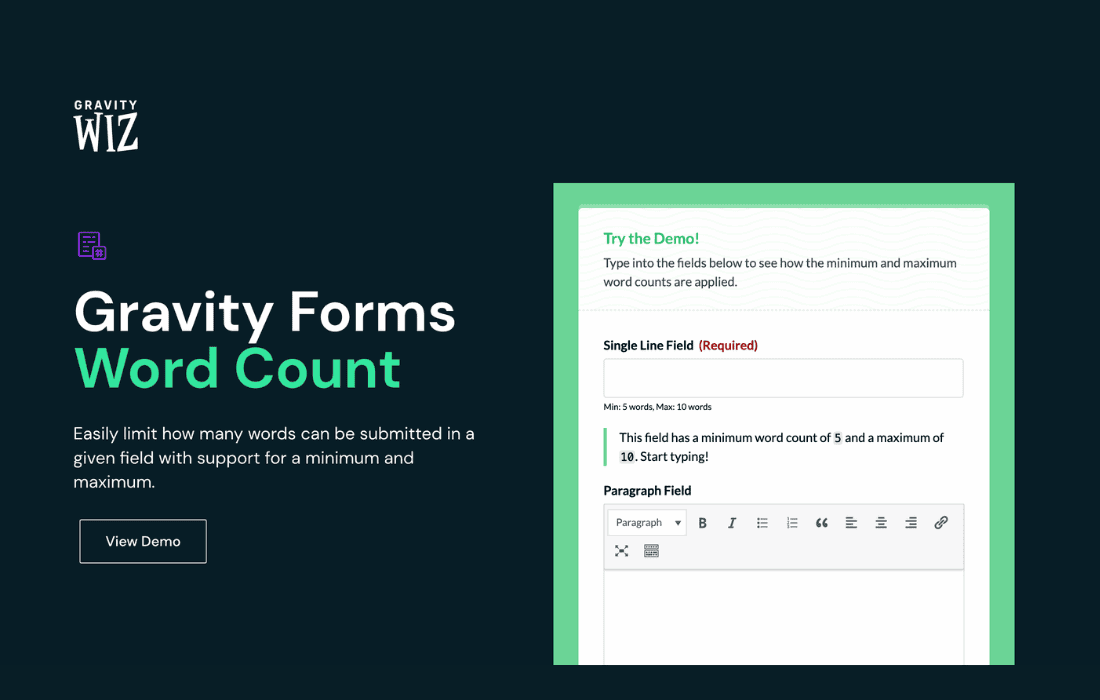
Gravity Perks Word Count is an essential add-on for Gravity Forms users who need to enforce strict content length requirements on their forms. Whether you are managing guest post submissions, collecting essay applications, or gathering detailed customer feedback, this plugin provides the precision you need to ensure your users submit content that meets your specific length criteria. By providing real-time feedback, it eliminates the frustration of form rejections and improves the overall quality of your data collection.
Key Features
- Real-time Word Count Tracking: Users see an instant, live update of their word count as they type, helping them stay within your defined limits without needing to submit the form first.
- Customizable Limits: Easily set both minimum and maximum word count requirements for any Paragraph Text field on your form.
- Configurable Error Messages: Tailor the validation messages to match your brand voice, ensuring users understand exactly why their submission might be blocked or flagged.
- Visual Indicators: Provide clear, unobtrusive visual cues that help users manage their content length effectively while they are in the flow of writing.
- Seamless Gravity Forms Integration: Designed specifically for the Gravity Forms ecosystem, ensuring stability, compatibility, and a native user experience that feels like part of the core plugin.
- Developer Friendly: Includes robust hooks and filters, allowing advanced users to customize the behavior and appearance of the word count functionality to suit complex project requirements.
Use Cases / Who It’s For
Gravity Perks Word Count is designed for website administrators and developers who rely on Gravity Forms to collect substantial amounts of user-generated content. If your business model depends on the quality and length of submissions, this tool is indispensable.
For educational institutions or scholarship coordinators, this plugin ensures that student applications adhere to specific essay length requirements, saving your team hours of manual verification. For marketing agencies and blog managers, it streamlines the guest post submission process by ensuring contributors provide content that meets your editorial standards before it ever reaches your dashboard. It is also highly effective for survey creators and research teams who need to ensure that open-ended responses are detailed enough to be actionable, or conversely, brief enough to remain concise.
Setup / How It Works
Getting started with Gravity Perks Word Count is designed to be straightforward, allowing you to implement length restrictions in minutes.
- Install and Activate: Once you have Gravity Perks installed, activate the Word Count perk from your Perks dashboard.
- Edit Your Form: Navigate to the Gravity Forms editor and select the Paragraph Text field you wish to restrict.
- Configure Settings: Open the field settings and look for the Word Count tab. Here, you can toggle the feature on and define your minimum and maximum word counts.
- Customize Feedback: Enter your custom validation message that will appear if the user falls outside of your specified range.
- Save and Test: Save your form settings and test the front-end view to ensure the live counter appears and validation triggers correctly.
Similar Plugins
While various third-party snippets or general-purpose character counter plugins exist for WordPress, they often lack the deep integration required to work reliably with Gravity Forms’ validation engine. Gravity Perks Word Count is unique in its ability to hook directly into the Gravity Forms submission process, ensuring that restrictions are enforced both on the front-end and during server-side validation. Other solutions typically require custom coding or offer limited compatibility, making this perk the standard choice for those already invested in the Gravity Forms ecosystem.