
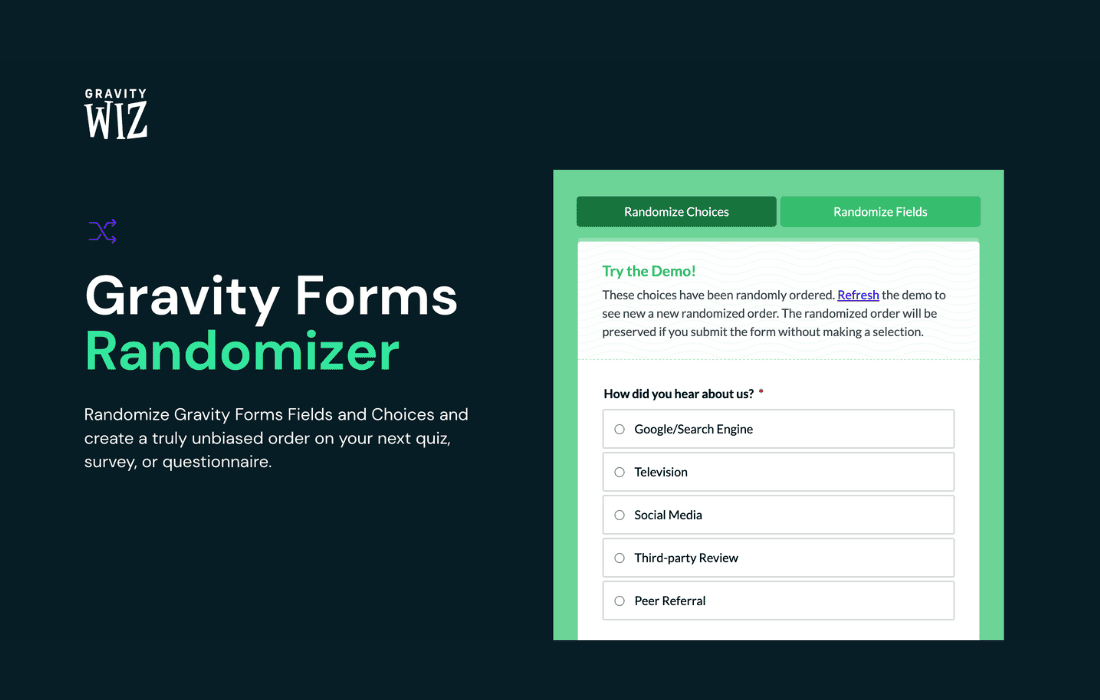
Gravity Perks Randomizer empowers you to take control of your Gravity Forms entries by introducing true randomization to your form fields. Whether you are running complex surveys, managing product giveaways, or simply need to rotate options to prevent order bias, this perk ensures that your form data is distributed or displayed exactly how you need it. Designed specifically for users who rely on the power of Gravity Forms, this tool eliminates manual intervention, saving you time while ensuring fairness and variety in your data collection process.
Key Features
- Dynamic Field Randomization: Effortlessly randomize the order of choices within Radio Button, Checkbox, and Drop Down fields every time the form is loaded.
- Entry Selection Randomization: Select random entries from your database to display in reports, testimonials, or winner announcements without needing to manually curate lists.
- Weighting Support: Control the probability of specific items appearing more frequently, allowing you to balance randomization with strategic priorities.
- Seamless Integration: Built specifically for the Gravity Perks ecosystem, ensuring it works flawlessly with your existing forms without requiring complex custom coding.
- Performance Focused: Engineered to handle randomization efficiently, ensuring that your forms remain fast and responsive even with high traffic or complex field structures.
- Developer Friendly: Provides hooks and filters for advanced users who need to customize the randomization logic further for unique business requirements.
Use Cases / Who It’s For
Gravity Perks Randomizer is an essential tool for site administrators, marketers, and developers who need more flexibility than standard form configurations provide. If you are a store owner running a contest, this plugin allows you to randomly select a winner from a pool of entries, ensuring the process is transparent and unbiased. For researchers and survey creators, it is invaluable for combating order bias—where users are more likely to select the first option they see. By randomizing the order of choices, you ensure that your survey data is more accurate and representative of true user preference.
Additionally, this perk is perfect for educational platforms or quiz builders that want to prevent cheating or rote memorization. By randomizing the order of questions or potential answers, you create a unique experience for every student, making your assessment tools more robust. Whether you are managing simple lead generation forms or complex data collection workflows, this plugin provides the logic needed to keep your content fresh and your data objective.
Setup / How It Works
- Install and Activate: Ensure you have the Gravity Perks plugin installed, then activate the Randomizer perk from your WordPress dashboard.
- Configure Field Settings: Navigate to the Gravity Form editor and select the field you wish to randomize.
- Enable Randomization: Open the field settings tab provided by the perk and toggle the randomization feature on.
- Set Optional Parameters: If your use case requires weighting or specific exclusion rules, configure these settings within the field interface.
- Save and Test: Save your form and preview it on the front end. Refresh the page multiple times to verify that the fields are reordering as expected.
Similar Plugins
While there are various snippets and custom code solutions available in the WordPress community for randomizing form fields, most lack the stability, support, and seamless interface of a dedicated Gravity Perks solution. Other general-purpose randomization plugins often fail to integrate deeply with the Gravity Forms data structure, leading to potential conflicts during form validation or submission. Gravity Perks Randomizer remains the industry-standard choice for users who require a reliable, “set-it-and-forget-it” solution that evolves alongside the Gravity Forms core plugin.