
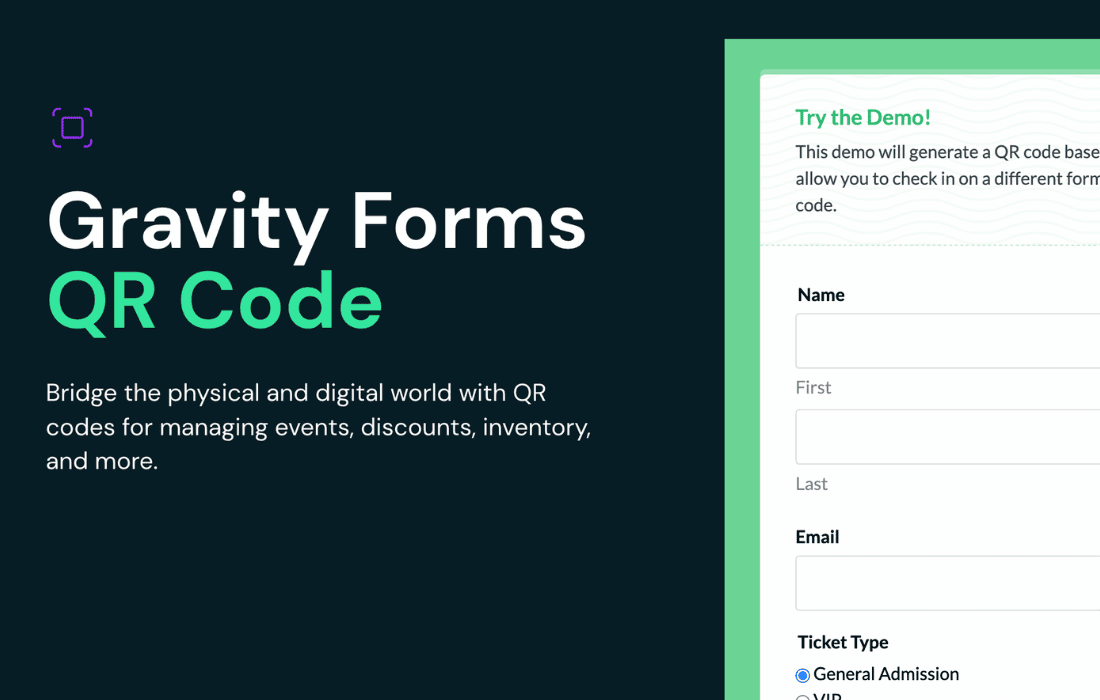
Gravity Perks QR Code is a powerful tool designed to bridge the gap between your physical business operations and your digital Gravity Forms workflows. By enabling you to both generate QR codes from form data and scan them directly into your forms using a device camera, this plugin streamlines processes like event check-ins, inventory management, and coupon redemption, helping you save time and reduce manual data entry errors.
Key Features
- Dynamic QR Code Generation: Easily create QR codes from any form field value using merge tags, or combine multiple data points using the [gpqr] shortcode.
- Seamless Scanning: Enable a QR code scanner on your form fields, allowing staff or users to populate data instantly by scanning with their device’s camera.
- Full Customization: Tailor the appearance of your generated QR codes, including size, colors, and content, to match your branding or functional requirements.
- Extensive Compatibility: Works automatically with other Gravity Forms tools, allowing you to display QR codes in notifications, confirmations, GravityView, Gravity PDF, and more.
- Desktop Support: Beyond mobile camera scanning, users can drag and drop image files containing QR codes onto your forms for easy processing on desktop devices.
- Advanced Format Support: Enhance your scanning capabilities by enabling support for additional barcode formats, such as UPC or EAN, to integrate with existing external systems.
Use Cases / Who It’s For
Gravity Perks QR Code is an essential solution for business owners, event managers, and developers looking to automate data handling. If you manage events, you can generate unique QR codes for tickets in confirmation emails and have staff scan them at the door for rapid check-in. Retailers and e-commerce store owners can use the plugin to create scannable coupon codes that customers can redeem instantly at checkout. Additionally, it is perfect for inventory management, allowing staff to scan product SKUs to quickly pull up, update, or manage product records directly through a form.
Setup / How It Works
- Installation: Install and activate the plugin via your Gravity Perks manager.
- Generating Codes: To generate a code, simply add the :qr modifier to any field merge tag in your form notifications or confirmation settings.
- Enabling Scanning: To enable scanning, navigate to the Perks tab within the settings of your chosen form field (typically a Single Line Text field) and check the option to enable the QR code scanner.
- Execution: Once configured, a scanner icon will appear on the form field, allowing users to initiate the camera scan or upload an image to populate the field automatically.