
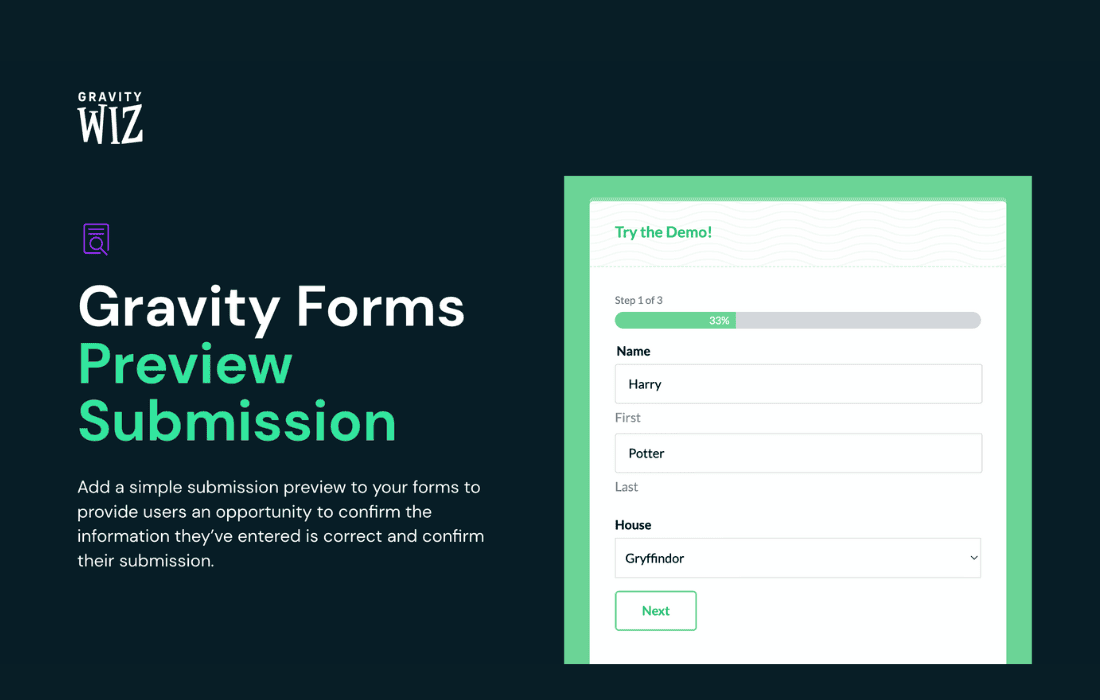
The Gravity Perks Preview Submission plugin is an essential tool for Gravity Forms users who want to eliminate submission errors and improve data accuracy. By allowing users to review their form entries on a dedicated confirmation page before they officially submit, you create a more professional, trustworthy experience. Whether you are managing complex applications, registration forms, or detailed order requests, this perk gives your users the confidence that their information is correct, ultimately reducing the time you spend correcting faulty submissions.
Key Features
- Review Before Submission: Automatically generate a summary page that displays all user-entered data, allowing them to verify every field before the final click.
- Editable Confirmation: Provide users with a clear way to see exactly what will be sent to your database, minimizing frustration and the need for follow-up emails.
- Seamless Integration: Designed specifically for Gravity Forms, ensuring it works harmoniously with your existing forms and complex field types without requiring custom coding.
- Customizable Layouts: Easily control how the preview page looks to match your brand identity, ensuring a consistent user experience from start to finish.
- Improved Data Quality: By catching typos and missing information at the source, you ensure that the data landing in your WordPress dashboard is clean, accurate, and ready for processing.
- Support for Advanced Fields: Works with a wide variety of Gravity Forms field types, ensuring that even complex forms remain easy to review.
Use Cases and Who It’s For
This plugin is ideal for any website owner or developer who relies on Gravity Forms to collect critical data. If your business processes high-stakes information, Preview Submission is a must-have.
Educational Institutions and Training Centers: When students register for courses or apply for programs, accuracy is paramount. Allowing them to review their personal details, course selections, and contact information prevents administrative headaches later on.
E-commerce and Service Providers: For businesses accepting custom orders or booking services, a preview step ensures that shipping addresses, product configurations, and appointment dates are correct before the order is finalized.
Human Resources and Recruitment: Companies collecting job applications or employee information can benefit significantly from this perk. It ensures that sensitive data, such as contact details and professional history, is submitted without errors, saving HR teams valuable time during the onboarding or screening process.
Event Planners: Whether managing conference registrations or workshop sign-ups, event organizers can use this feature to ensure that dietary restrictions, session preferences, and attendee names are captured perfectly the first time.
Setup and How It Works
Getting started with Gravity Perks Preview Submission is straightforward, designed to get you up and running without technical hurdles.
- Installation: After installing and activating the Gravity Perks plugin suite, simply enable the Preview Submission perk from your dashboard.
- Configuration: Navigate to the settings of your specific Gravity Form. You will find a new option to enable the preview functionality.
- Customization: Use the intuitive settings interface to define which fields should be included in the preview and customize the confirmation page messaging.
- Deployment: Once saved, the plugin automatically handles the transition between the form and the preview page, providing a smooth, native experience for your users.
By implementing this simple two-step submission process, you demonstrate a commitment to user experience and data integrity, setting your site apart from standard, error-prone form implementations.