
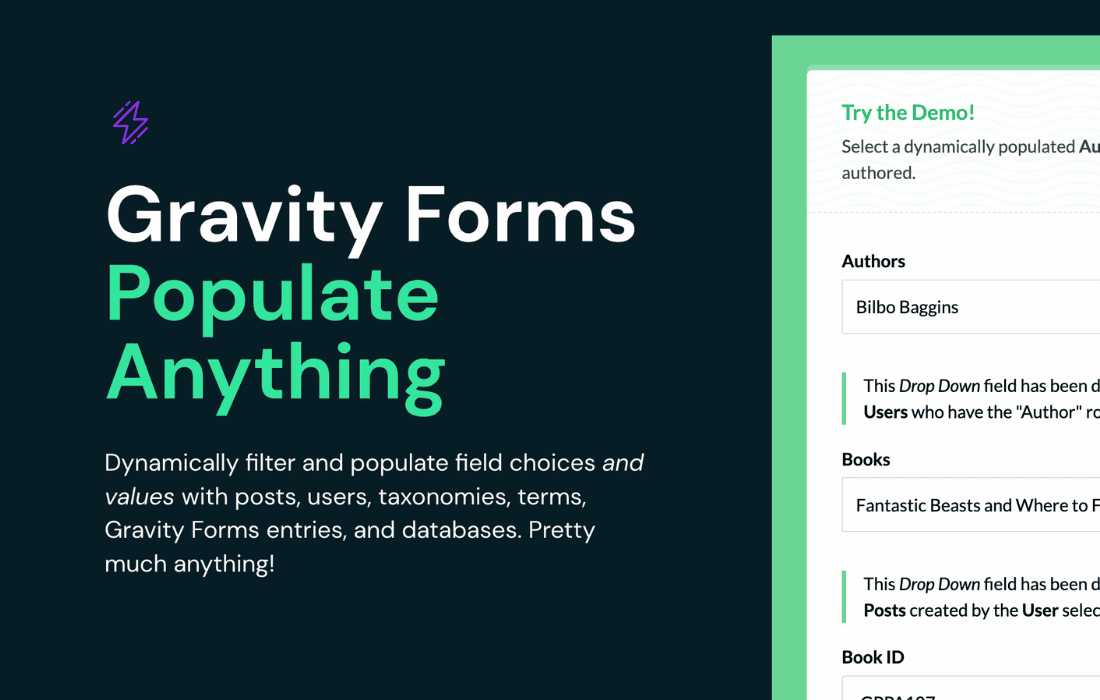
Gravity Perks Populate Anything is the ultimate solution for WordPress site owners who need to break free from static forms. By allowing you to dynamically populate Gravity Forms fields with data from anywhere—your own WordPress database, external APIs, or even other forms—this plugin transforms your forms into intelligent, interactive data collection tools. Whether you are building complex booking systems, user-specific portals, or dynamic product catalogs, Populate Anything ensures your users see exactly the information they need, exactly when they need it, without manual data entry.
Key Features
- Dynamic Population: Automatically fill fields with data from posts, users, taxonomies, comments, or custom database tables.
- External API Integration: Connect to third-party services to pull real-time data directly into your form fields.
- Live Filtering: Create dependent dropdowns or search fields where the options update instantly based on the user’s previous selections.
- Cross-Form Data Mapping: Seamlessly pass data from one form submission to another, allowing for multi-step workflows or follow-up forms.
- Performance Focused: Built with caching and efficient database queries to ensure your forms remain fast and responsive, even with massive datasets.
- Developer Friendly: Includes robust hooks and filters, allowing developers to customize the data retrieval process for highly specific requirements.
- Intuitive UI: Configure complex data relationships directly within the Gravity Forms field settings without needing to write custom code.
Use Cases / Who It’s For
Gravity Perks Populate Anything is designed for site owners, developers, and agencies who rely on Gravity Forms to manage business-critical data. If you find yourself manually updating form options or struggling to keep form data in sync with your WordPress content, this plugin is for you.
For E-commerce Store Owners: Automatically populate product dropdowns based on your WooCommerce inventory. When a product goes out of stock, it can be automatically hidden from your inquiry forms, ensuring your customers only select available items.
For Directory and Listing Sites: Allow users to select their own posts or custom post types from a list. You can populate a field with a list of “My Properties” or “My Events” based on the currently logged-in user, making account management forms effortless.
For Educational and Membership Platforms: Create registration forms that dynamically display available courses or membership levels based on the user’s previous history or current location. It is perfect for building personalized onboarding experiences.
For Enterprise Workflows: Connect your forms to external CRM or ERP systems via API. Populate customer IDs, account statuses, or service history directly into a support ticket form, providing your team with all the context they need the moment a request is submitted.
Setup / How It Works
Getting started with Populate Anything is designed to be straightforward, integrating directly into the standard Gravity Forms interface.
- Select Your Field: Open any Gravity Forms field (such as a Drop Down, Radio Button, or Multi-Select) and navigate to the “Populate Anything” tab in the field settings.
- Choose Your Data Source: Select where the data should come from. You can choose from built-in sources like Posts, Users, or Taxonomies, or define a custom query to pull from any database table.
- Define the Relationship: Use the intuitive interface to map the data. You can filter the results‚Äîfor example, only showing posts where the status is “Published” or where the author matches the current user.
- Configure the Display: Choose which piece of data serves as the “Value” (what is saved in the entry) and which serves as the “Label” (what the user actually sees).
- Test and Deploy: Save your settings. The form will now automatically fetch and display the data based on your specific rules, updating in real-time as your site content changes.
Similar Plugins
While Gravity Perks Populate Anything is widely considered the industry standard for this functionality within the Gravity Forms ecosystem, there are other tools that offer partial or alternative solutions for dynamic data population:
- Gravity Forms Advanced Post Creation: While focused on creating posts, it offers some overlap in how data is mapped and handled between forms and the WordPress database.
- Custom Code / Hooks: Experienced developers often use the native Gravity Forms gform_pre_render or gform_field_value hooks to achieve dynamic population manually. While this requires more technical maintenance, it is the primary alternative for those who prefer not to use a dedicated plugin.