
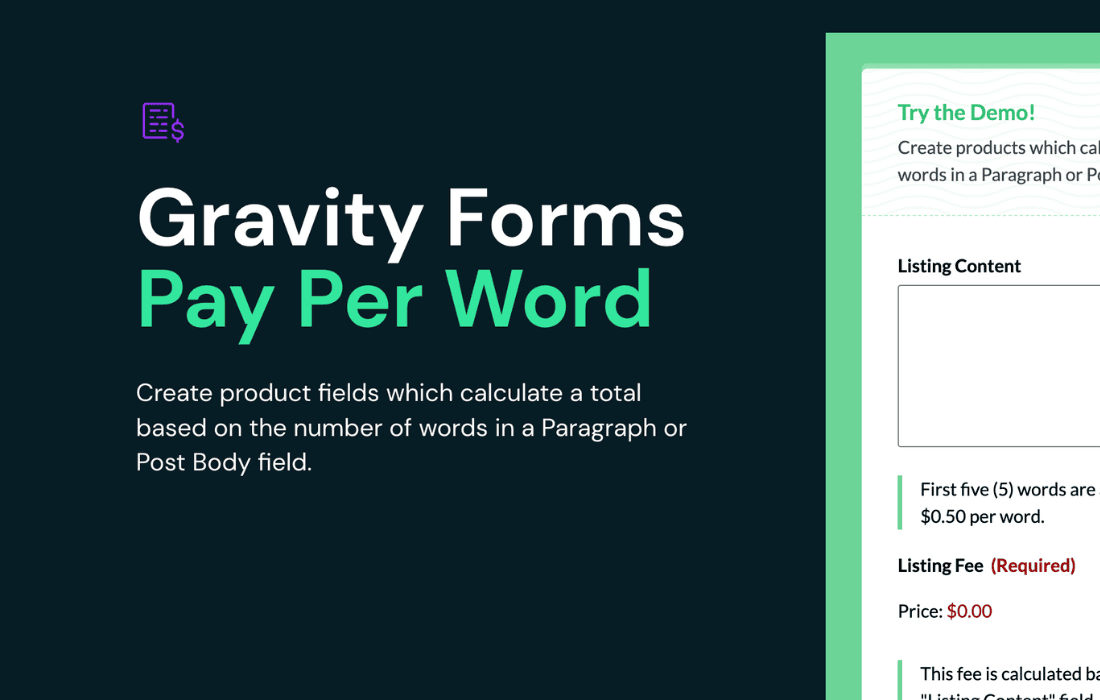
Gravity Perks Pay Per Word transforms your Gravity Forms into a powerful, automated billing engine for text-based services. If you offer professional writing, editing, translation, or transcription services, this perk eliminates the manual headache of counting words and calculating invoices. By dynamically calculating costs based on the length of user-submitted text, you ensure accurate billing every single time, allowing you to focus on your craft while your forms handle the financial logistics.
Key Features
- Dynamic Cost Calculation: Automatically calculates the total price of a submission based on the number of words entered into a Paragraph or Single Line Text field.
- Flexible Pricing Models: Set a flat rate per word, or implement tiered pricing structures to accommodate different service levels or complexity requirements.
- Real-Time Updates: Users see the total cost update instantly as they type, providing immediate transparency and reducing cart abandonment.
- Seamless Gravity Forms Integration: Works natively with your existing forms, allowing you to pass the calculated total directly to your payment processor, such as Stripe or PayPal.
- Minimum and Maximum Constraints: Easily enforce word count limits or minimum billing thresholds to ensure every project meets your profitability requirements.
- Support for Multiple Fields: Configure the perk to calculate word counts from one or multiple text fields, giving you total control over how you bill for complex forms.
- User-Friendly Configuration: Manage all settings directly within the Gravity Forms field editor, requiring no custom coding or complex technical setup.
Use Cases / Who It’s For
Gravity Perks Pay Per Word is an essential tool for any business that charges based on the volume of content. It is specifically designed for freelance writers, copywriters, and editors who need a reliable way to charge clients for blog posts, articles, or manuscript reviews. By automating the math, you remove the friction from the client experience and ensure you are always paid exactly what you are owed.
Beyond individual freelancers, this perk is highly effective for translation agencies that need to provide instant quotes for document translation services. It is also perfect for transcription services, where the length of the audio transcript directly dictates the project cost. Whether you are running a boutique agency or a solo operation, this tool professionalizes your intake process, builds trust with your clients through transparent pricing, and saves you countless hours of administrative work.
Setup / How It Works
- Install and Activate: Ensure you have Gravity Forms and the Gravity Perks plugin installed on your WordPress site, then activate the Pay Per Word perk.
- Add a Text Field: Open your desired form in the Gravity Forms editor and add a Paragraph or Single Line Text field where users will input their content.
- Enable the Perk: Navigate to the Pay Per Word settings within the field’s settings tab. Enable the functionality and define your price per word.
- Configure Pricing: Set your desired rate. You can choose to apply this rate to the total word count of the field or set up advanced rules if you are using multiple fields.
- Connect to Payment: Ensure your form is connected to a payment gateway (like Stripe or PayPal) and set the payment amount to be determined by the calculation provided by the perk.
- Test and Publish: Preview your form to ensure the word count is being tracked correctly and the price updates in real-time as you type. Once verified, publish your form to start accepting paid submissions.