
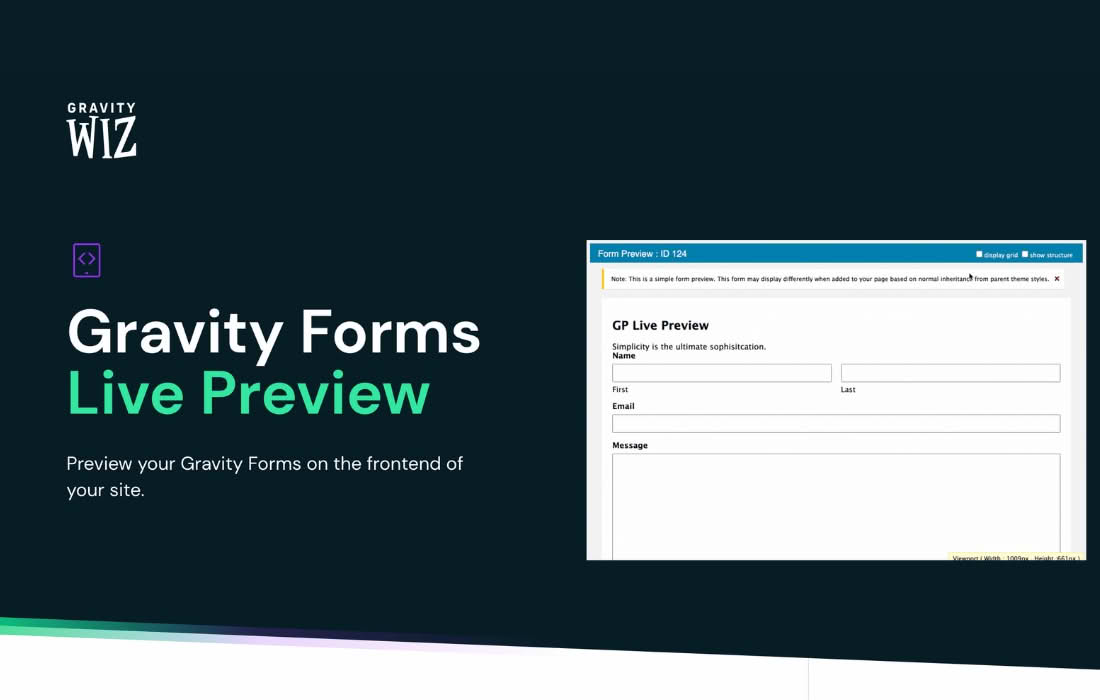
Gravity Perks Live Preview transforms the user experience on your Gravity Forms by allowing users to see a real-time, dynamic preview of their form entries before they hit the submit button. By bridging the gap between data entry and final submission, this plugin builds user confidence, reduces frustration, and significantly improves the quality of the data you receive. Whether you are running a complex application process, a custom product order form, or a detailed survey, Live Preview ensures your users know exactly what they are submitting, leading to fewer errors and a more professional interaction with your website.
Key Features
- Real-Time Rendering: Automatically generates a preview of the submitted data as the user fills out the form, providing instant visual feedback.
- Customizable Preview Templates: Take full control over how the preview looks using standard HTML and merge tags, ensuring the preview matches your site’s branding and layout.
- Conditional Logic Support: Seamlessly integrates with Gravity Forms’ native conditional logic, meaning only the fields relevant to the user’s specific journey are displayed in the preview.
- Multiple Preview Locations: Choose where the preview appears‚Äîwhether it is a modal window, a dedicated section above or below the form, or a separate page‚Äîto best fit your site’s design.
- Field-Specific Exclusions: Easily hide sensitive or irrelevant fields from the preview, such as hidden fields, security tokens, or internal administrative notes.
- Mobile-Responsive Design: Ensures that the preview experience is just as functional and clean on smartphones and tablets as it is on desktop computers.
Use Cases and Who It’s For
Gravity Perks Live Preview is an essential tool for any WordPress site owner who relies on complex or high-stakes forms. If your business involves collecting detailed information, Live Preview acts as a final quality assurance step that benefits both the user and the administrator.
For e-commerce store owners using Gravity Forms for custom product orders, Live Preview allows customers to verify their selections, personalization, and shipping details before finalizing their purchase, which drastically reduces order errors and customer support inquiries. Educational institutions and HR departments benefit by allowing applicants to review long-form applications, ensuring that all required information is accurate and formatted correctly before the official submission. Furthermore, service providers and consultants can use the plugin to present a summary of project requirements or quote requests, fostering transparency and trust during the lead generation process.
Setup and How It Works
Getting started with Live Preview is designed to be straightforward for both developers and site administrators:
- Installation: Install and activate the plugin alongside Gravity Forms.
- Configuration: Navigate to the settings for your specific form and locate the Live Preview tab.
- Design the Preview: Use the template editor to define the layout of the preview. You can use standard HTML and Gravity Forms merge tags to pull in the user’s input dynamically.
- Placement: Choose your preferred display method, such as a “Preview” button that triggers a pop-up modal or an inline preview that updates as the user types.
- Testing: Save your settings and test the form on the front end to ensure the preview captures the data exactly as you intended.
Similar Plugins
While there are various ways to handle form submissions in WordPress, Gravity Perks Live Preview is unique in its deep integration with the Gravity Forms ecosystem. Other solutions often involve third-party form builders or complex custom development. Alternatives like Gravity Forms Preview Submission or various generic “form preview” add-ons exist, but they often lack the granular control over merge tags, conditional logic support, and the robust developer-friendly hooks that are standard with the Gravity Perks suite.