
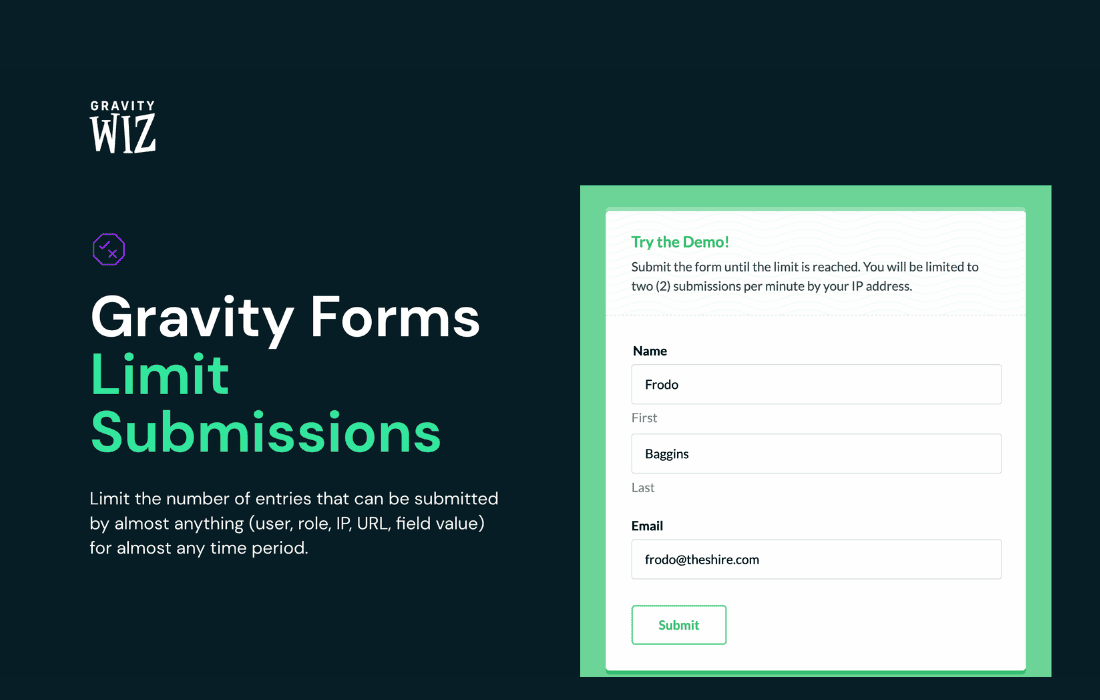
Take complete control over your Gravity Forms submissions with Gravity Perks Limit Submissions. This powerful add-on allows you to restrict how many times a form can be submitted based on a variety of criteria, ensuring your data remains accurate, preventing spam, and managing contest entries or inventory with ease. Whether you need to limit submissions by user, IP address, or total form capacity, this plugin provides the precision tools necessary to maintain the integrity of your site’s forms.
Key Features
- Flexible Limit Rules: Set submission limits based on the total number of entries for the entire form, or restrict by specific fields like email address, IP address, or logged-in user ID.
- Customizable Error Messages: Provide clear feedback to users when they have reached their submission limit, ensuring a professional user experience.
- Conditional Logic Integration: Apply limits only when specific conditions are met, allowing for highly targeted restrictions that fit your unique workflows.
- Support for Multiple Limits: Create complex restriction rules by combining different limit types to meet your exact business requirements.
- Seamless Gravity Forms Integration: Built specifically for the Gravity Forms ecosystem, ensuring stability, security, and a familiar interface within your WordPress dashboard.
- Entry Management: Easily track and manage how many submissions have been received against your defined limits, giving you full visibility into your form activity.
Use Cases and Who It’s For
Gravity Perks Limit Submissions is an essential tool for any website owner or developer using Gravity Forms to manage user interaction. If you are running a contest, giveaway, or limited-time promotion, this plugin is perfect for ensuring that each participant only submits one entry, maintaining fairness and preventing duplicate submissions that could skew your results.
For business owners managing inventory or booking systems, this plugin acts as a safeguard. You can easily set a maximum number of submissions for a specific service or product request, effectively creating a “stock” limit for your forms. Once the limit is reached, the form can automatically disable itself or display a custom message, preventing overbooking and saving you from the administrative headache of managing excess requests.
It is also a vital asset for those dealing with high-traffic forms where spam is a concern. By limiting submissions by IP address or email, you add an extra layer of defense against automated bots and malicious users who attempt to overwhelm your database with junk entries.
Setup and How It Works
Getting started with Gravity Perks Limit Submissions is designed to be intuitive for any Gravity Forms user. The configuration happens directly within the form settings area you are already familiar with.
- Install and Activate: Ensure you have the Gravity Perks plugin framework installed, then activate the Limit Submissions perk.
- Access Form Settings: Navigate to your specific form in the Gravity Forms editor and locate the “Limit Submissions” tab within the Form Settings menu.
- Configure Rules: Choose your limit type (e.g., total submissions, or submissions per user/IP) and define the maximum count allowed.
- Set Feedback: Customize the message that will be displayed to users who attempt to submit the form after the limit has been reached.
- Save and Test: Save your settings and perform a test submission to verify that the restriction triggers exactly as expected.
Similar Plugins
While Gravity Perks Limit Submissions is the premier choice for users within the Gravity Perks ecosystem, other solutions exist for those not using this specific framework. Alternatives include the “Gravity Forms Limit Submissions” add-on by various third-party developers found on the WordPress plugin repository, or more general-purpose form restriction plugins that offer similar entry-limiting functionality for Gravity Forms. However, Gravity Perks remains the most tightly integrated and officially supported solution for the Gravity Forms platform.