
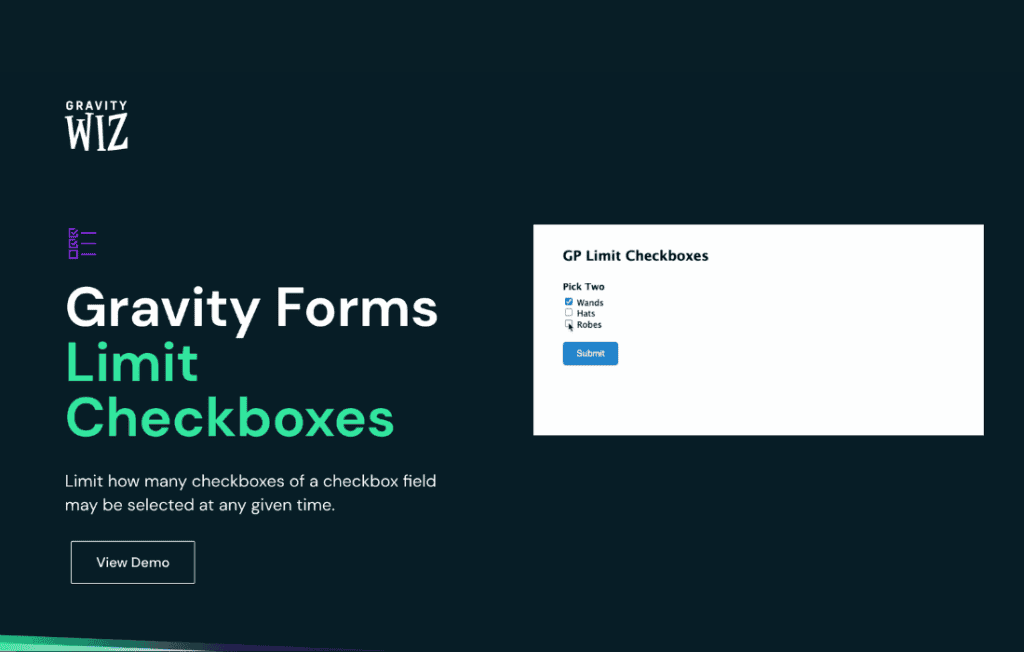
Take full control over your Gravity Forms checkbox fields with Gravity Perks Limit Checkboxes. This powerful add-on allows you to enforce strict selection rules on your forms, ensuring users select exactly the number of options you require. Whether you need to prevent form submission errors, manage inventory, or guide user behavior, this perk provides the precision you need to keep your data clean and your user experience seamless.
Key Features
- Flexible Selection Limits: Set a minimum, maximum, or exact number of checkboxes that a user must select before they can submit the form.
- Real-Time Validation: Users receive immediate visual feedback if they attempt to select too many or too few options, reducing frustration and form abandonment.
- Dynamic Messaging: Customize the error messages displayed to users to ensure they understand exactly what is required to proceed.
- Seamless Integration: Designed specifically for Gravity Forms, this perk integrates directly into the field settings, requiring no complex coding or custom development.
- Support for Multiple Fields: Apply different selection limits to multiple checkbox fields on the same form, giving you granular control over every aspect of your data collection.
- Lightweight and Efficient: Built for performance, this perk ensures your forms remain fast and responsive, even with complex validation rules in place.
Use Cases and Who It’s For
Gravity Perks Limit Checkboxes is an essential tool for any WordPress site owner who relies on Gravity Forms for data collection. If you are running an e-commerce store, a membership site, or a simple contact form, you often need to restrict user choices to maintain data integrity.
Event planners use this perk to limit the number of workshops a participant can register for, ensuring that session capacities are never exceeded. Non-profit organizations use it to allow donors to select specific causes while capping the total number of selections to keep administrative tasks manageable. It is also perfect for contest organizers who want to ensure participants choose a specific number of categories or preferences without allowing them to select “everything” by default.
Setup and How It Works
Getting started with Limit Checkboxes is designed to be intuitive for any Gravity Forms user. Because it is part of the Gravity Perks ecosystem, the configuration happens directly within the familiar Gravity Forms builder interface.
- Install and activate the Gravity Perks plugin, then enable the Limit Checkboxes perk.
- Navigate to your desired form in the Gravity Forms editor.
- Add or select an existing Checkbox field.
- Open the field settings and locate the “Limit Checkboxes” tab.
- Define your minimum and maximum selection requirements.
- Customize the validation message that will appear if a user exceeds or falls short of your set limits.
- Save your form, and the validation will be automatically applied to the front end.
Similar Plugins
While various snippets and custom code solutions exist to limit checkbox selections, Gravity Perks Limit Checkboxes stands out due to its native integration with the Gravity Forms ecosystem. Other third-party plugins or “add-on” collections for Gravity Forms may offer similar functionality, but they often lack the consistent maintenance, dedicated support, and deep compatibility testing that comes with the official Gravity Perks suite. If you are already utilizing the Gravity Perks framework, this is the most reliable and efficient way to manage checkbox constraints.