
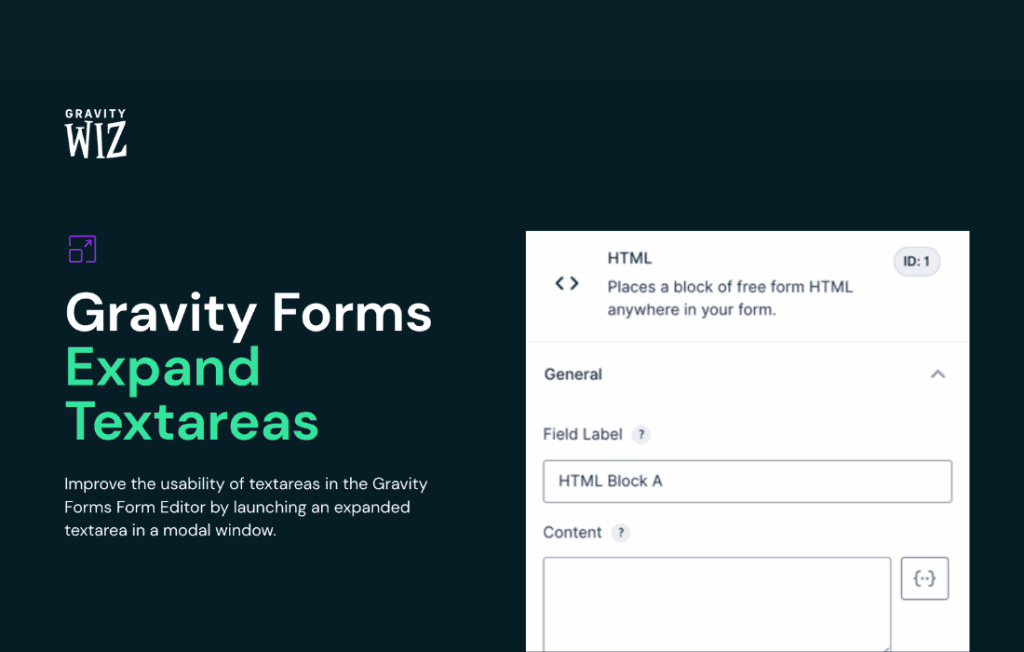
Gravity Perks Expand Textareas is a lightweight, user-experience-focused plugin designed to solve a common frustration with standard Gravity Forms textareas. By default, multi-line text fields can feel cramped and restrictive, often leading to a poor user experience when visitors try to review or edit long-form content. This plugin transforms those static boxes into dynamic, user-friendly areas that automatically adjust to the content being entered, ensuring your users have the space they need to communicate effectively without feeling confined.
Key Features
- Dynamic Auto-Resizing: The textarea automatically expands in height as the user types, preventing the need for tedious scrolling within a small, fixed-height box.
- Improved User Experience: By providing a clear view of the entire message, users are less likely to make errors and more likely to provide high-quality, thoughtful responses.
- Seamless Integration: Designed specifically for the Gravity Forms ecosystem, it works flawlessly with your existing forms without requiring complex configuration.
- Lightweight Performance: Engineered to be efficient, ensuring that your site speed and form performance remain unaffected by the added functionality.
- Mobile-Friendly Design: The expansion logic is optimized to behave predictably across various screen sizes, ensuring a consistent experience for mobile and desktop users alike.
- Minimal Configuration: Get up and running in seconds with a simple “set it and forget it” approach that requires no custom coding or advanced technical knowledge.
Use Cases / Who It’s For
This plugin is an essential tool for any website owner or developer who relies on Gravity Forms to collect substantial amounts of information from users. If your forms include fields for comments, support tickets, detailed project briefs, or long-form feedback, this plugin is for you.
For customer support teams, it helps users draft clearer, more detailed inquiries, which can lead to faster resolution times. For businesses using forms for intake or project management, it encourages clients to provide comprehensive information right from the start, reducing the back-and-forth communication needed to clarify details. Whether you are running a creative agency, a membership site, or an e-commerce store with custom product requests, Gravity Perks Expand Textareas ensures that your forms feel modern, professional, and accessible.
Setup / How It Works
- Install and Activate: Install the Gravity Perks plugin suite and ensure the Expand Textareas perk is activated.
- Select Your Form: Navigate to your existing Gravity Form in the WordPress dashboard.
- Enable the Setting: Open the settings for your specific Paragraph Text field. Within the field settings, you will find a simple checkbox to enable the Expand Textareas functionality.
- Save and Publish: Save your form settings. Once published, your textareas will automatically detect user input and adjust their height dynamically to accommodate the text.
Why Choose This Perk?
In the world of web forms, user friction is the enemy of conversion. When a user feels like they are fighting against the interface, they are more likely to abandon the form entirely. Gravity Perks Expand Textareas removes a subtle but significant layer of friction. By allowing the form to adapt to the user rather than forcing the user to adapt to a rigid, cramped input field, you create a more natural and satisfying interaction. This plugin is part of the trusted Gravity Perks library, meaning it is built with the same high standards for code quality, security, and long-term compatibility that Gravity Forms users have come to expect.