
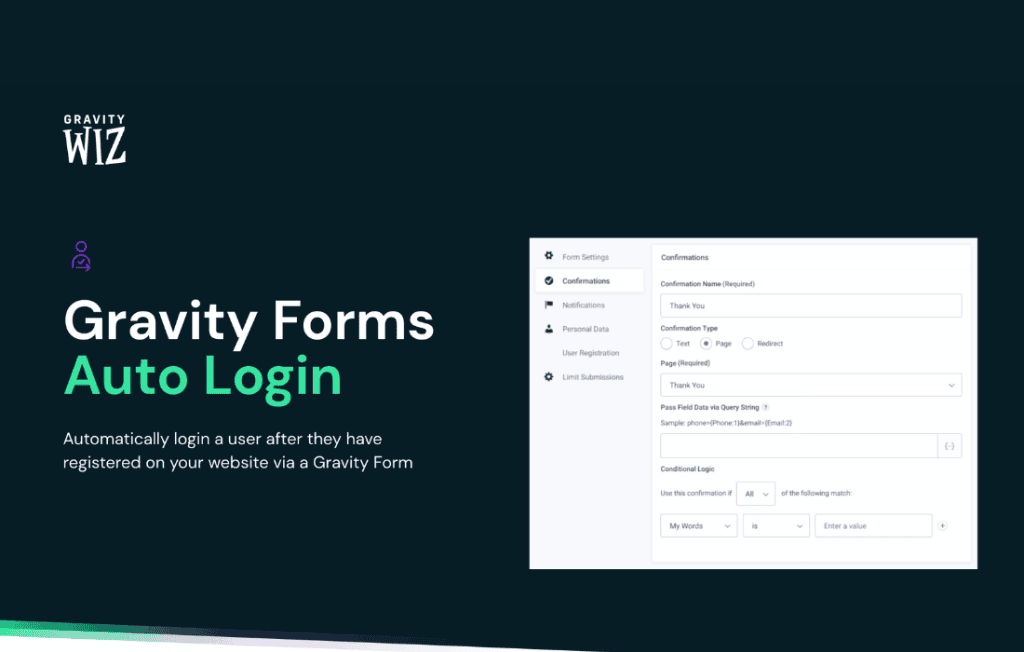
Gravity Perks Auto Login streamlines the user experience on your WordPress site by automatically logging users in the moment they complete a Gravity Form. By eliminating the friction of manual login processes after registration, you reduce bounce rates, increase account activation, and ensure your new members are immediately engaged with your content. Whether you are building a membership site, a community portal, or a customer onboarding flow, this perk ensures a seamless transition from form submission to authenticated access.
Key Features
- Instant Authentication: Automatically log users into your WordPress site immediately upon successful submission of a Gravity Form, removing the need for them to navigate to a separate login page.
- Seamless User Experience: Create a frictionless onboarding journey that keeps momentum high, ensuring users can access their new accounts without interruption.
- Flexible Triggering: Configure the perk to trigger only on specific forms, giving you full control over which registration processes benefit from automatic login.
- Secure Implementation: Built with security in mind, the perk ensures that the login process remains consistent with standard WordPress authentication protocols.
- Easy Integration: Designed specifically for the Gravity Perks ecosystem, it works harmoniously with your existing Gravity Forms setup without requiring complex custom coding.
- Developer Friendly: Includes hooks and filters that allow advanced users to customize the behavior of the auto-login process to meet unique project requirements.
Use Cases / Who It’s For
Gravity Perks Auto Login is an essential tool for any site administrator who prioritizes user experience and conversion efficiency. If your business model relies on users creating accounts to access premium content, services, or community features, this plugin is designed for you.
Membership Sites: When a new member signs up, they expect immediate access to the resources they just paid for. Auto Login eliminates the “check your email for your password” delay, allowing them to dive straight into your member area.
Community and Forum Portals: For sites that rely on user-generated content, the faster a user can get from “sign up” to “post,” the more likely they are to become an active contributor. This perk removes the barrier of a secondary login step.
E-commerce and Customer Portals: If you allow customers to register during checkout or through a dedicated account creation form, Auto Login ensures they are immediately recognized by your system, allowing for a personalized post-purchase experience.
Lead Generation and Onboarding: For businesses that use gated content, the transition from filling out a lead form to accessing the gated material should be instantaneous. Auto Login ensures that your leads are converted into authenticated users in a single click.
Setup / How It Works
Getting started with Gravity Perks Auto Login is designed to be straightforward, allowing you to enhance your registration forms in minutes:
- Installation: Ensure you have the Gravity Perks plugin installed and activated on your WordPress site.
- Enable the Perk: Navigate to the Perks section within your WordPress dashboard and activate the Auto Login perk.
- Form Configuration: Open the specific Gravity Form you wish to use for registration.
- Settings Tab: Locate the Auto Login settings within the form’s settings menu.
- Toggle Activation: Enable the Auto Login feature for that specific form.
- Save and Test: Save your form settings and perform a test submission to ensure the user is automatically logged in upon success.
Similar Plugins
While various plugins offer login functionality, Gravity Perks Auto Login is unique in its deep, native integration with the Gravity Forms ecosystem. Other solutions often rely on generic “auto-login” functionality that may not respect the conditional logic or specific validation requirements of your Gravity Forms setup. Alternatives often include general-purpose membership plugins that bundle login features, such as MemberPress or Ultimate Member, though these are typically full-suite solutions rather than targeted tools for enhancing existing Gravity Forms.