
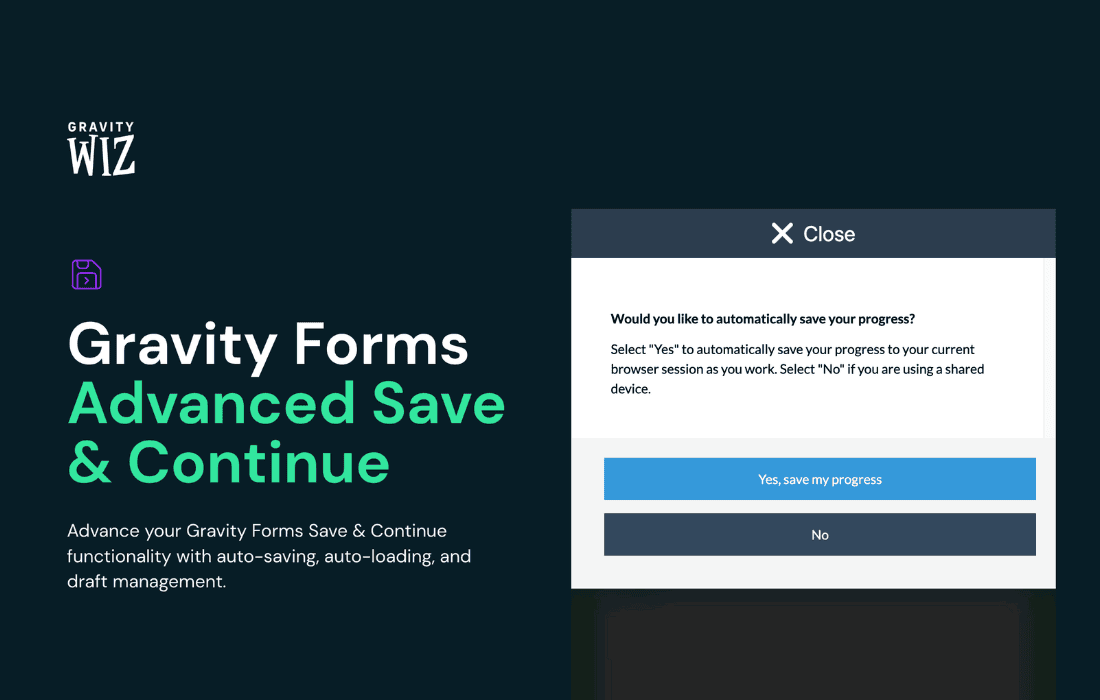
Stop losing potential leads and frustrated users to long, complex forms. Gravity Perks Advanced Save & Continue transforms the standard Gravity Forms user experience by allowing your visitors to save their progress and return to complete their submissions exactly where they left off. Whether you are managing lengthy application forms, multi-page registrations, or detailed surveys, this plugin ensures that your users never have to restart a submission from scratch, significantly increasing your form completion rates and improving overall user satisfaction.
Key Features
- Seamless Progress Persistence: Automatically saves user input as they navigate through multi-page forms, ensuring no data is lost if the browser is closed or the session expires.
- Unique Save Links: Generates a secure, unique URL for each user, allowing them to bookmark their progress or receive an email link to resume their submission at a more convenient time.
- Email Integration: Automatically sends a personalized email containing the unique resume link to the user, keeping them engaged and encouraging them to finish the process.
- Customizable Resume Experience: Tailor the user interface to match your brand, including custom messaging, button labels, and email templates that guide the user back to their form.
- Session Expiration Control: Define how long a user’s progress is stored, giving you full control over data retention and security policies.
- Compatibility Focused: Built specifically for the Gravity Forms ecosystem, ensuring stable performance and conflict-free integration with your existing forms.
Use Cases and Who It’s For
Gravity Perks Advanced Save & Continue is an essential tool for any website owner or developer who relies on data-heavy forms to conduct business. If your forms require more than a few minutes to complete, you are likely suffering from “form abandonment.” This plugin is the perfect solution for:
Educational Institutions and Training Centers: For complex enrollment or application forms that require students to gather documents or information over several hours or days.
Human Resources and Recruitment: Ideal for job application forms or employee onboarding processes where candidates need to provide extensive background information, references, and file uploads.
Event Planners: Perfect for multi-stage registration forms that require attendees to select sessions, provide dietary requirements, and process payments, all of which take time to coordinate.
Service Providers and Agencies: If you use “Request a Quote” forms that ask for detailed project specifications, this plugin allows your clients to step away and return when they have the necessary project files or budget details on hand.
Setup and How It Works
Getting started with Advanced Save & Continue is designed to be straightforward, requiring minimal configuration to get up and running on your WordPress site.
- Install and Activate: Once you have installed the perk, navigate to the Gravity Forms settings for the specific form you wish to enhance.
- Enable the Perk: Locate the Advanced Save & Continue settings within the form’s “Perks” tab and toggle the feature to active.
- Configure Notifications: Set up the email notification template that will be sent to the user. You can customize the subject line and body text to include the unique resume link using the provided merge tags.
- Customize the Interface: Adjust the “Save” button text and the confirmation message that appears once a user decides to save their progress.
- Test the Workflow: Preview your form, fill out a few fields, and trigger the save function to ensure the email is received and the resume link correctly restores your data.
Similar Plugins
While Gravity Forms includes a basic, built-in “Save and Continue” feature, Gravity Perks Advanced Save & Continue is designed to provide a more robust, flexible, and feature-rich alternative. Other solutions in the WordPress ecosystem often involve third-party add-ons or custom development work, but few offer the seamless, native integration and dedicated support found within the Gravity Perks suite.