
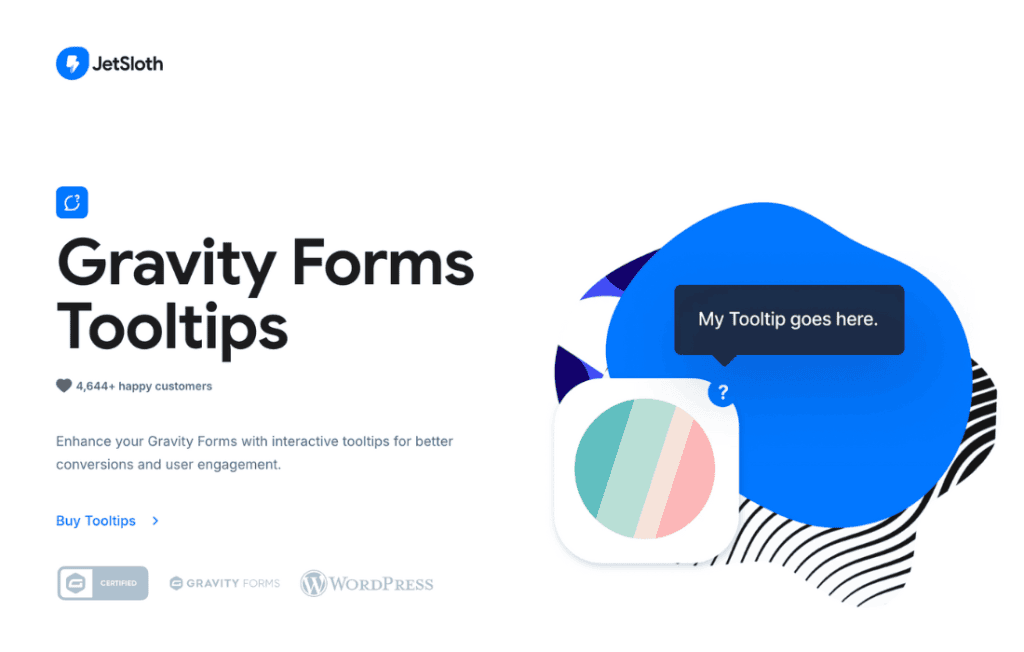
Gravity Forms Tooltips is the essential bridge between complex form fields and a seamless user experience. By adding informative, unobtrusive, and highly customizable tooltips to your Gravity Forms, you can provide instant guidance to your users exactly when they need it. Whether you are aiming to reduce form abandonment, clarify confusing input requirements, or simply provide a cleaner interface by removing bulky instructional text, this plugin empowers you to create more intuitive, professional, and conversion-friendly forms.
Key Features
- Seamless Integration: Designed specifically for Gravity Forms, allowing you to add tooltips directly from the standard form editor interface without needing to touch code.
- Customizable Triggers: Choose how your users interact with tooltips, whether through a simple hover action or a click-to-open approach, ensuring compatibility with both desktop and mobile devices.
- Rich Content Support: Go beyond plain text. You can include HTML, images, or links within your tooltips to provide comprehensive explanations or visual aids.
- Flexible Positioning: Control exactly where the tooltip appears relative to the field label or input, ensuring it never obstructs important form elements.
- Styling Options: Match the look and feel of your website by customizing the colors, font sizes, and border styles of your tooltips directly through the settings.
- Mobile-Responsive Design: Ensures that your tooltips function perfectly on smaller screens, preventing common issues where tooltips might be cut off or inaccessible on mobile devices.
- Performance Focused: Built with lightweight code to ensure that your forms remain fast and performant, maintaining a smooth experience for your visitors.
Use Cases and Who It’s For
Gravity Forms Tooltips is an invaluable tool for any website owner, developer, or agency looking to improve data quality and user satisfaction. If your forms require users to input technical data, complex financial information, or specific formatting, tooltips act as an on-demand help desk. For example, e-commerce stores can use them to explain shipping policies or product sizing, while professional service sites can clarify what specific documents or information are required in a contact or quote request form.
By providing context directly next to the input field, you eliminate the need for users to scroll away from the form to find answers in an FAQ section or help document. This reduction in friction is a proven strategy for increasing form completion rates and reducing the number of support tickets generated by confused users. It is the perfect solution for anyone who values a clean, minimalist design but refuses to sacrifice clarity for their end users.
Setup and How It Works
- Installation: Install and activate the plugin through your WordPress dashboard just like any other standard plugin.
- Form Editor Access: Navigate to your desired form within the Gravity Forms editor.
- Field Configuration: Select the field where you want to add a tooltip. You will see a new tab or option specifically for the tooltip settings.
- Content Entry: Enter the text or HTML content you wish to display in the tooltip.
- Customization: Adjust the trigger settings and appearance to match your site’s branding.
- Save and Preview: Save your form settings and preview the form on the front end to ensure the tooltip appears and functions exactly as expected.
Similar Plugins
While Gravity Forms Tooltips is built specifically for the Gravity Forms ecosystem, other options for adding tooltips to WordPress include general-purpose tooltip plugins like Tooltipy or various “Help Text” add-ons available within the Gravity Forms third-party marketplace. However, Gravity Forms Tooltips remains a preferred choice for those seeking a dedicated, lightweight solution that integrates natively with the Gravity Forms field settings.