
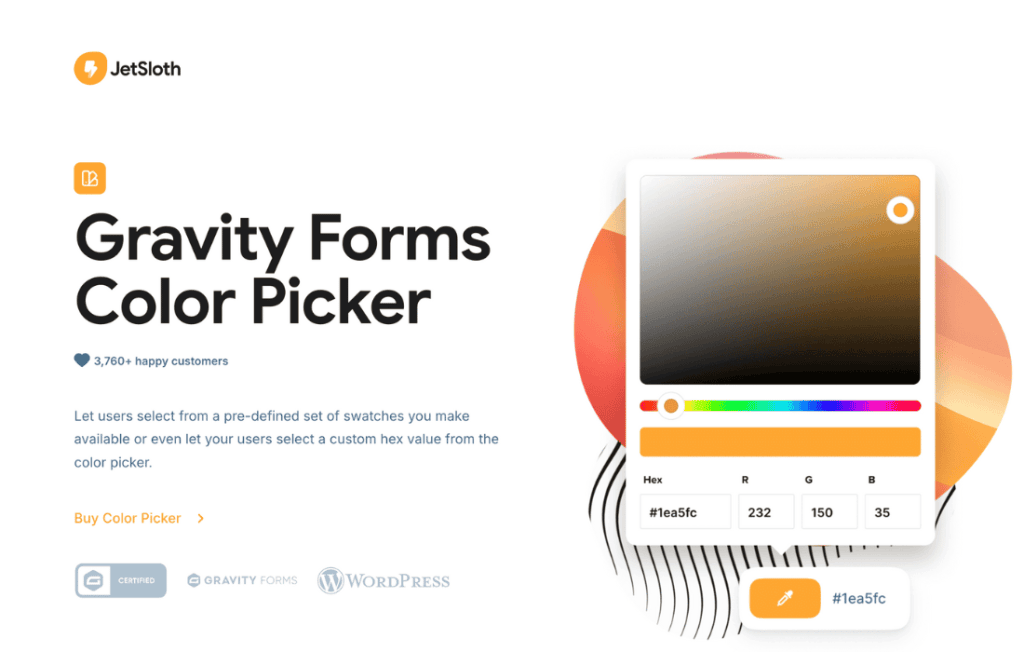
Elevate the visual appeal and user experience of your forms with the Gravity Forms Color Picker. This essential add-on bridges the gap between functional data collection and your brand’s aesthetic identity by allowing users to select colors directly within your Gravity Forms. Whether you are building a product customizer, a design request form, or a personalized booking interface, this plugin provides a seamless, intuitive way to gather color preferences without forcing users to type complex hex codes or vague descriptions.
Key Features
- Intuitive Color Selection: Replace standard text input fields with a modern, user-friendly color picker interface that allows users to select colors visually.
- Full Hex Support: Automatically captures the selected color as a standard Hex code, ensuring compatibility with your existing backend processes, CRM integrations, or email notifications.
- Seamless Gravity Forms Integration: Designed specifically for the Gravity Forms ecosystem, ensuring that the color picker field functions exactly like any other native field type.
- Customizable Default Colors: Set a pre-selected default color to guide your users or match your brand’s primary palette from the moment they load the form.
- Mobile-Responsive Design: Ensures that the color selection experience is smooth and accessible across all devices, including tablets and smartphones.
- Lightweight and Efficient: Built for performance, the plugin ensures that your forms remain fast and responsive, avoiding unnecessary bloat that can impact load times.
Use Cases and Who It’s For
The Gravity Forms Color Picker is an indispensable tool for web developers, agency owners, and e-commerce store managers who need to collect specific design requirements from their clients or customers. If you are running a business where customization is a core part of the service, this plugin eliminates the guesswork.
For e-commerce store owners, it is perfect for product personalization forms, allowing customers to choose the exact color of a custom-made item. For creative agencies and freelance designers, it simplifies the intake process for branding projects, enabling clients to submit their preferred color schemes directly through a contact or project brief form. It is also an excellent solution for event planners who need to collect theme color preferences for weddings or corporate events, ensuring that every detail is captured accurately and professionally.
Setup and How It Works
Getting started with the Gravity Forms Color Picker is straightforward and requires no complex coding knowledge. The plugin is designed to integrate directly into your existing workflow within the WordPress dashboard.
- Installation: Install and activate the plugin through your WordPress dashboard just like any other standard plugin.
- Field Selection: Navigate to your desired form within the Gravity Forms editor.
- Add Field: You will see a new field type specifically for the Color Picker. Drag and drop this field onto your form canvas.
- Configure Settings: Click on the field to open its settings. Here, you can define the field label, set a default color, and configure any necessary validation or conditional logic.
- Save and Publish: Once configured, save your form. The color picker will automatically appear on the front end, ready to collect data from your users.
Similar Plugins
While there are various ways to implement color selection in WordPress, the Gravity Forms Color Picker is specifically engineered for deep integration with the Gravity Forms plugin architecture. Other solutions, such as general-purpose color picker plugins or custom-coded JavaScript implementations, often lack the native field-mapping, conditional logic support, and entry management capabilities that this dedicated add-on provides. By choosing a solution built specifically for the Gravity Forms ecosystem, you ensure long-term stability and consistent functionality as your site evolves.