
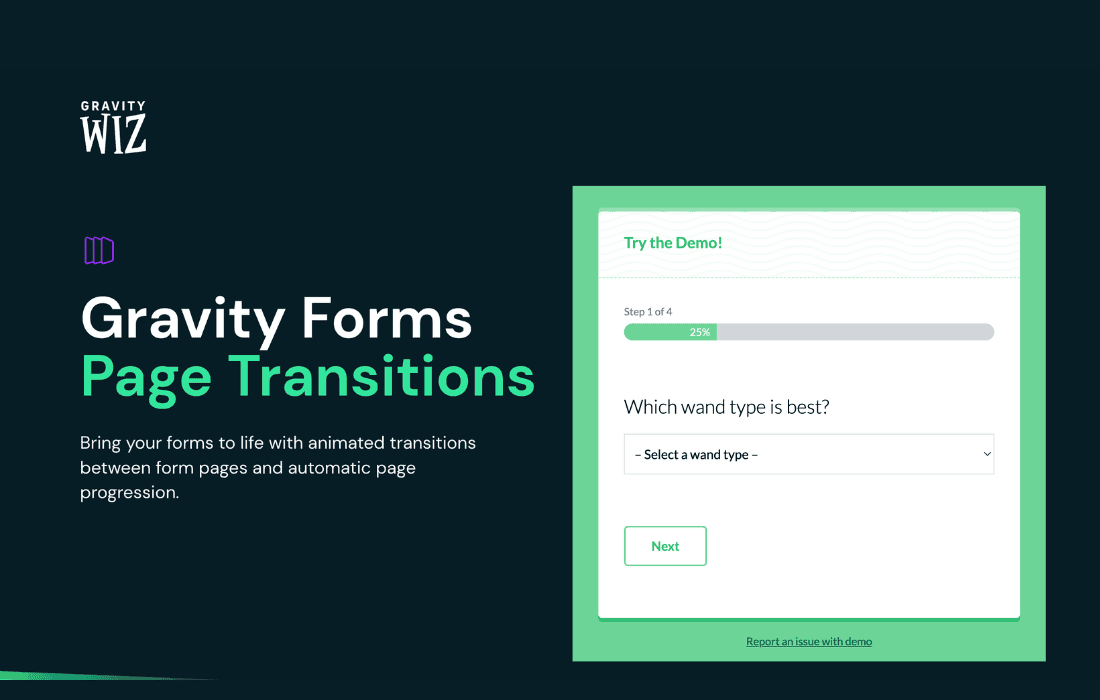
Elevate your website‚Äôs user experience with GP Page Transitions, a lightweight and intuitive WordPress plugin designed to add smooth, professional-grade animation effects between your site’s pages. Instead of abrupt, jarring page reloads, your visitors will enjoy seamless, fluid transitions that make your site feel like a high-end application. Whether you are a creative professional, a brand owner, or a developer looking to add that extra layer of polish, this plugin helps you create a memorable browsing experience that keeps users engaged.
Key Features
- Smooth Animation Effects: Choose from a variety of pre-built, elegant transition animations that trigger automatically when a user clicks a link or navigates between pages.
- Performance-Focused Design: Built with speed in mind, the plugin ensures that your site’s loading times remain optimized without sacrificing visual appeal.
- Intuitive Customization: Easily configure your transition settings directly from the WordPress dashboard. You can toggle effects on or off and adjust timing to match your site’s unique rhythm.
- Seamless Integration: Designed to work harmoniously with most WordPress themes and page builders, ensuring compatibility without requiring complex coding knowledge.
- Responsive Behavior: Transitions are optimized to perform flawlessly across all devices, from desktop monitors to mobile phones, ensuring a consistent brand experience everywhere.
- Minimalist Configuration: No bloated settings menus. Get up and running in minutes with a straightforward interface that focuses on getting the job done efficiently.
Use Cases / Who It’s For
GP Page Transitions is perfect for anyone who wants to move beyond the standard, static web experience. If you are a creative freelancer or agency, these smooth transitions serve as a subtle indicator of quality, showing clients that you pay attention to the smallest details of their digital presence. For portfolio sites, the plugin helps maintain a sense of continuity, allowing your work to take center stage without the distraction of harsh page refreshes.
E-commerce store owners can also benefit by creating a more immersive shopping environment. By smoothing out the navigation between product categories and checkout pages, you reduce the “stop-and-start” feeling of traditional browsing, which can contribute to a more professional and trustworthy brand image. Ultimately, this plugin is for anyone who believes that user experience is just as important as the content itself.
Setup / How It Works
Getting started with GP Page Transitions is designed to be a frictionless process, allowing you to enhance your site in just a few simple steps:
- Installation: Upload the plugin zip file via your WordPress admin dashboard under Plugins > Add New, or install it directly from the repository.
- Activation: Once installed, click the Activate button to enable the plugin functionality.
- Configuration: Navigate to the plugin settings page within your dashboard. Here, you can select your preferred transition style from the available options.
- Customization: Adjust the animation speed or duration if needed to ensure the effect feels natural with your specific site content.
- Save and Preview: Save your changes and visit your site on the front end to see the new transitions in action. No additional code or theme file editing is required.
Similar Plugins
If you are exploring options to enhance your site’s navigation and visual flow, there are other tools available in the WordPress ecosystem that offer similar functionality. Plugins such as Animsition, Page Transitions by WP-Plugins, and various animation-focused add-ons for popular page builders like Elementor or Beaver Builder also provide methods for injecting motion into page loads. While these alternatives offer different sets of animation libraries and configuration depth, GP Page Transitions remains a focused, lightweight choice for users who prioritize simplicity and ease of use.