
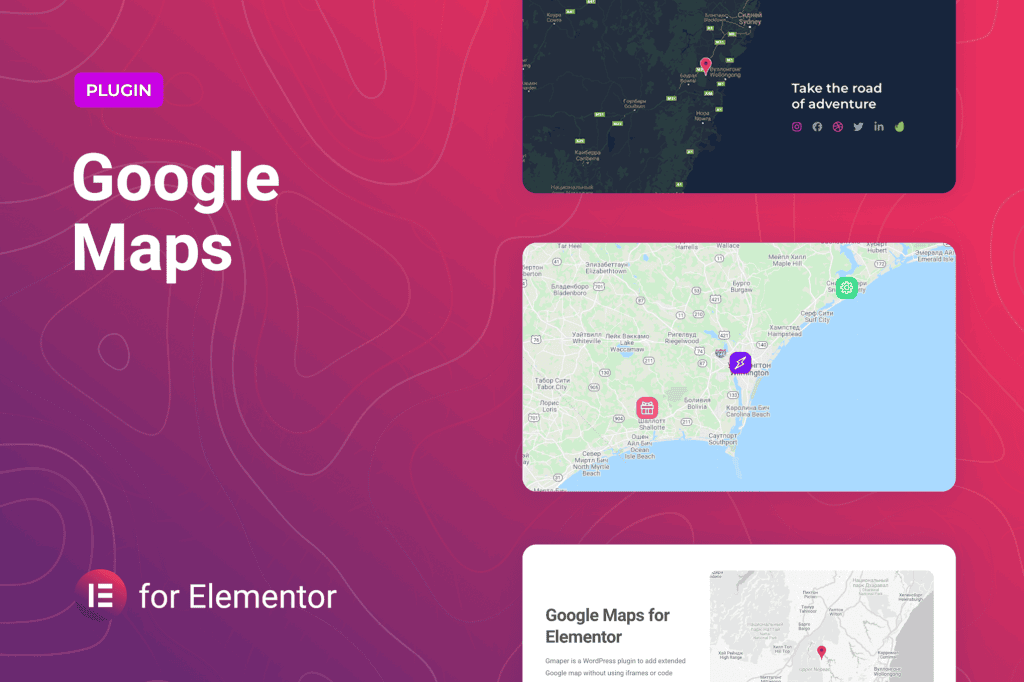
Transform your website’s location pages into interactive, professional experiences with Google Maps for Elementor. Designed specifically for the Elementor page builder, this plugin bridges the gap between complex Google Maps API configurations and intuitive design. Whether you are a local business owner looking to help customers find your storefront or a web developer building high-end client sites, this tool provides the seamless integration needed to display maps that are not only functional but also perfectly aligned with your brand’s aesthetic.
Key Features
- Drag-and-Drop Integration: Experience true design freedom by simply dragging the Google Maps widget directly onto your Elementor canvas, eliminating the need for manual shortcodes or complex coding.
- Custom Map Styling: Take full control over the look and feel of your maps. Customize colors, hide or show specific map elements, and apply custom JSON styles to ensure your map matches your website’s color palette and branding.
- Multiple Marker Support: Showcase multiple locations on a single map. Perfect for businesses with several branches, service areas, or event locations, allowing users to toggle between different points of interest easily.
- Custom Marker Icons: Move beyond the default red pin. Upload your own custom images or icons to represent your business locations, creating a more personalized and professional look.
- Interactive Info Windows: Enhance user engagement by adding custom content to map markers. When a user clicks a pin, they can see detailed information, including business hours, contact details, or promotional text, formatted exactly how you want.
- Responsive Design: Ensure your maps look perfect on every device. The plugin is fully responsive, automatically adjusting to fit desktop, tablet, and mobile screens without sacrificing usability.
- Advanced Control Options: Fine-tune the user experience with settings for zoom levels, map types (Roadmap, Satellite, Hybrid, Terrain), and controls for street view, full-screen toggles, and scroll-wheel zooming.
Use Cases and Who It’s For
Google Maps for Elementor is an essential tool for anyone managing a WordPress site that relies on physical location data. It is particularly valuable for local businesses, such as restaurants, retail stores, and service providers, who need to provide clear, accessible directions to their customers. By embedding a high-quality map, you reduce friction for potential visitors, making it easier for them to transition from browsing your website to walking through your doors.
Beyond local businesses, this plugin is a powerful asset for real estate professionals displaying property listings, travel bloggers mapping out itineraries, and event planners showcasing venue locations. Web agencies and freelancers will also find this tool indispensable, as it significantly speeds up the development process, allowing them to deliver sophisticated, map-integrated designs to clients without the headache of custom API troubleshooting.
Setup and How It Works
Getting started with the plugin is designed to be straightforward, even for those who are not developers. The process generally follows these steps:
- Install and Activate: Upload the plugin to your WordPress dashboard and activate it as you would with any standard plugin.
- Configure API Key: Navigate to the plugin settings to securely input your Google Maps API key. This key connects your site to Google’s mapping services.
- Drag the Widget: Open your page or post in the Elementor editor. Locate the Google Maps widget in the Elementor sidebar and drag it into your desired section.
- Customize Your Map: Use the Elementor panel to set your initial location, zoom level, and map style. Add markers for your locations and customize the info windows with your specific business details.
- Publish: Once you are satisfied with the look and functionality, save your changes and publish the page. Your interactive map will be live and ready for your visitors.
Similar Plugins
If you are exploring alternatives within the Elementor ecosystem, you may also consider:
- Essential Addons for Elementor: A comprehensive suite of widgets that includes a robust Google Maps element alongside many other design tools.
- Premium Addons for Elementor: Offers a highly customizable Google Maps widget with advanced features like marker clustering and extensive styling options.
- JetElements: Another popular add-on pack that provides a dedicated Google Maps widget designed for deep integration with Elementor’s styling controls.