
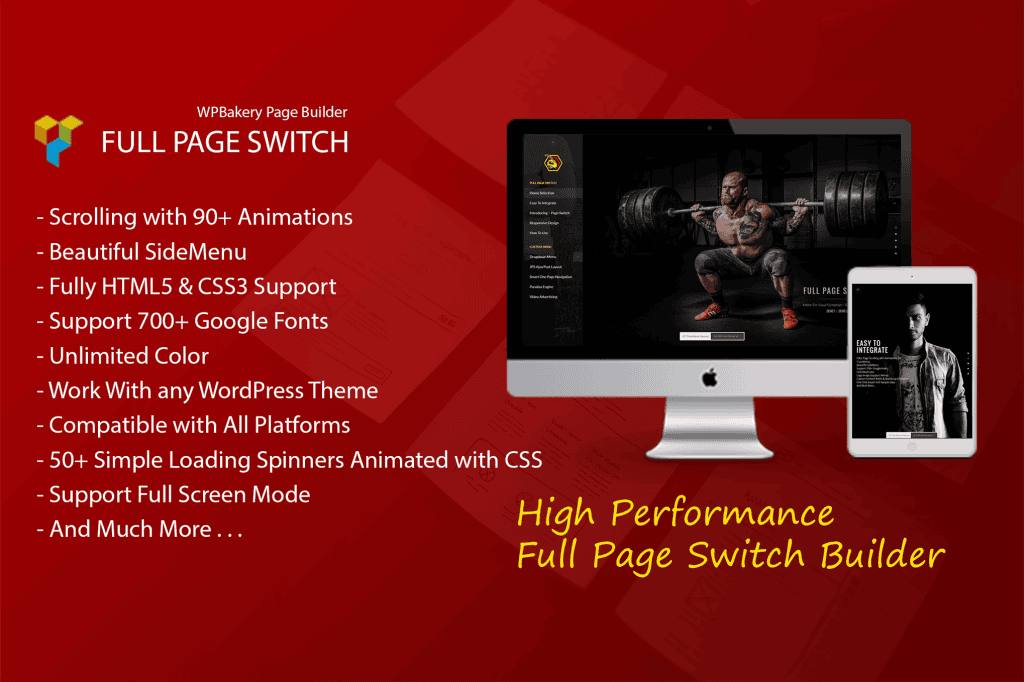
Transform your standard WordPress website into a sleek, modern, and engaging experience with the Full Page Switch Addon for WPBakery Page Builder. Designed for creators who want to captivate their audience, this plugin enables seamless, fullscreen scrolling functionality, turning your site into a high-end, immersive one-page presentation. Whether you are building a professional portfolio, a compelling landing page, or a product showcase, this addon provides the tools to deliver a smooth, intuitive browsing experience that keeps visitors focused on your content.
Key Features
- Immersive Fullscreen Scrolling: Create stunning, one-page websites with smooth, full-height section transitions that feel professional and polished.
- Extensive Animation Library: Choose from nearly 100 different transition effects to give your website a unique, dynamic personality.
- Beautiful Side Menu: Enhance navigation with a built-in, customizable side menu that helps users easily jump between sections.
- Fully Responsive Design: Ensure your site looks perfect on all devices with custom content padding settings for mobile, tablet, and desktop views.
- High Customization: Access unlimited color options and support for over 700 Google Fonts to perfectly match your brand identity.
- Visual Polish: Include retina-ready logos and choose from over 50 CSS-animated loading spinners to maintain a premium feel from the moment the page loads.
- Developer Friendly: Built with full HTML5 and CSS3 support, ensuring compatibility with any WordPress theme and a wide range of platforms.
- Easy Data Import: Get started quickly with one-click import functionality for sample data, allowing you to see how the effects work in real-time.
Use Cases / Who It’s For
This plugin is the ideal solution for designers, agencies, and business owners who want to elevate their digital presence without complex coding. It is perfect for:
- Creative Portfolios: Showcase your photography, design work, or creative projects in a cinematic, distraction-free format.
- High-Converting Landing Pages: Guide visitors through a narrative journey, ensuring they see your key value propositions in a specific, controlled order.
- Product Presentations: Highlight features and benefits of a new product by treating each section as a slide in a professional presentation.
- Event or Agency Websites: Create a sophisticated, modern look that leaves a lasting impression on potential clients or event attendees.
Setup / How It Works
The Full Page Switch Addon is designed to integrate directly into your existing WPBakery Page Builder workflow. Follow these steps to get started:
- Install and Activate: Ensure you have WPBakery Page Builder installed and active on your WordPress site, then install and activate the Full Page Switch plugin.
- Configure Settings: Navigate to the plugin settings to choose your preferred transition effects, colors, and menu styles.
- Build Your Sections: Use the WPBakery Page Builder interface to create your page sections. The plugin will automatically detect these sections and apply the fullscreen scrolling behavior.
- Customize and Preview: Use the intuitive controls to adjust padding, fonts, and side menu options, then preview your site to see the smooth transitions in action.
Similar Plugins
If you are exploring alternatives for fullscreen or one-page navigation within the WPBakery ecosystem, you may also encounter plugins such as Smart One Page Addon for WPBakery, VPB One Page Builder, or various Parallax One Page Builder solutions. These tools offer similar functionality for creating scroll-based, single-page layouts.