
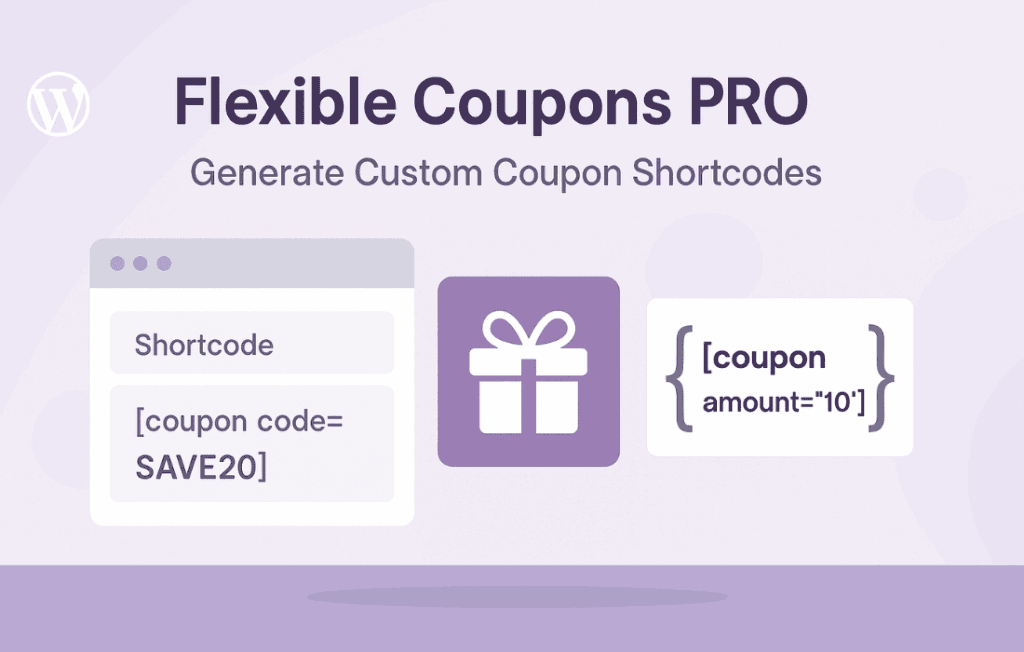
Take full control of your WooCommerce marketing strategy by displaying your coupons exactly where your customers need them most. Flexible Coupons Shortcodes bridges the gap between your backend coupon management and your storefront, allowing you to dynamically showcase, promote, and apply coupons anywhere on your site using simple, customizable shortcodes. Whether you want to highlight a seasonal discount on your homepage or provide a one-click apply button on a landing page, this plugin gives you the flexibility to drive conversions without touching a line of code.
Key Features
- Dynamic Coupon Display: Easily output coupon details, descriptions, and codes anywhere on your site using shortcodes, ensuring your promotions are always visible to the right audience.
- One-Click Apply Functionality: Create powerful call-to-action buttons that automatically apply a coupon to the user’s cart when clicked, significantly reducing friction in the checkout process.
- Conditional Visibility: Control exactly where and when coupons appear based on your specific marketing goals, helping you keep your site clean and focused.
- Customizable Output: Tailor the appearance of your coupon displays to match your brand identity, ensuring a seamless look and feel across your entire store.
- WooCommerce Integration: Built specifically for the WooCommerce ecosystem, ensuring compatibility with standard coupon settings and restrictions you have already configured.
- Developer Friendly: While designed for ease of use, the plugin offers flexibility for developers to further customize the output via hooks and filters if advanced styling is required.
Use Cases and Who It’s For
Flexible Coupons Shortcodes is designed for store owners, marketers, and site builders who want to move beyond the standard, hidden coupon field in the WooCommerce cart. If you are tired of customers forgetting to use their discount codes or struggling to find where to enter them, this plugin is the solution.
Marketing teams can use this tool to create high-converting landing pages where a specific discount is pre-loaded into the cart with a single click. Bloggers and content creators can embed “Apply Now” buttons directly into review posts or gift guides, making it effortless for readers to take advantage of offers. Furthermore, store owners can use it to create dedicated “Deals” or “Offers” pages that automatically update as you change your coupon settings in WooCommerce, saving you from manually editing static text every time a promotion changes.
Setup and How It Works
- Install and Activate: Upload and activate the plugin through your WordPress dashboard as you would with any standard plugin.
- Configure Coupons: Ensure your coupons are already created and configured within the standard WooCommerce Coupons section.
- Generate Shortcode: Use the plugin’s interface or the provided documentation to generate the shortcode for the specific coupon you wish to display.
- Embed Anywhere: Copy and paste the generated shortcode into any page, post, product description, or widget area where you want the coupon or “Apply” button to appear.
- Preview and Publish: View your page on the front end to ensure the coupon information or button appears correctly and test the “Apply” functionality to confirm it adds the discount to the cart as expected.
Similar Plugins
If you are exploring options for managing coupon visibility and application in WooCommerce, you may also encounter plugins such as Smart Coupons for WooCommerce or WooCommerce Coupon Box. While these plugins often include broader features like coupon generation, gift certificates, or pop-up displays, Flexible Coupons Shortcodes remains the most focused solution for users who specifically need lightweight, shortcode-based control over where and how coupons are promoted throughout their site content.