
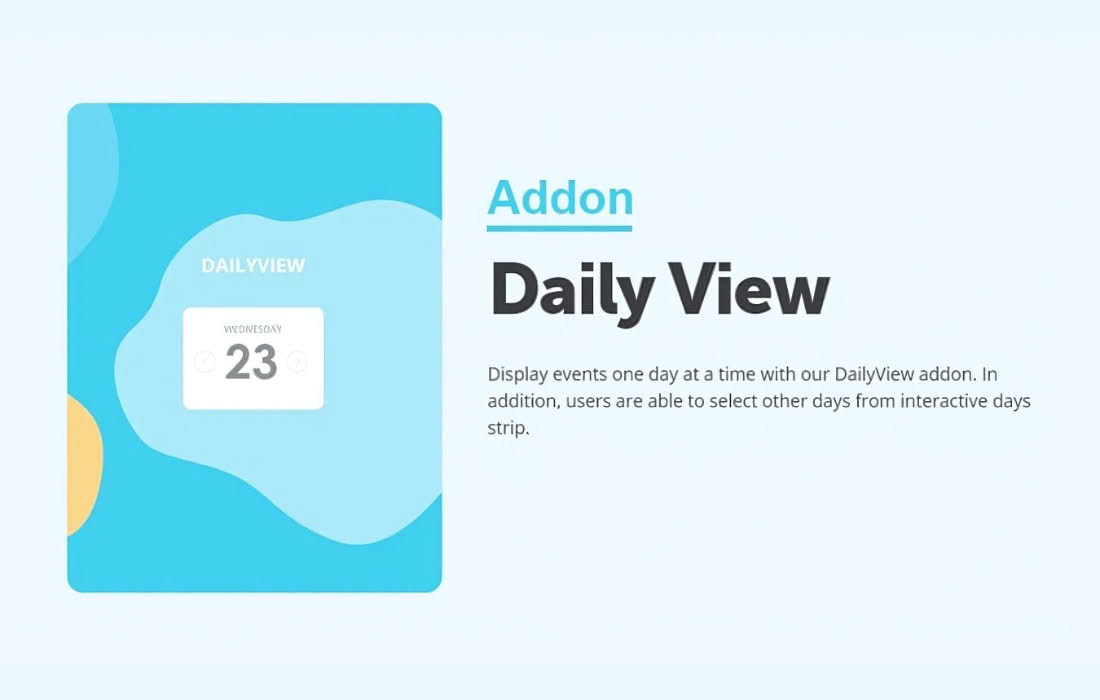
Transform the way your visitors interact with your event calendar by offering a focused, high-clarity daily view. The EventOn Daily View Add-on is designed for site owners who manage high-volume schedules and want to ensure their audience can easily digest what is happening on a specific day without being overwhelmed by a month’s worth of data. This extension bridges the gap between a broad overview and granular detail, providing a seamless, professional experience that keeps users engaged and informed.
Key Features
- Dedicated Daily Layout: Provides a clean, specialized view that isolates events to a single 24-hour period, reducing visual clutter for your users.
- Seamless Integration: Designed specifically to work as an extension for the core EventOn calendar plugin, ensuring a consistent design language and functionality.
- Improved Navigation: Allows users to easily toggle between days, making it simple to jump forward or backward through your schedule without reloading the entire calendar interface.
- Mobile-Optimized Design: Ensures that the daily schedule remains readable and easy to navigate on smartphones and tablets, where screen real estate is limited.
- Enhanced Event Visibility: By focusing on a single day, event details—such as time, location, and descriptions—are presented more prominently, helping to drive higher attendance rates.
- Customizable Display Options: Offers settings to control how the daily view behaves, allowing you to tailor the user experience to match your specific site requirements.
Use Cases / Who It’s For
The Daily View Add-on is an essential tool for any organization that manages a busy, multi-event schedule. If your calendar is frequently packed with multiple entries per day, the standard monthly or weekly views can often become crowded, making it difficult for visitors to find the information they need quickly.
This plugin is perfect for:
- Educational Institutions: Universities and schools that need to display daily lecture schedules, workshops, and extracurricular activities clearly.
- Conference and Event Centers: Venues that host back-to-back sessions throughout the day and need to provide attendees with a clear agenda.
- Fitness Studios and Gyms: Businesses that offer multiple daily classes and need a way for members to quickly book or view the day’s lineup.
- Local News and Community Portals: Websites that aggregate daily community events, helping residents stay up-to-date with what is happening in their immediate area.
- Corporate Offices: Organizations that use their website to manage internal or public-facing daily meeting schedules and office events.
Setup / How It Works
Getting started with the EventOn Daily View Add-on is a straightforward process designed to get your new calendar view live with minimal effort.
- Installation: After purchasing and downloading the add-on, install and activate it as a standard plugin within your WordPress dashboard.
- Core Requirement: Ensure that the primary EventOn calendar plugin is already installed and configured on your site, as this add-on relies on the core functionality to operate.
- Configuration: Navigate to the EventOn settings area in your WordPress admin panel. You will find new options specifically for the Daily View, allowing you to enable this feature and customize how it appears to your visitors.
- Placement: Use the standard EventOn shortcode generator or block editor integration to add the calendar to your desired page. The Daily View will be available as a display option, allowing you to present your events in the most effective format for your users.
Similar Plugins
While EventOn offers a unique ecosystem of extensions, users looking for alternative calendar functionality may also consider plugins such as The Events Calendar by Modern Tribe or All-in-One Event Calendar by Time.ly. These alternatives also provide various view options, including daily formats, though they function as standalone calendar systems rather than add-ons for the EventOn framework.