
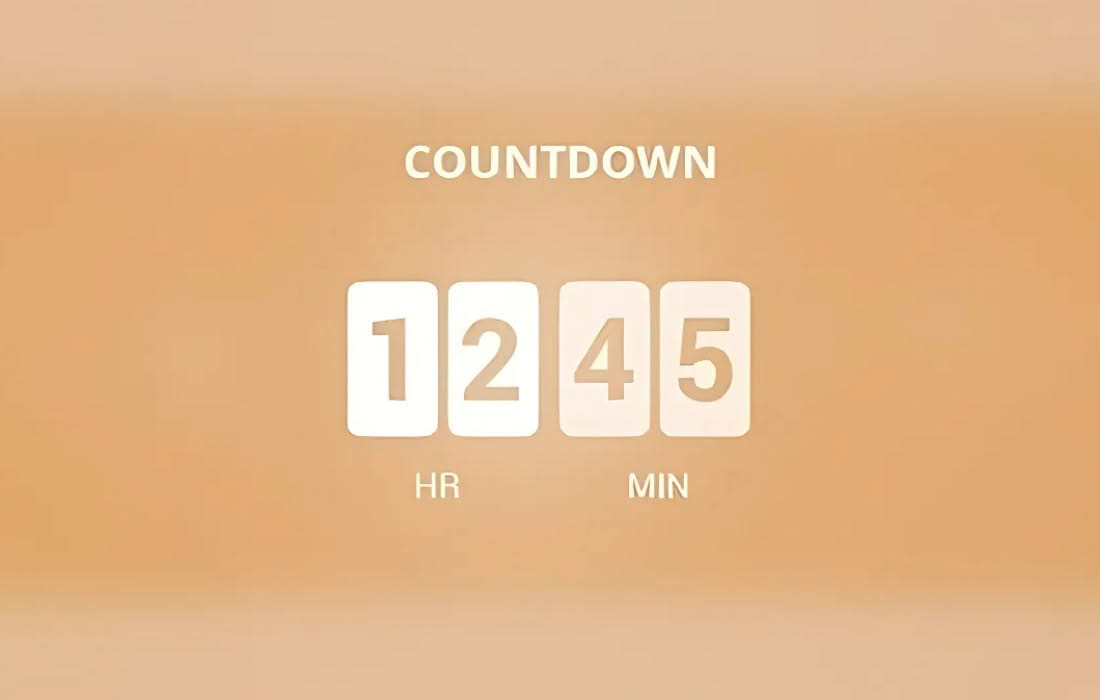
Transform your event pages into high-converting destinations with the EventOn Countdown Add-on. This powerful extension integrates seamlessly with your existing EventOn calendar, allowing you to display dynamic, eye-catching countdown timers directly on your event cards or single event pages. By creating a tangible sense of urgency, you can significantly boost attendee engagement, increase ticket sales, and ensure your audience never misses the start of your most important occasions.
Key Features
- Dynamic Countdown Display: Automatically calculate and display the time remaining until your event begins, providing visitors with an immediate visual cue of how much time they have left to prepare or purchase tickets.
- Seamless EventOn Integration: Built specifically for the EventOn ecosystem, this add-on works harmoniously with your existing calendar setup, requiring minimal configuration to get up and running.
- Customizable Design Options: Tailor the appearance of your countdown timers to match your website’s branding. Adjust colors, labels, and layout settings to ensure the timer fits perfectly within your event design.
- Flexible Placement: Choose where your countdown appears. Whether you want it prominently displayed on the event card within the main calendar view or inside the detailed single event page, you have full control over the user experience.
- Responsive Layouts: Ensure your countdown timers look professional and function perfectly across all devices, from desktop computers to smartphones and tablets.
- Language and Localization Support: Easily translate or modify the countdown labels to suit your local audience, ensuring your event information is clear and accessible to everyone.
Use Cases and Who It’s For
The EventOn Countdown Add-on is an essential tool for any website owner, event planner, or organization that relies on EventOn to manage their calendar. If you host time-sensitive events, this add-on is designed to help you drive action.
Event Organizers and Marketers: If you are promoting conferences, webinars, or workshops, a countdown timer is a proven psychological trigger that encourages users to register or purchase tickets before the clock runs out.
Non-Profits and Community Groups: Use the countdown to build anticipation for charity galas, community meetups, or fundraising drives. Highlighting the time remaining helps keep your community engaged and informed.
Entertainment and Venue Managers: For concerts, theater performances, or sporting events, the countdown provides a professional, “event-ready” look that builds excitement among fans and attendees as the big day approaches.
Setup and How It Works
Getting started with the EventOn Countdown Add-on is straightforward, designed to get your timers live in just a few minutes:
- Installation: Install and activate the add-on plugin alongside your primary EventOn plugin.
- Global Settings: Navigate to the EventOn settings menu to configure default countdown styles and preferences that will apply across your site.
- Event-Level Control: Open any individual event within your WordPress dashboard. You will find new options provided by the add-on that allow you to enable or disable the countdown for that specific event.
- Customization: Use the provided settings to choose your preferred display format, such as showing days, hours, minutes, and seconds, and adjust the visual styling to align with your theme.
- Publish: Save your event, and the countdown will automatically appear on your calendar or event page, updating in real-time as the event date approaches.