
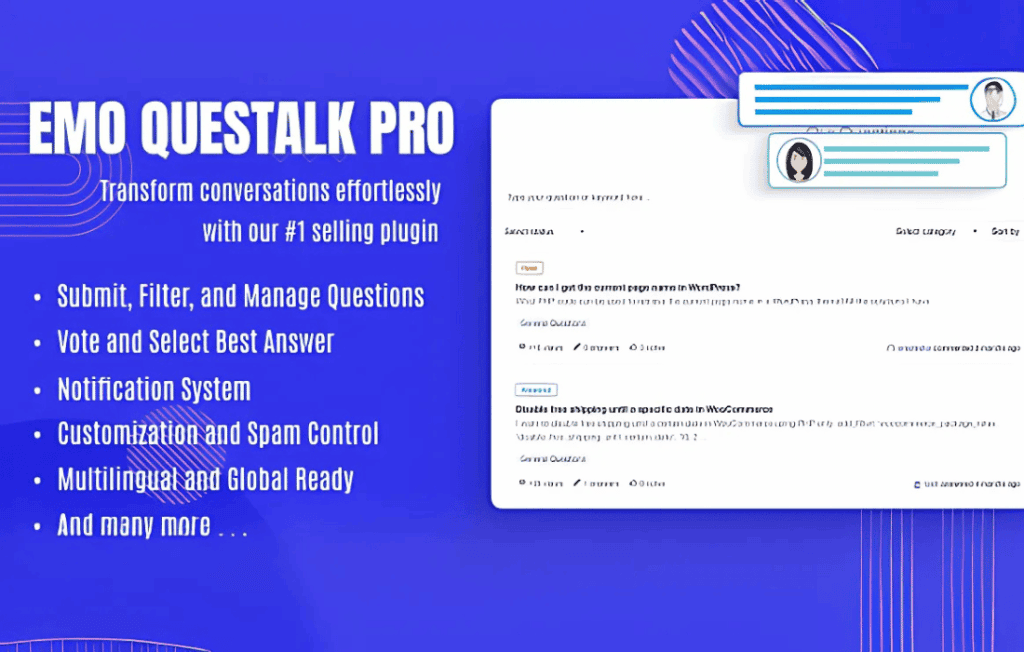
Transform your website into a dynamic engagement hub with EMO QuesTalk Pro, the premier question-and-answer solution designed specifically for WordPress. Whether you are looking to build a thriving community, provide instant support, or gather valuable customer insights, this plugin bridges the gap between you and your audience. By creating a dedicated, structured space for inquiries, you reduce repetitive support emails and foster a collaborative environment where users feel heard and valued.
Key Features
- Intuitive Question Submission: Allow your users to post questions easily through a clean, front-end interface that integrates seamlessly with your existing theme design.
- Advanced Categorization and Tagging: Organize knowledge effortlessly using a robust taxonomy system, ensuring users can navigate to the topics that matter most to them.
- Interactive Voting System: Empower your community to surface the best answers through upvote and downvote functionality, promoting high-quality content and peer-to-peer assistance.
- User Reputation Profiles: Build trust and incentivize participation by tracking user activity and rewarding helpful contributors with customizable reputation badges.
- Email Notifications and Alerts: Keep the conversation moving with automated notifications that alert authors when their questions receive answers or comments.
- SEO-Optimized Architecture: Ensure your Q&A content is indexed correctly by search engines, turning your community discussions into long-term organic traffic drivers.
- Moderation Tools: Maintain a professional and safe environment with comprehensive moderation settings, allowing you to approve, edit, or remove content with ease.
Use Cases / Who It’s For
EMO QuesTalk Pro is the ideal tool for any website owner who wants to leverage the collective intelligence of their audience. For e-commerce store owners, it acts as a powerful pre-sales support tool, allowing prospective buyers to ask questions about products that are then visible to future visitors, effectively reducing pre-purchase anxiety.
For educational platforms, membership sites, and niche blogs, it serves as a central hub for discussion and peer support. Instead of answering the same questions repeatedly in your inbox, you can build a searchable knowledge base that grows organically over time. It is perfect for community managers, support teams, and content creators who want to foster deeper engagement and build a loyal following around their brand or expertise.
Setup / How It Works
- Installation and Activation: Simply upload the plugin files to your WordPress dashboard via the Plugins menu and activate it just like any other standard WordPress plugin.
- Configuration: Navigate to the EMO QuesTalk Pro settings panel to customize the appearance, define user permissions, and set up your preferred notification preferences.
- Page Integration: Use the provided shortcodes to place your Q&A board on any page or post. The plugin automatically generates the necessary front-end forms for user interaction.
- Community Management: Once live, you can start monitoring incoming questions through the dedicated dashboard, where you can assign categories, mark answers as “best,” and manage user contributions.
Similar Plugins
If you are exploring the landscape of WordPress Q&A solutions, you may also encounter alternatives such as DW Question & Answer, CM Answers, and Sabai Discuss. While these plugins offer various approaches to community management, EMO QuesTalk Pro distinguishes itself through its focus on a streamlined, user-friendly interface that prioritizes both the contributor experience and the site administrator’s need for efficient moderation.