
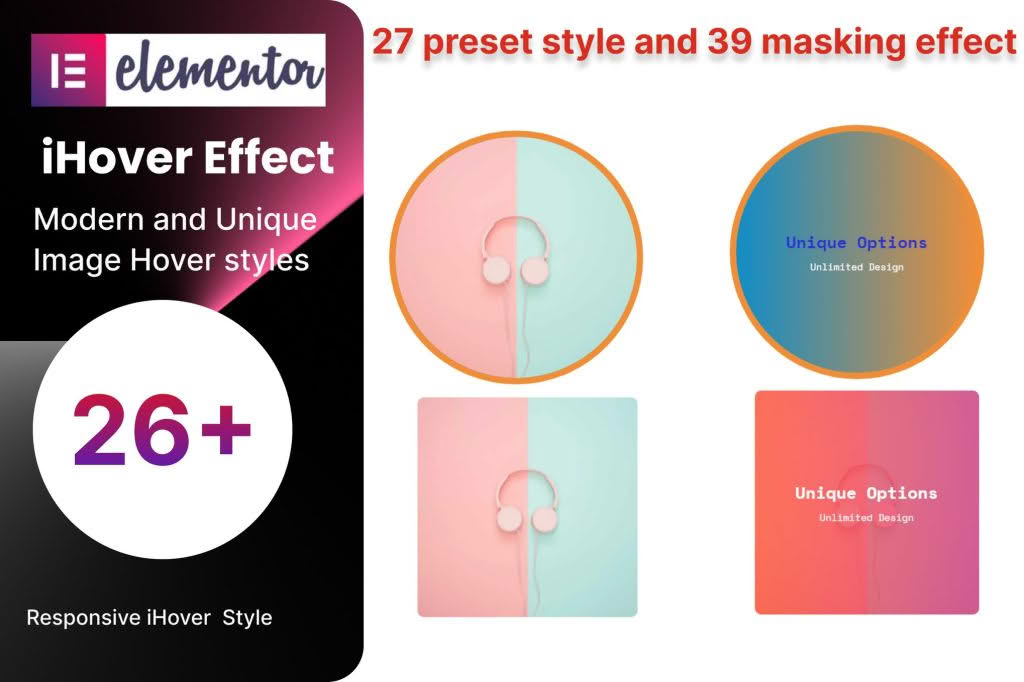
Transform static images and boring content blocks into engaging, interactive experiences with the Elementor iHover effect addon. Designed specifically for Elementor users, this plugin bridges the gap between simple design and high-end interactivity, allowing you to add sophisticated hover animations to your website without writing a single line of code. Whether you are looking to showcase team members, highlight product features, or create stunning image galleries, this addon provides the visual flair necessary to keep visitors engaged and clicking.
Key Features
- Diverse Animation Library: Choose from a wide array of pre-built hover effects, including flips, slides, fades, and zoom animations that trigger instantly when a user hovers over an element.
- Drag-and-Drop Integration: Seamlessly works within the Elementor editor. Simply drag the iHover widget onto your page and start customizing immediately.
- Fully Responsive Design: Ensure your interactive elements look perfect on all devices. The plugin automatically adjusts hover behavior for touch-screen devices, ensuring a smooth user experience on mobile and tablets.
- Customizable Content Layers: Easily add titles, descriptions, icons, and buttons within the hover overlay. You have full control over typography, colors, and spacing for both the static and hover states.
- Advanced Styling Options: Fine-tune every aspect of your hover boxes, including border radius, box shadows, overlay background colors, and animation duration, to match your brand identity perfectly.
- Icon Integration: Enhance your hover effects by incorporating Font Awesome or custom icons directly into your design to provide visual cues or improve navigation.
Use Cases and Who It’s For
The Elementor iHover effect addon is an essential tool for web designers, digital marketers, and business owners who want to elevate their website’s user interface. If you are a freelancer or agency, this plugin allows you to deliver high-quality, premium-looking websites to clients in a fraction of the time it would take to custom-code animations.
Store owners can utilize these effects to create interactive product showcases, allowing customers to view product details or “quick view” options upon hovering over an image. Bloggers and content creators can use them to build engaging author bios, highlight featured posts, or create interactive portfolios that encourage clicks. Essentially, any website that relies on visual storytelling to convert visitors into leads or customers will benefit from the added depth and professionalism these hover effects provide.
Setup and How It Works
Getting started with the Elementor iHover effect addon is designed to be intuitive, even for those with limited technical experience. Follow these simple steps to bring your content to life:
- Install and Activate: Upload the plugin zip file to your WordPress dashboard via the Plugins menu and activate it.
- Access the Widget: Open any page or post using the Elementor editor. Search for the “iHover” widget in the left-hand panel.
- Drag and Drop: Drag the widget into the desired section or column on your page.
- Configure Content: Use the Content tab to upload your image, set your title, and write your description text.
- Select Animation: Navigate to the Style tab to select your preferred hover animation style from the dropdown menu.
- Customize Appearance: Adjust colors, typography, and spacing to align with your website’s design system.
- Publish: Once you are satisfied with the preview, click update or publish to make your interactive elements live.
Similar Plugins
If you are exploring options to enhance your Elementor site with interactive elements, you may also consider exploring other popular addons that offer similar functionality. Plugins like Essential Addons for Elementor, Premium Addons for Elementor, and PowerPack for Elementor all provide robust suites of widgets that include various hover effects, image overlays, and interactive content modules. These alternatives are excellent if you are looking to bundle your hover effects with a broader set of design tools and widgets.