
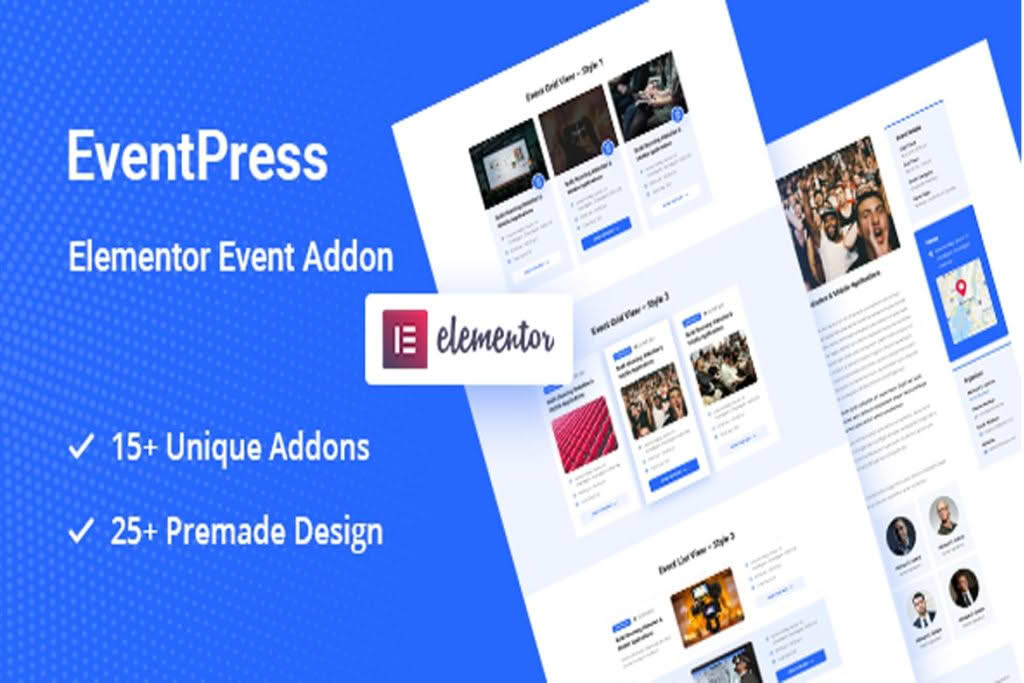
Transform your WordPress website into a professional event management hub without writing a single line of code. The Elementor Events Addon is designed specifically for users who want to create, manage, and display stunning event calendars and listings directly within the Elementor page builder. Whether you are hosting webinars, local workshops, or large-scale conferences, this plugin bridges the gap between complex event management systems and the intuitive design power of Elementor, allowing you to build a seamless attendee experience that matches your brand perfectly.
Key Features
- Native Elementor Integration: Drag and drop dedicated event widgets directly onto your pages. You have full control over the styling, typography, and layout of your event listings without needing custom CSS.
- Dynamic Event Display: Showcase your events in multiple formats, including clean list views, modern grid layouts, or interactive calendar views, ensuring your schedule is easy for visitors to navigate.
- Comprehensive Event Details: Provide all necessary information to your attendees, including event dates, times, locations, speaker profiles, and ticket information, all managed from a centralized dashboard.
- Responsive Design: Every event widget is built with a mobile-first approach, ensuring your event calendar looks professional and functions perfectly on smartphones, tablets, and desktops.
- Customizable Event Templates: Use Elementor’s design capabilities to create unique templates for your single event pages, allowing you to highlight specific details like maps, countdown timers, or registration buttons exactly where you want them.
- Search and Filter Functionality: Help your users find the right event quickly with built-in search bars and category filters, improving the user experience for sites with a high volume of scheduled activities.
Use Cases / Who It’s For
The Elementor Events Addon is the ideal solution for anyone who needs to manage a schedule of activities directly within their WordPress dashboard. It is particularly well-suited for business owners, community organizers, and content creators who prioritize visual aesthetics alongside functionality.
If you run a local community center or a yoga studio, you can use this plugin to display weekly class schedules that are easy for your members to read. For corporate professionals, it serves as an excellent tool for managing webinar series or company training sessions, providing a professional interface for registration and information. Event planners and agencies will also find it invaluable for creating high-converting landing pages for conferences, where the ability to customize the look and feel of the event page is critical for maintaining brand consistency.
Setup / How It Works
Getting your event calendar up and running is a streamlined process designed to save you time and technical frustration:
- Installation: Install and activate the plugin through your WordPress dashboard just like any other plugin.
- Event Creation: Navigate to the new Events menu in your dashboard to input your event details, such as title, description, date, time, and venue information.
- Drag and Drop: Open any page or post using the Elementor editor. You will find the dedicated Event widgets in your Elementor sidebar.
- Styling: Simply drag the desired event widget onto your page. Use the Elementor panel to adjust colors, fonts, spacing, and layout settings to match your existing website design.
- Publish: Once you are satisfied with the look and feel, publish your page. Your events will automatically sync and display based on the settings you configured.
Similar Plugins
If you are exploring your options for event management within the WordPress ecosystem, there are other notable solutions available. Plugins such as The Events Calendar, Event Organiser, and Events Manager are widely recognized in the WordPress community. While these plugins offer robust backend management, the Elementor Events Addon distinguishes itself by focusing specifically on the tight integration with the Elementor page builder, making it a preferred choice for users who want to prioritize visual customization and drag-and-drop design workflows.